

Refund a payment
A refund can remove access now or keep it for some days, keep a service charge, and needs a reason and proof.
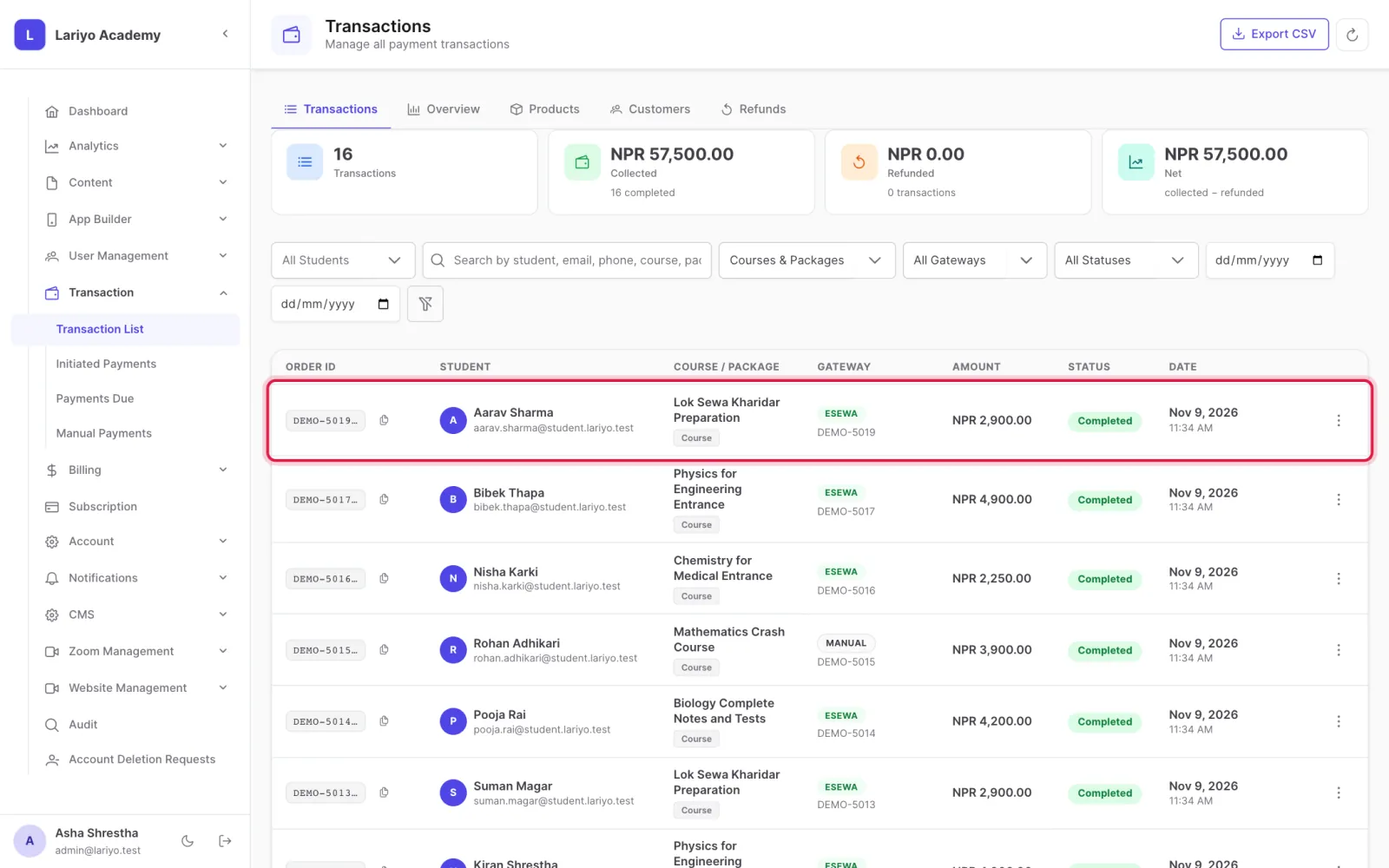
Where: Transaction → Transaction List → a transaction → Refund
Steps
-
Open the transaction and click Refund.
- Choose whether to remove access now or keep it for some more days.
- Enter any service charge % that is not returned.
- Write the reason and attach the refund proof, then confirm.
Updated 11 November 2026. Still stuck? Contact us.