

Follow up unfinished payments
Initiated payments are checkouts a student started but did not finish.
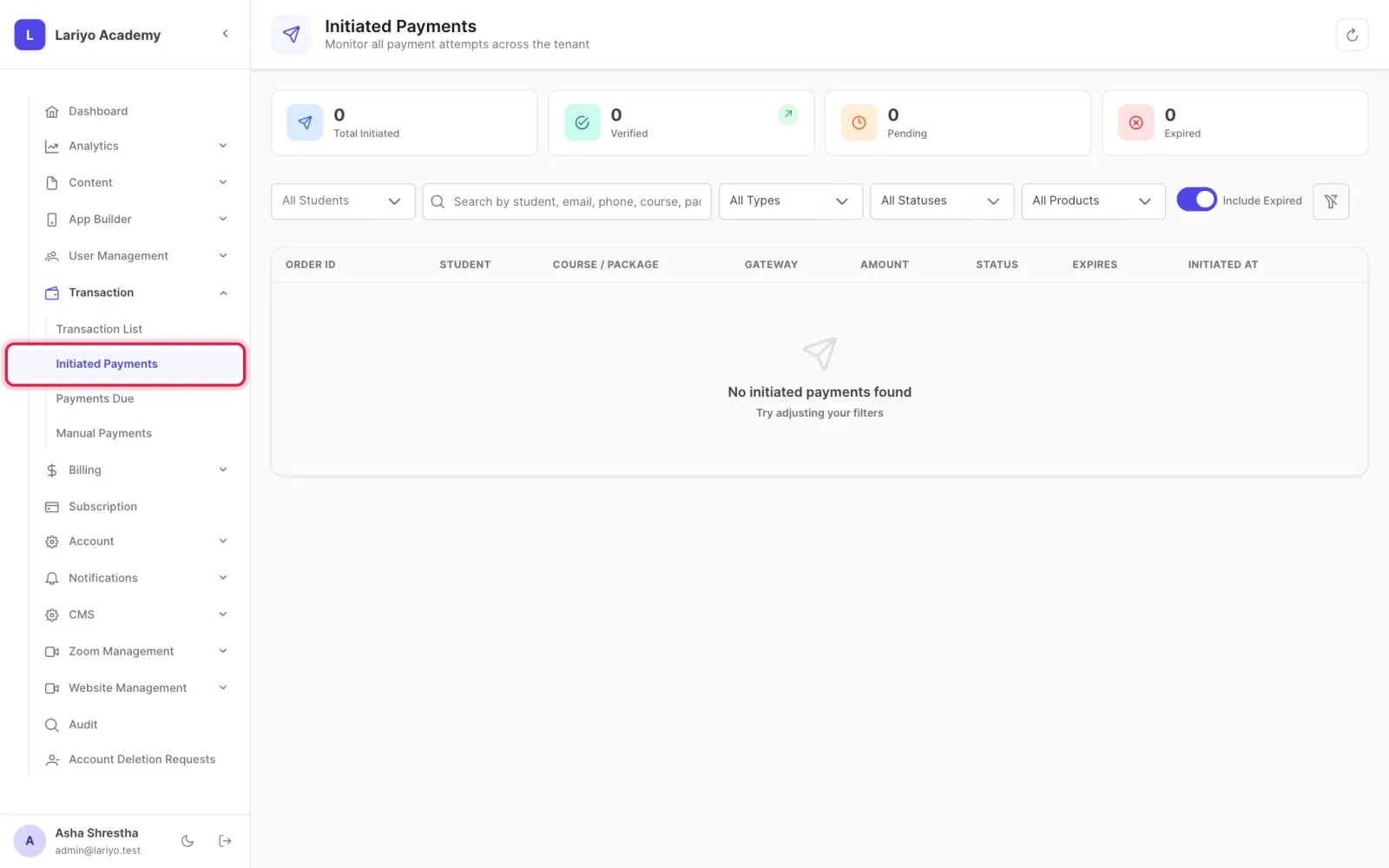
Where: Transaction → Initiated Payments
Steps
-
Open Transaction → Initiated Payments.
-
See the student, product, gateway, amount and when it expires.
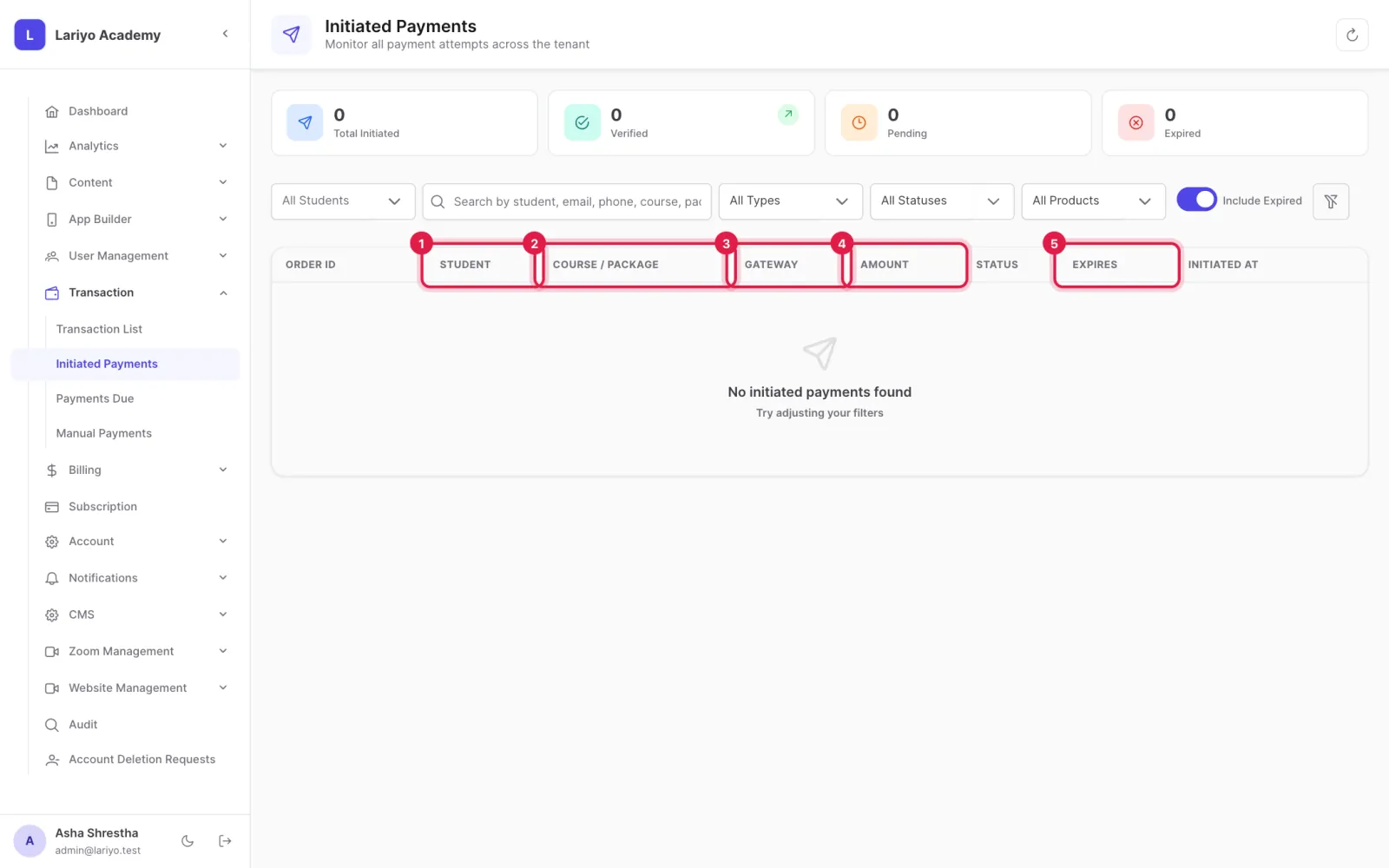
- Contact the student to help them finish.
Tips
The AI assistant can set up an alert that emails you about unfinished payments.
Updated 11 November 2026. Still stuck? Contact us.