

Set up printed and emailed bills
Bills print on A4 or 58/80 mm thermal paper, with your details, taxes and terms, and can be emailed automatically.
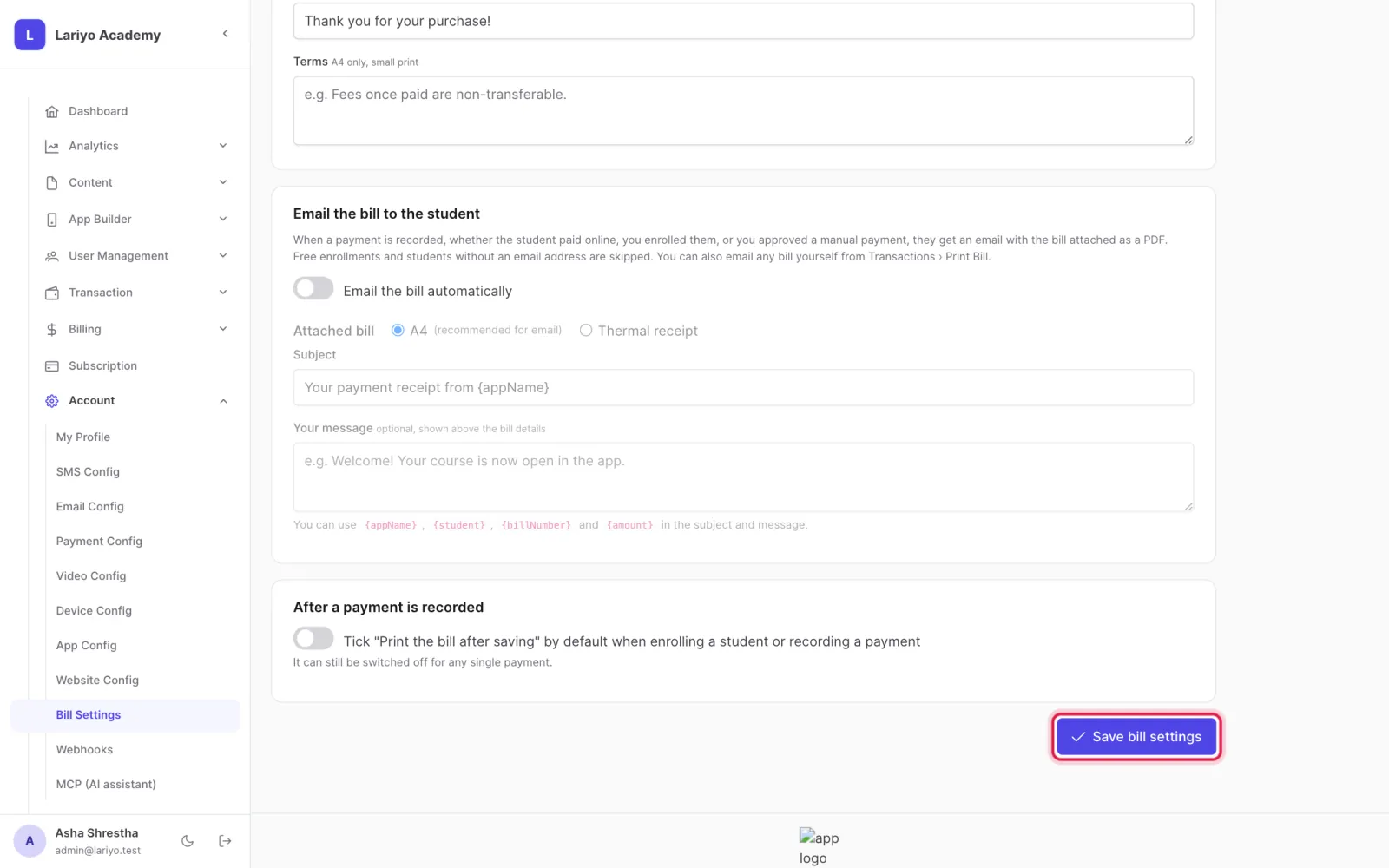
Where: Account → Bill Settings
Steps
-
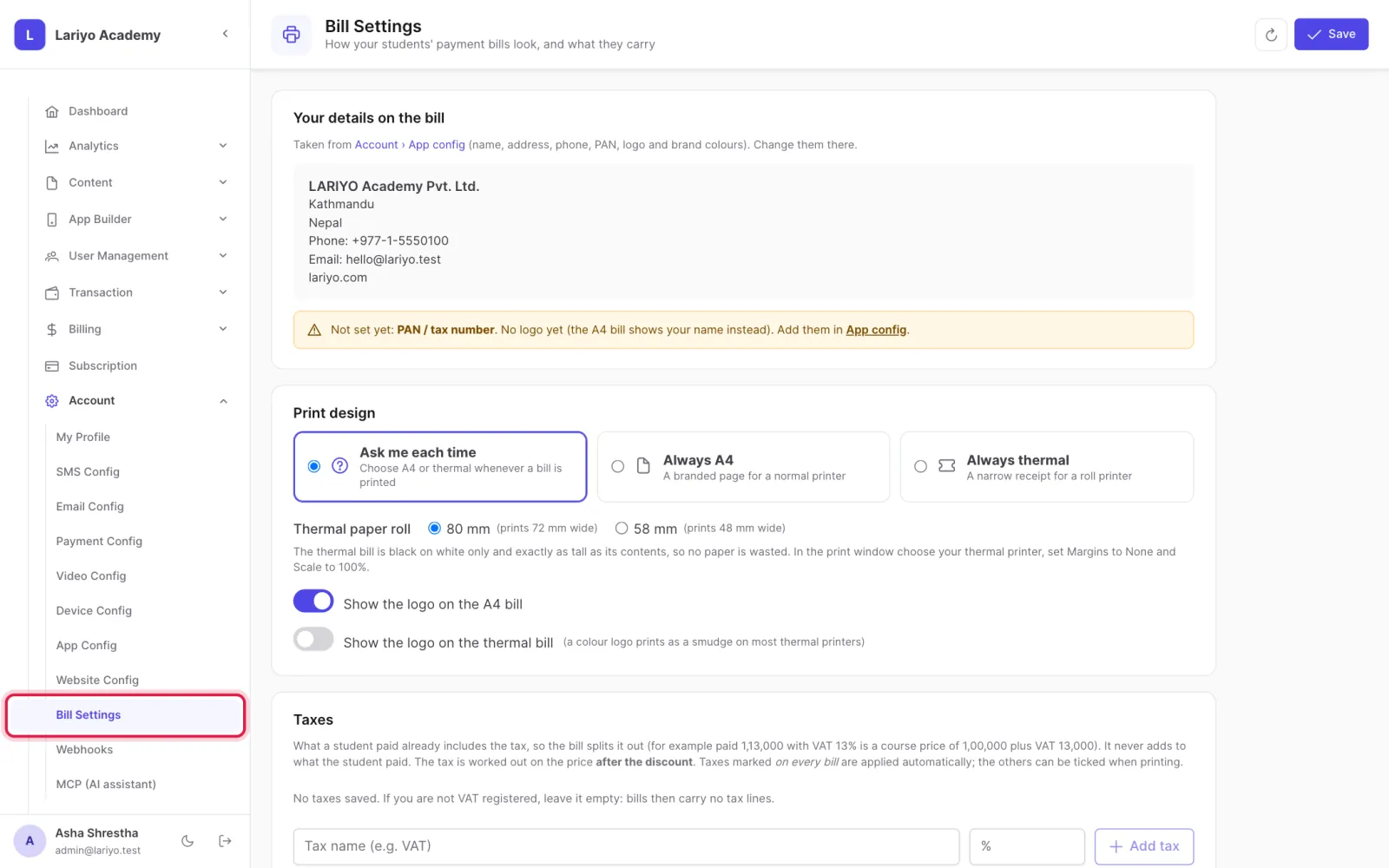
Open Account → Bill Settings.
-
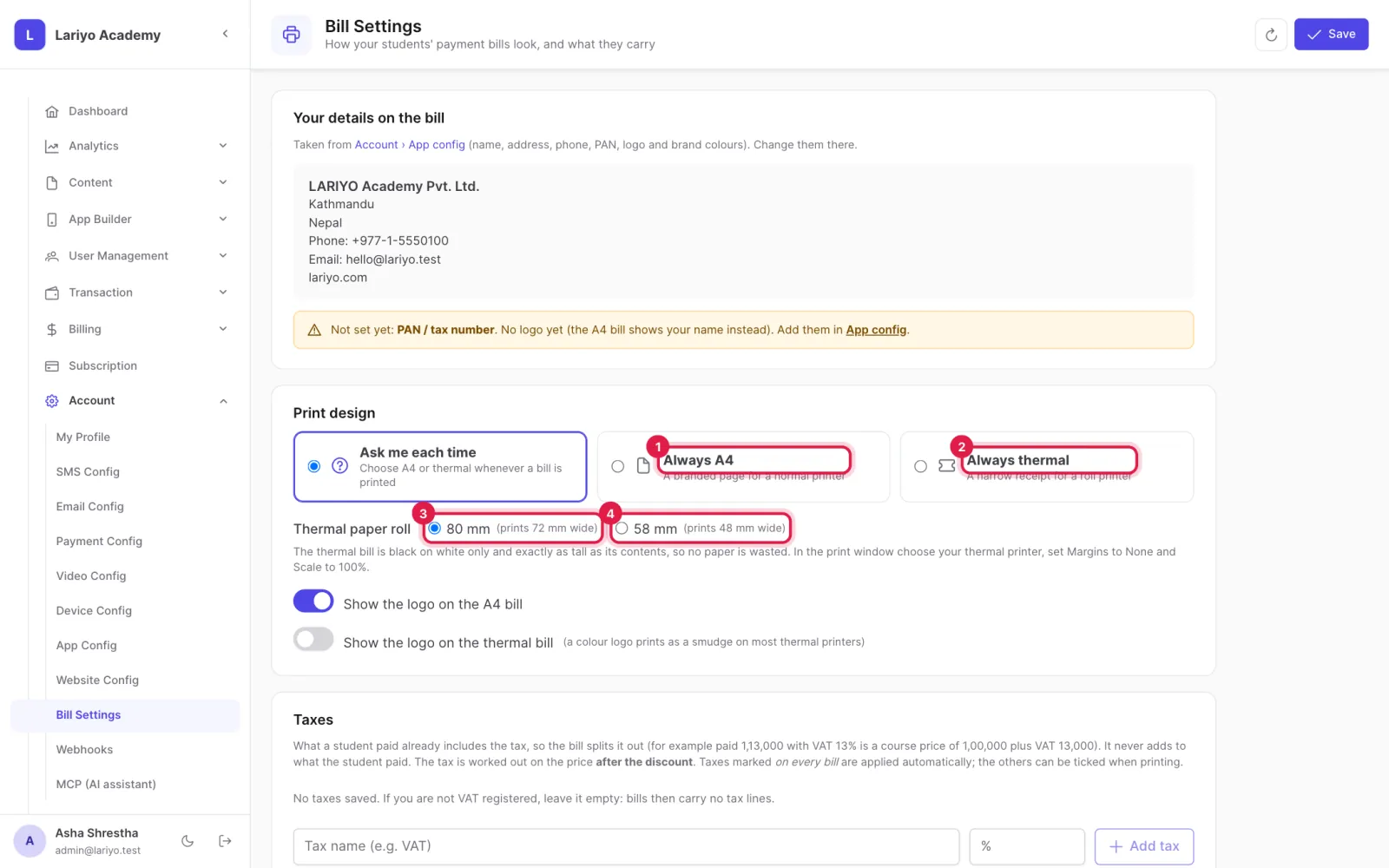
Choose the print design: A4, or a thermal roll of 80 or 58 mm, with or without the logo.
-
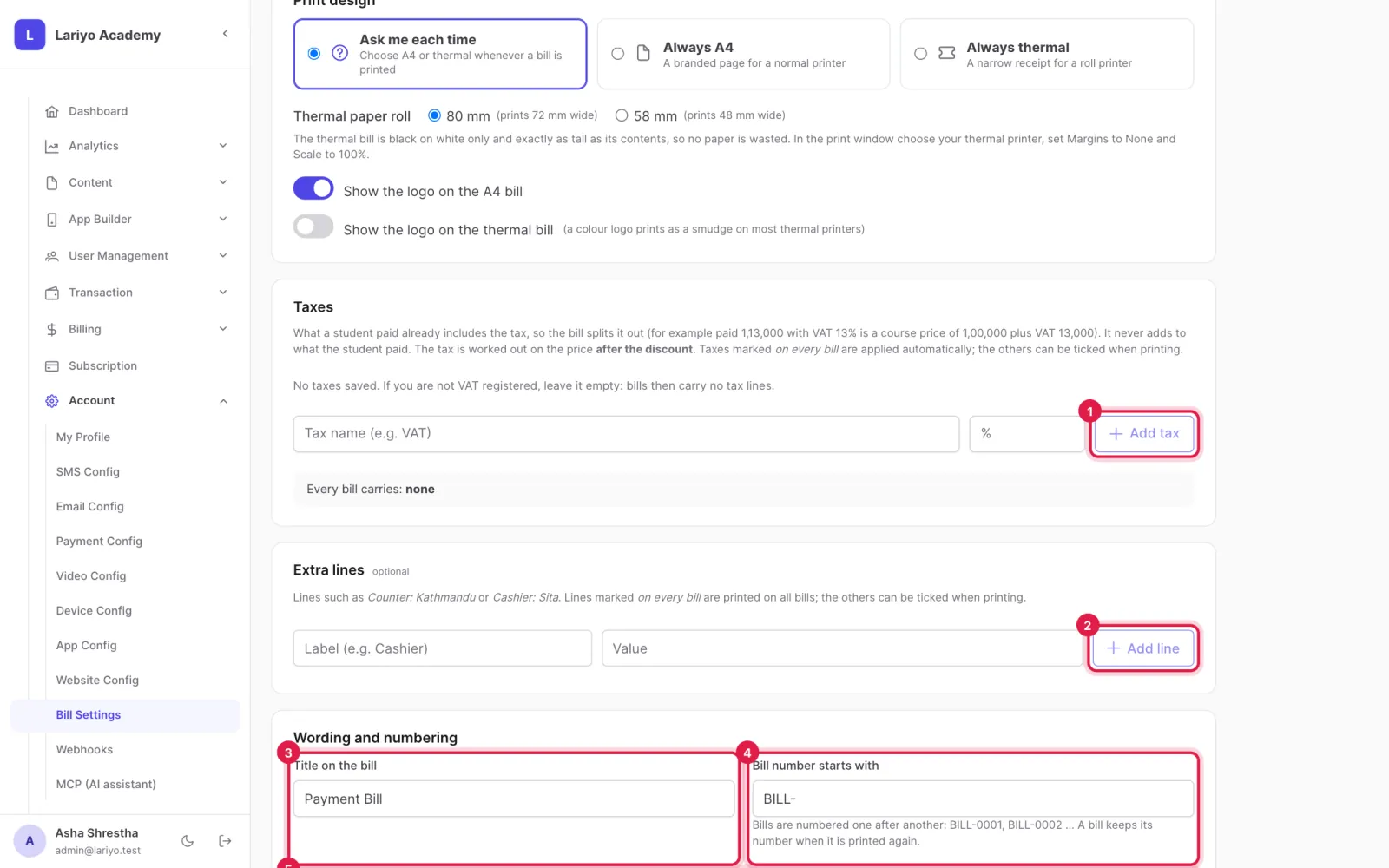
Add taxes and extra lines, the bill title, the number prefix, closing line and terms.
-
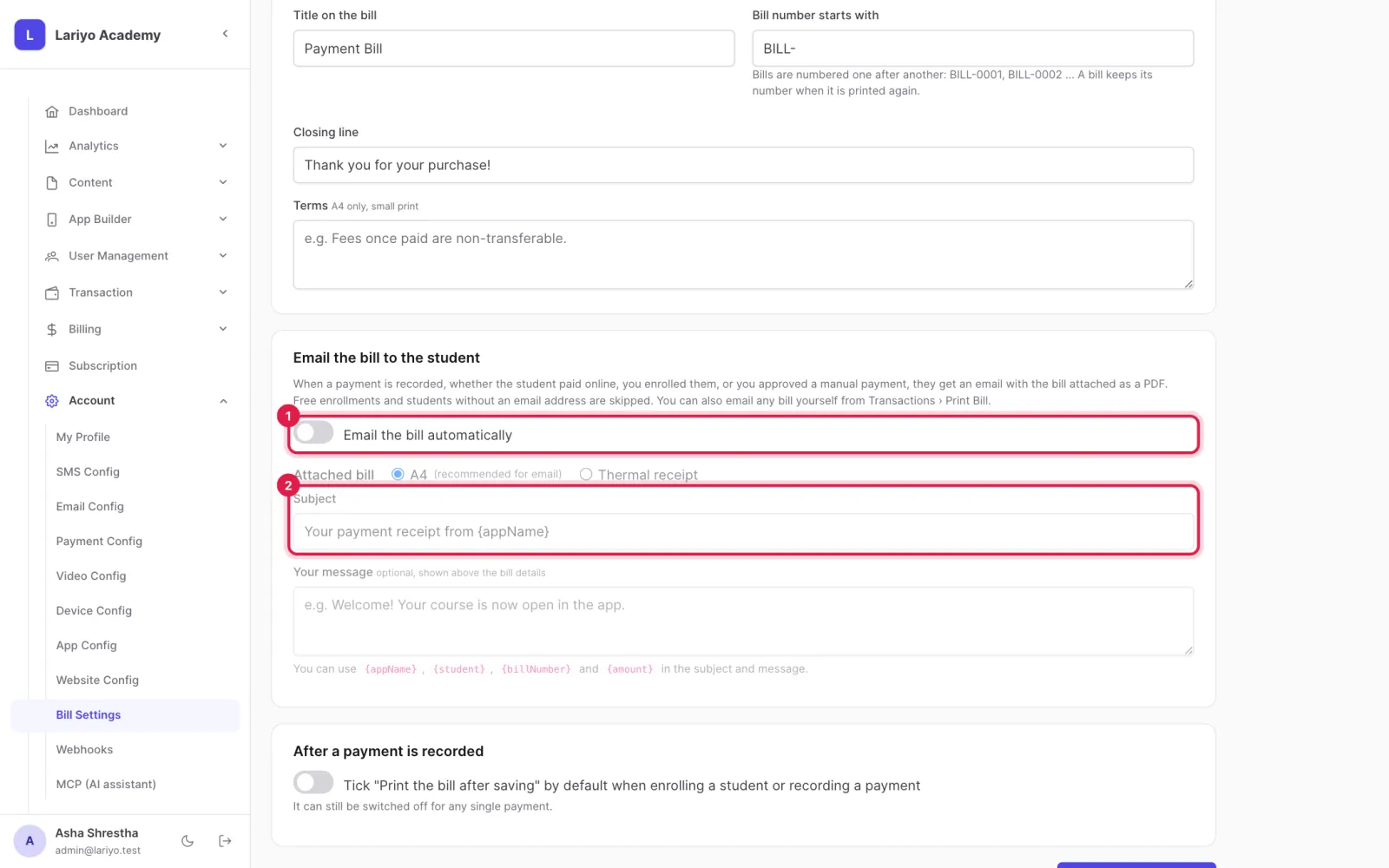
Turn on Email the bill automatically and write the subject and message.
-
Click Save bill settings.
Updated 11 November 2026. Still stuck? Contact us.