

Approve bank and QR transfers
Students can pay by bank, QR, eSewa or Khalti transfer and upload a screenshot; you approve or reject it.
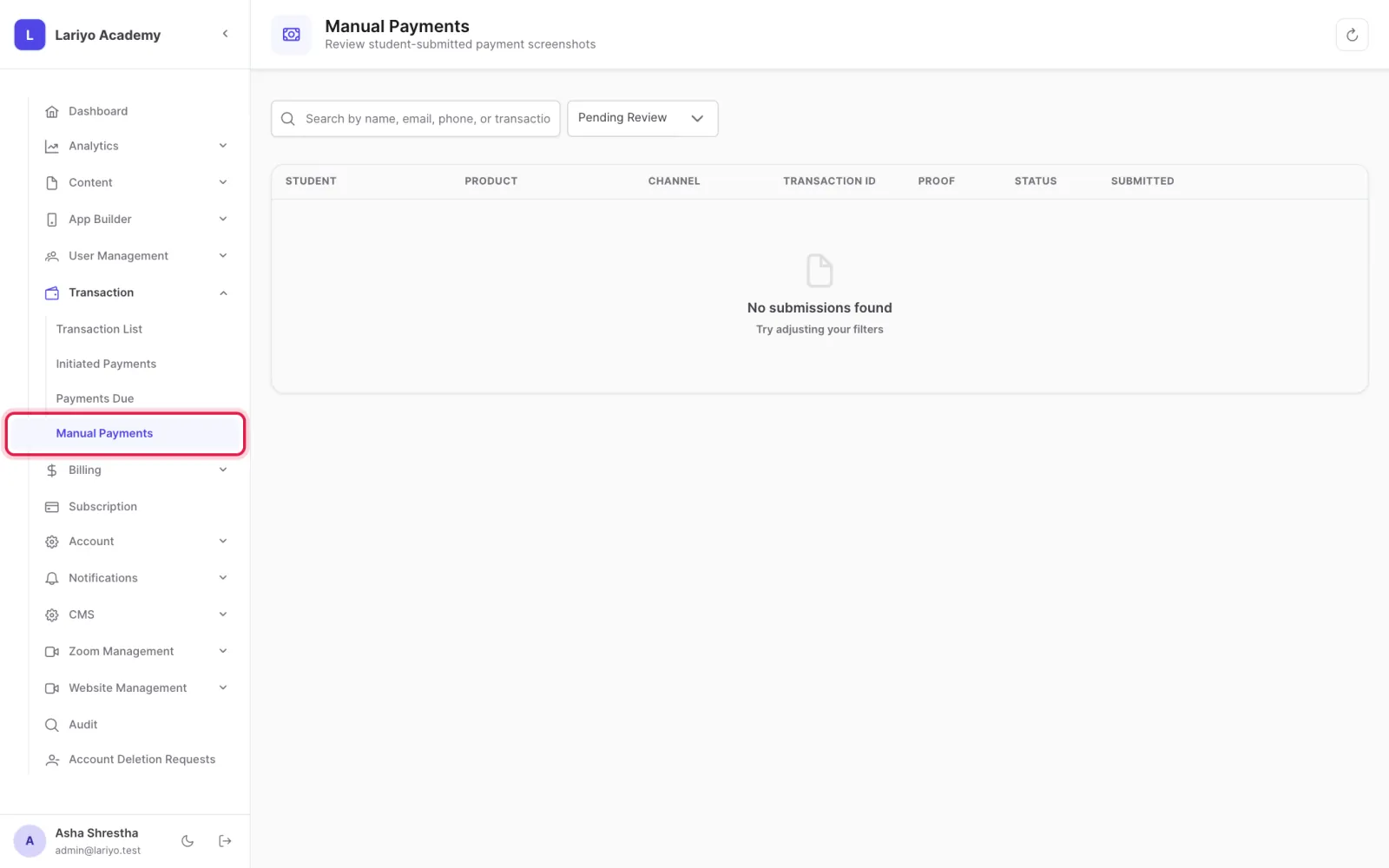
Where: Transaction → Manual Payments
Steps
-
Open Transaction → Manual Payments.
-
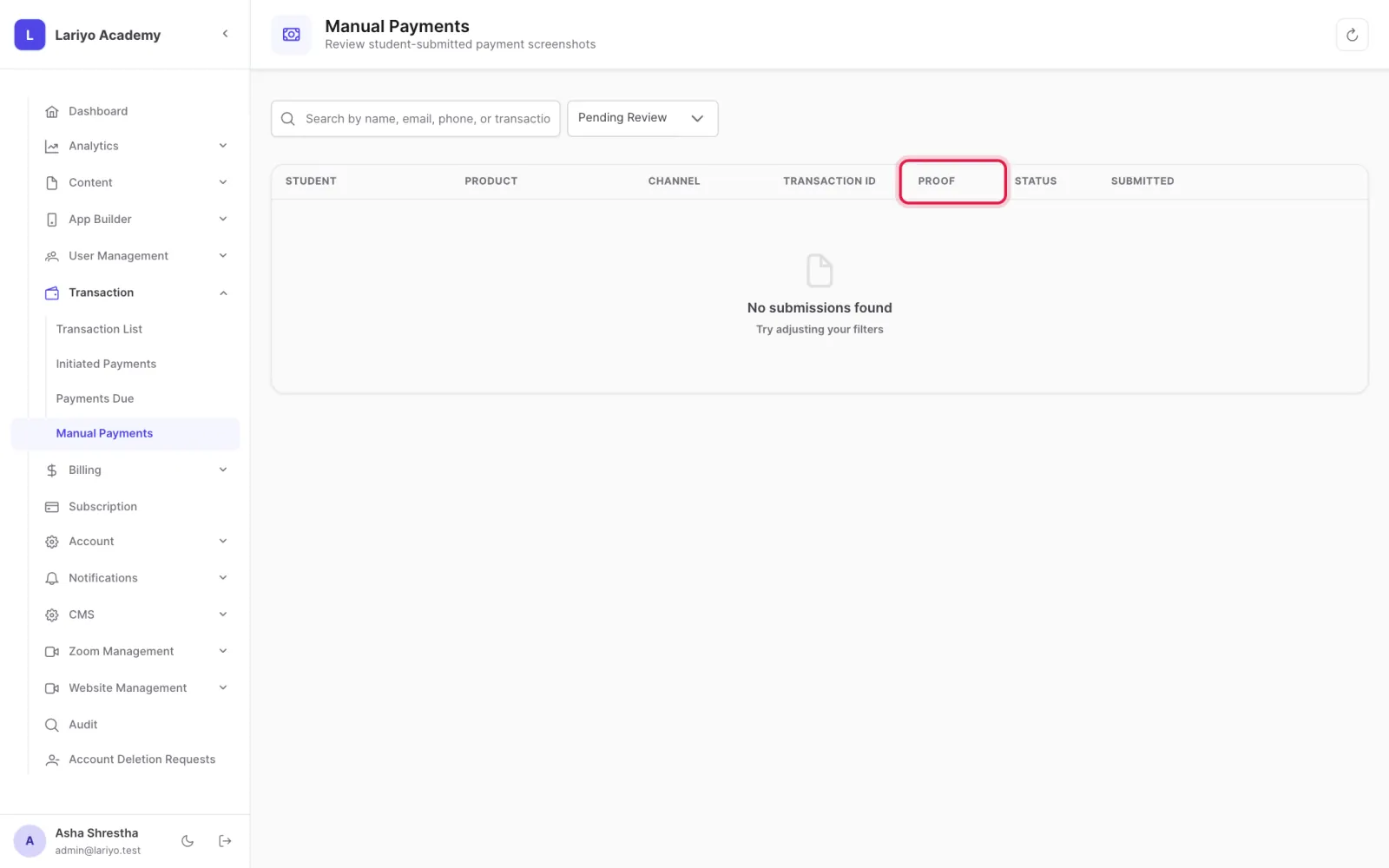
Open a submission and check the screenshot.
- To approve, choose the pricing plan and the amount paid. If it is less than the price, choose whether the rest is a discount or a due.
- Choose whether access starts now or only when it is paid in full, then approve.
- To reject, give a reason the student will see.
Updated 11 November 2026. Still stuck? Contact us.