

Edit a package
A package's page has the same parts as a course's, plus the list of courses inside and the savings.
Where: Content → Packages → a package
Steps
-
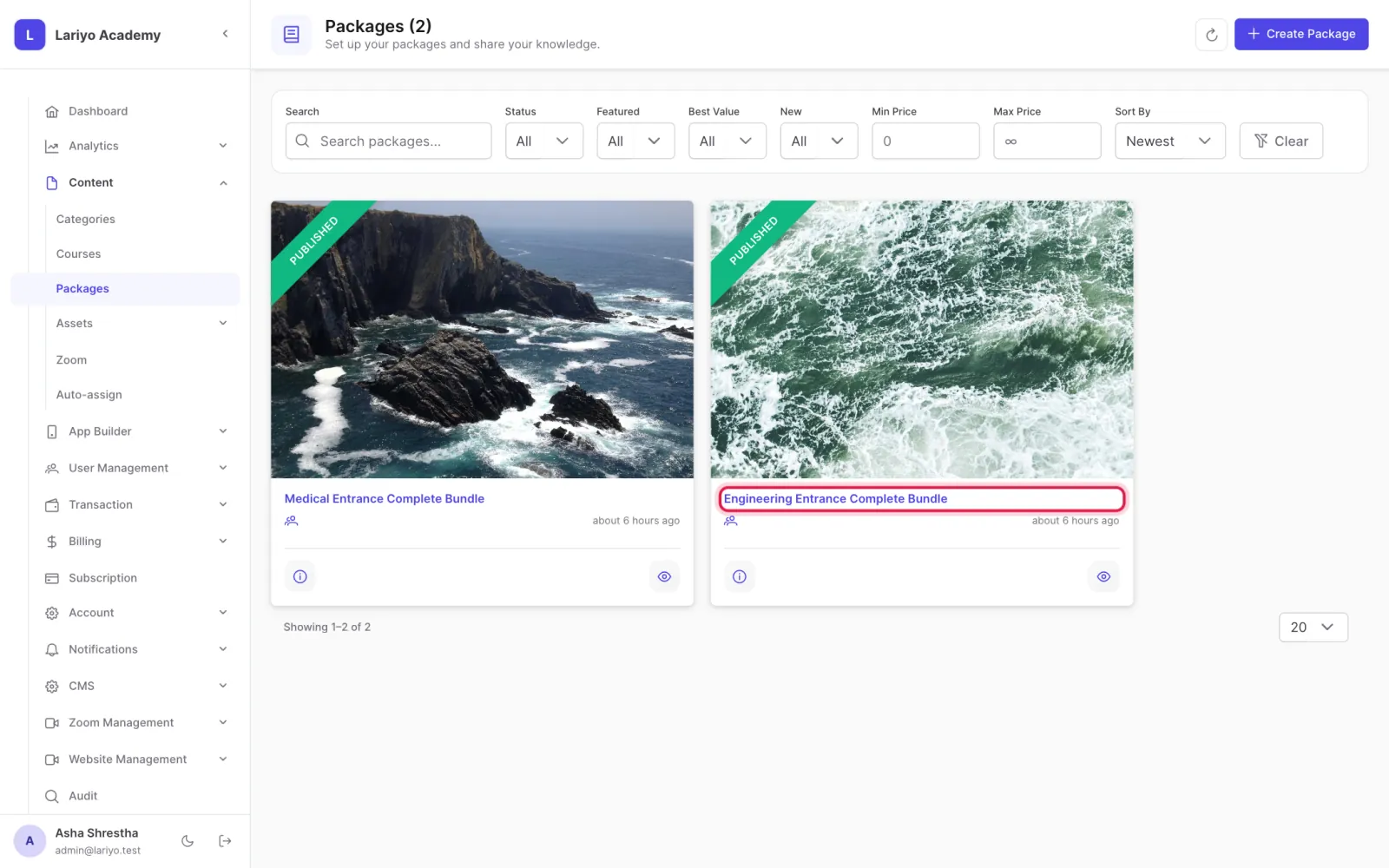
Open Content → Packages and click the package.
-
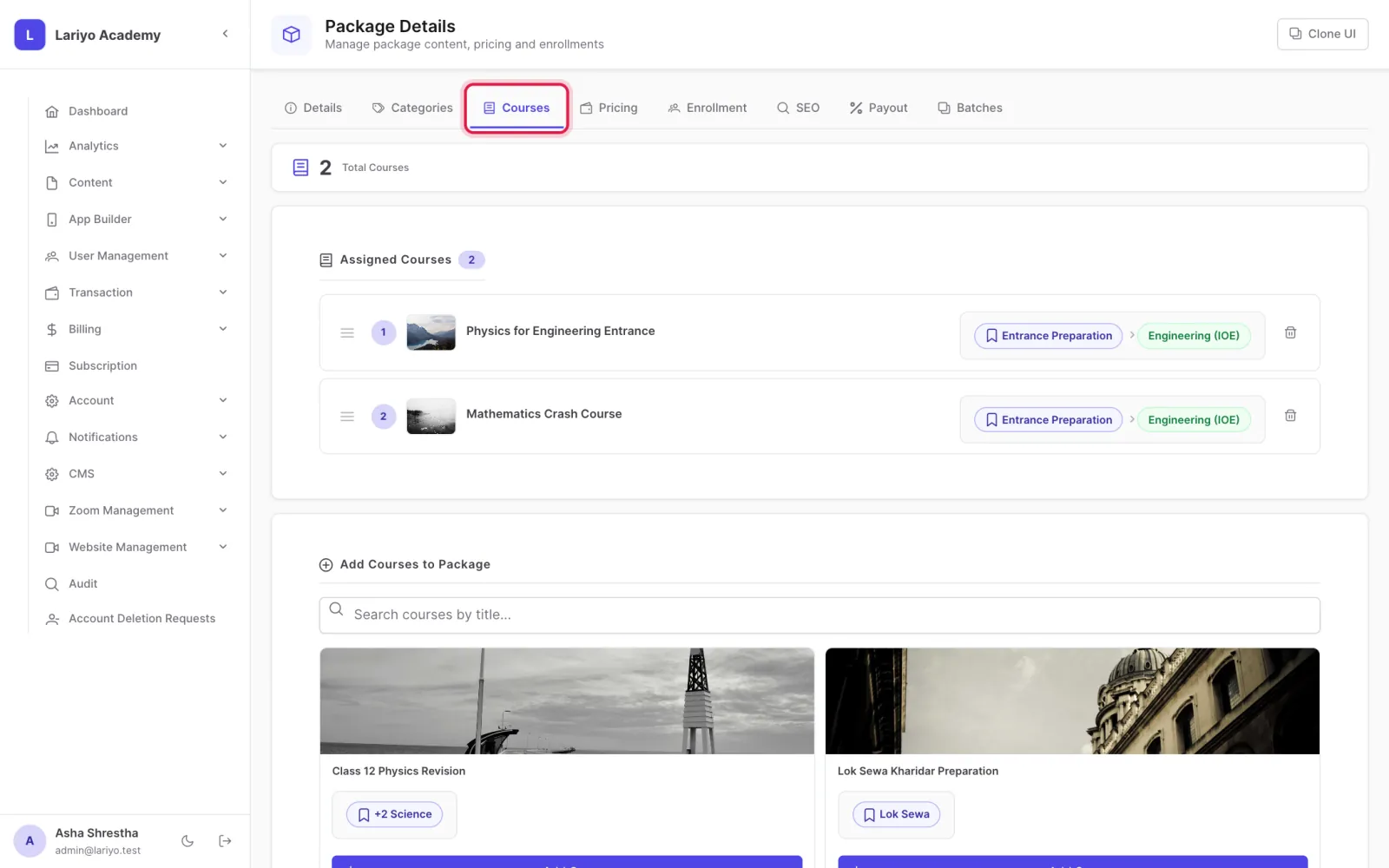
Under Assigned courses, add or remove courses and reorder them.
-
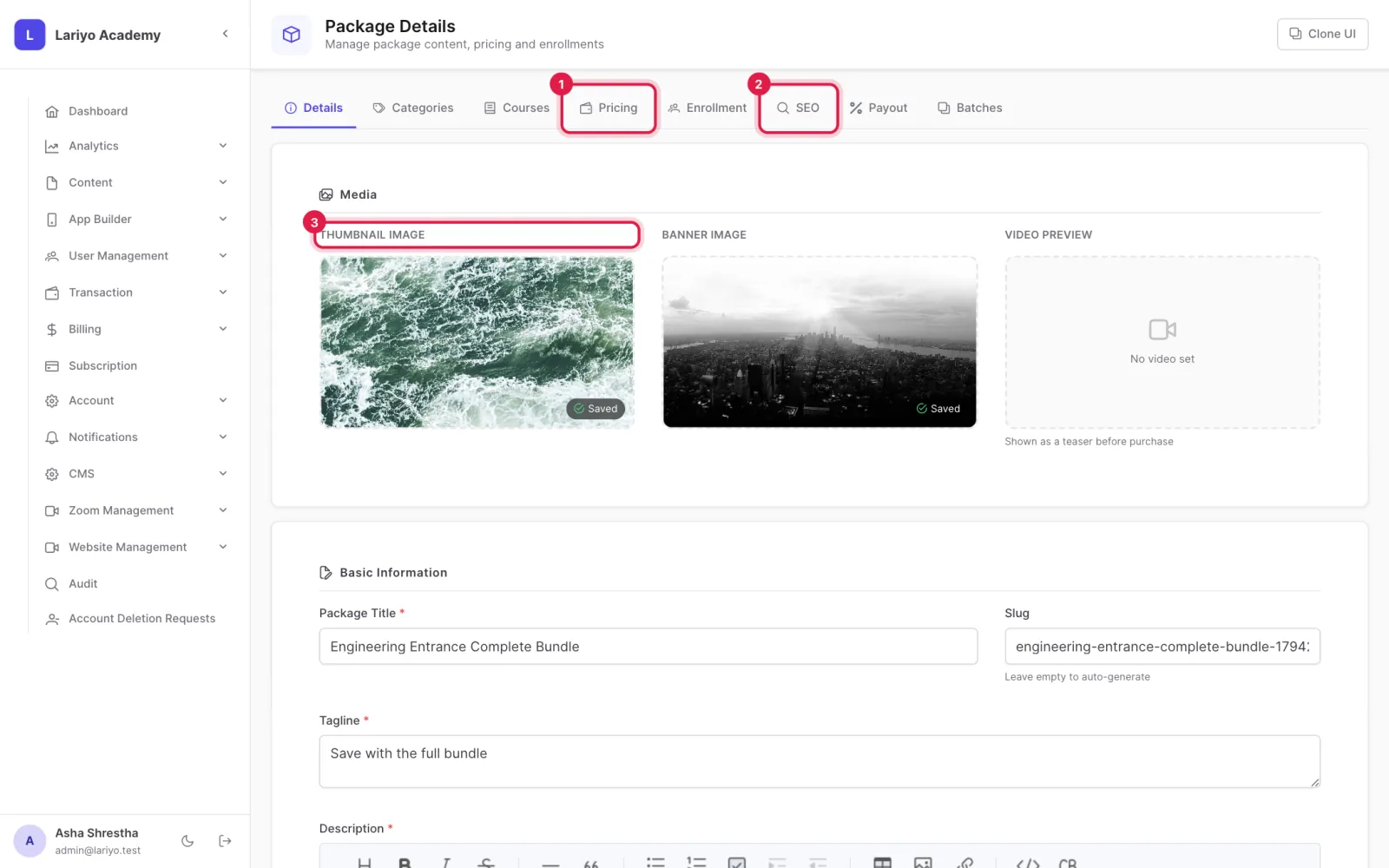
Edit pricing plans, media, SEO and platform access as for a course.
-
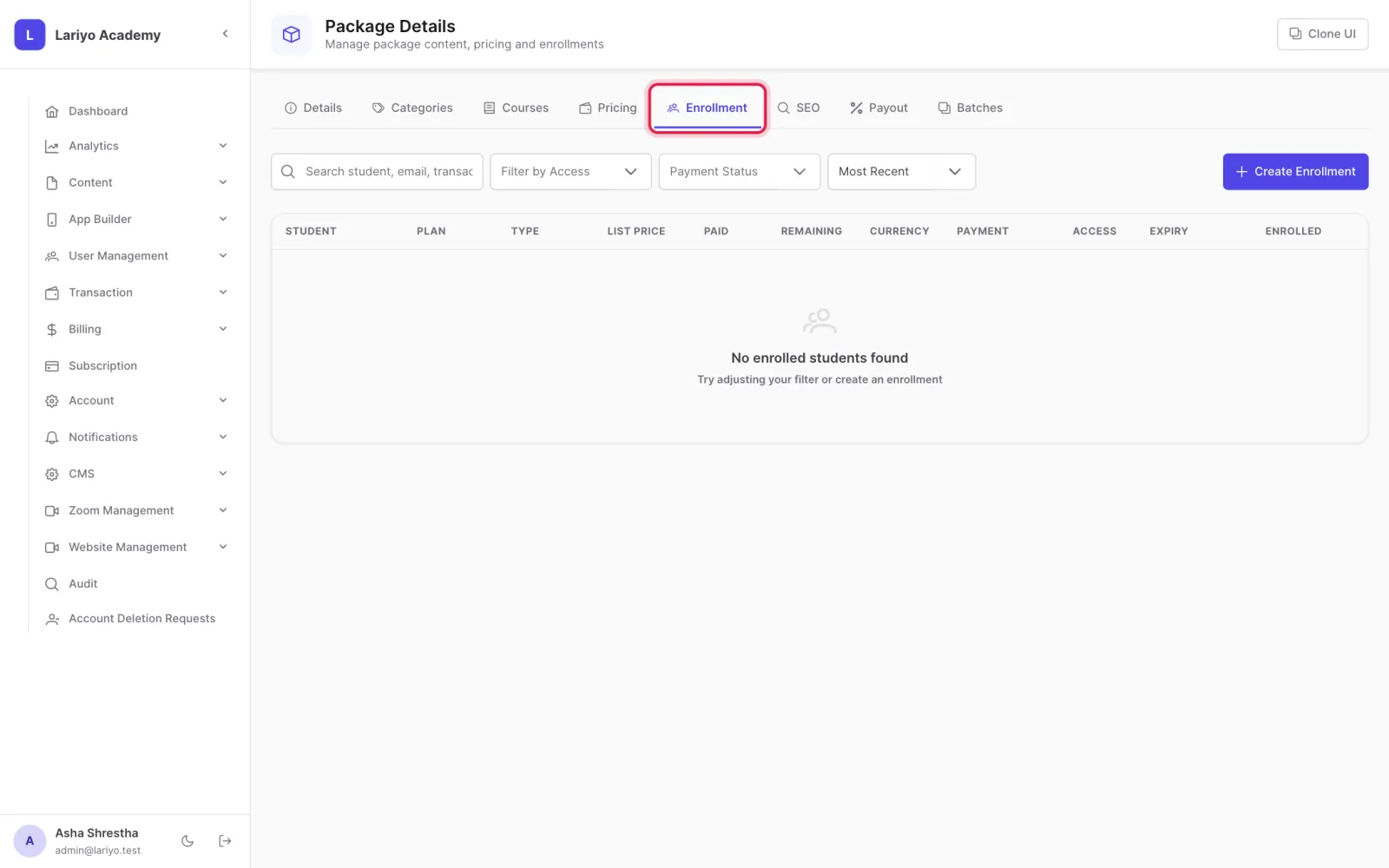
See every student enrolled in the package with their payments.
Updated 11 November 2026. Still stuck? Contact us.