

Give courses automatically on sign-up or purchase
Auto-assign gives courses or packages for free: to every new student, or together with another purchase.
Where: Content → Auto-assign
Steps
-
Open Content → Auto-assign.
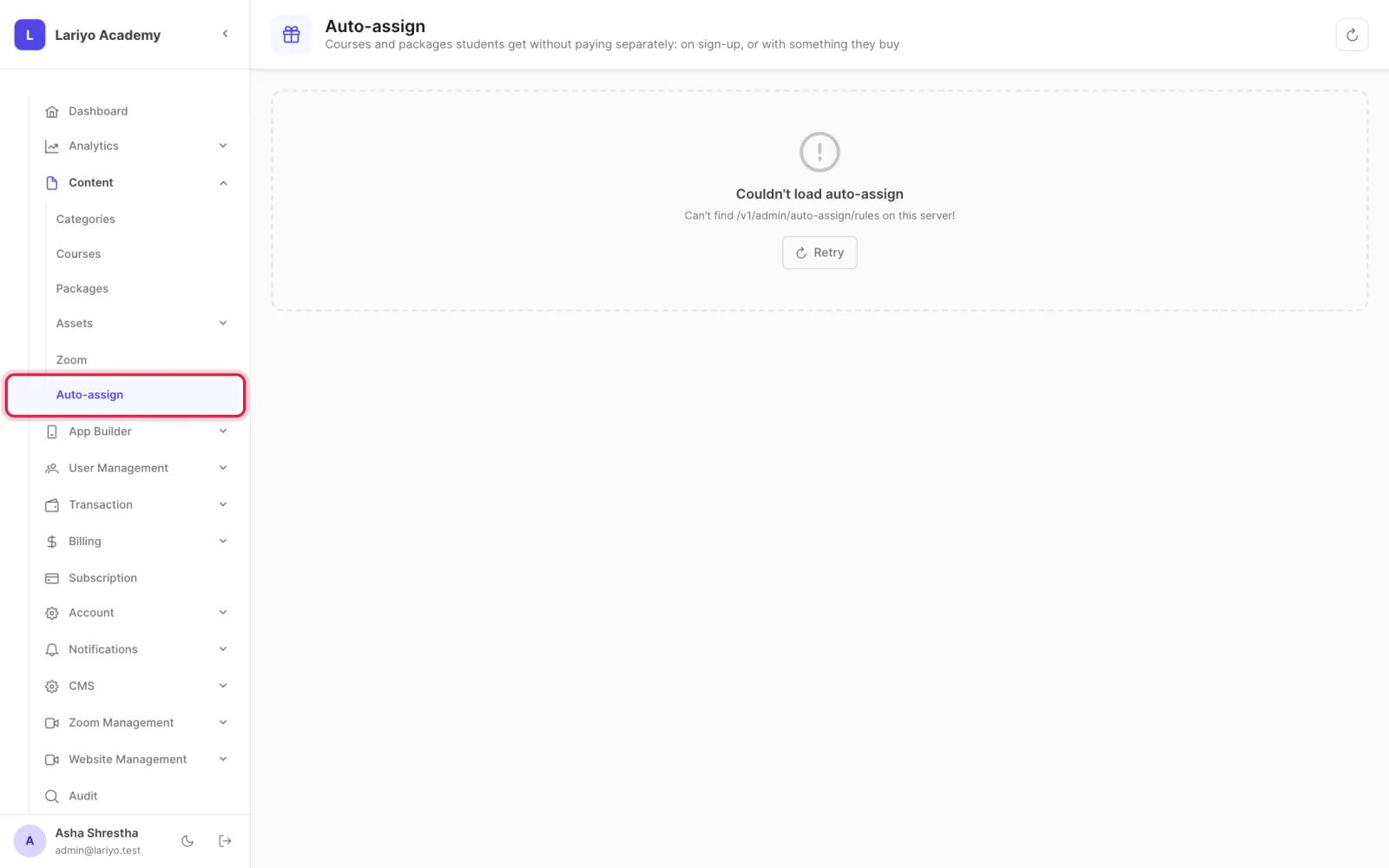
- To give something on sign-up, add the course or package; every new student gets it.
- Use Give to existing students to run it once for everyone already registered.
- To give something with a purchase, choose the course or package bought and what comes with it.
Tips
The student's payment is never changed by auto-assign.
Updated 11 November 2026. Still stuck? Contact us.