

Clone chapters and items to many courses
Cloning copies chapters or items into other courses, either to one chapter or to up to 50 places at once.
Where: Course builder → Clone
Steps
-
In the course builder, click a row's copy button, or choose Clone from a chapter's menu.
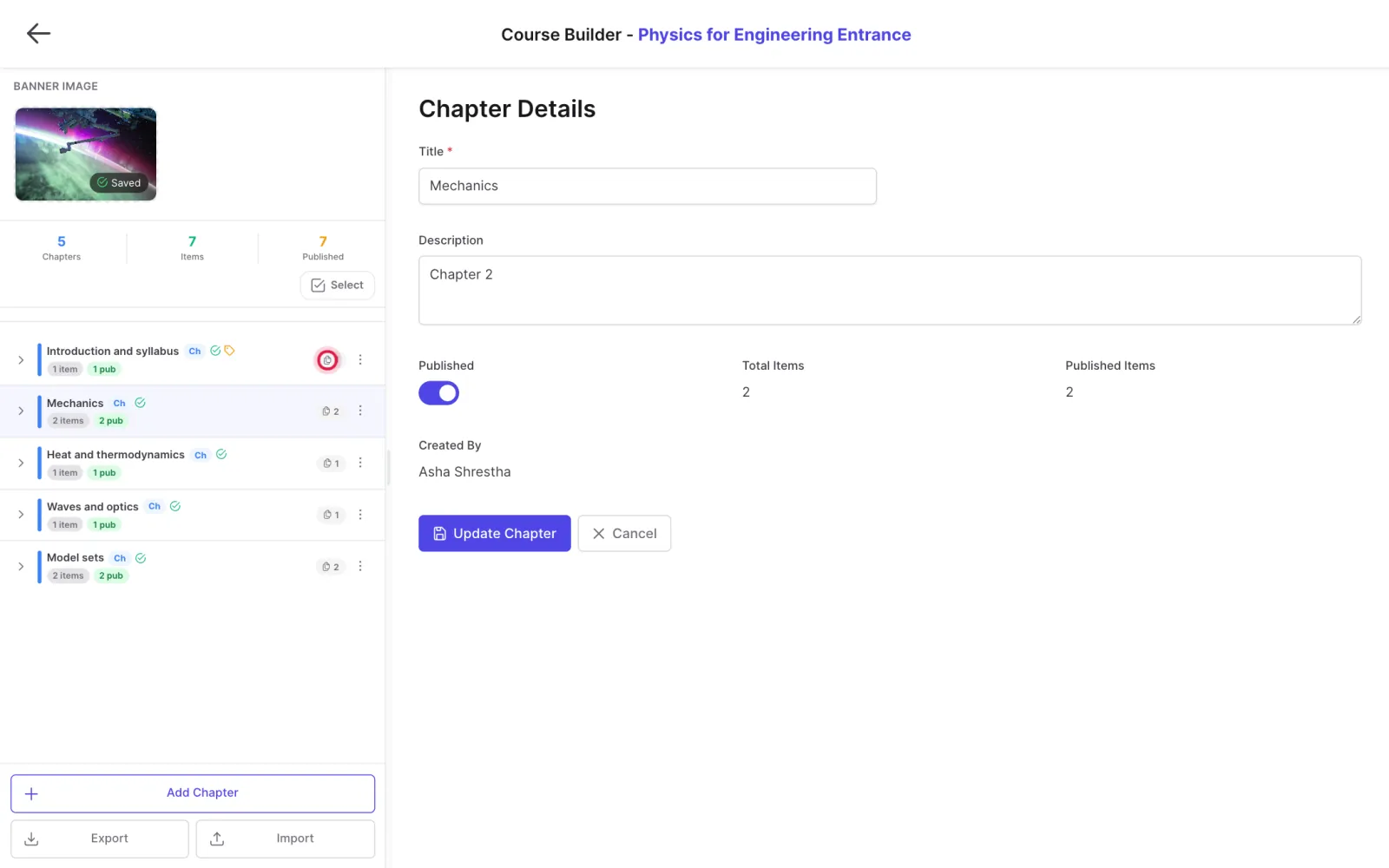
-
Choose Classic clone (one destination course and chapter) or Clone to many places.
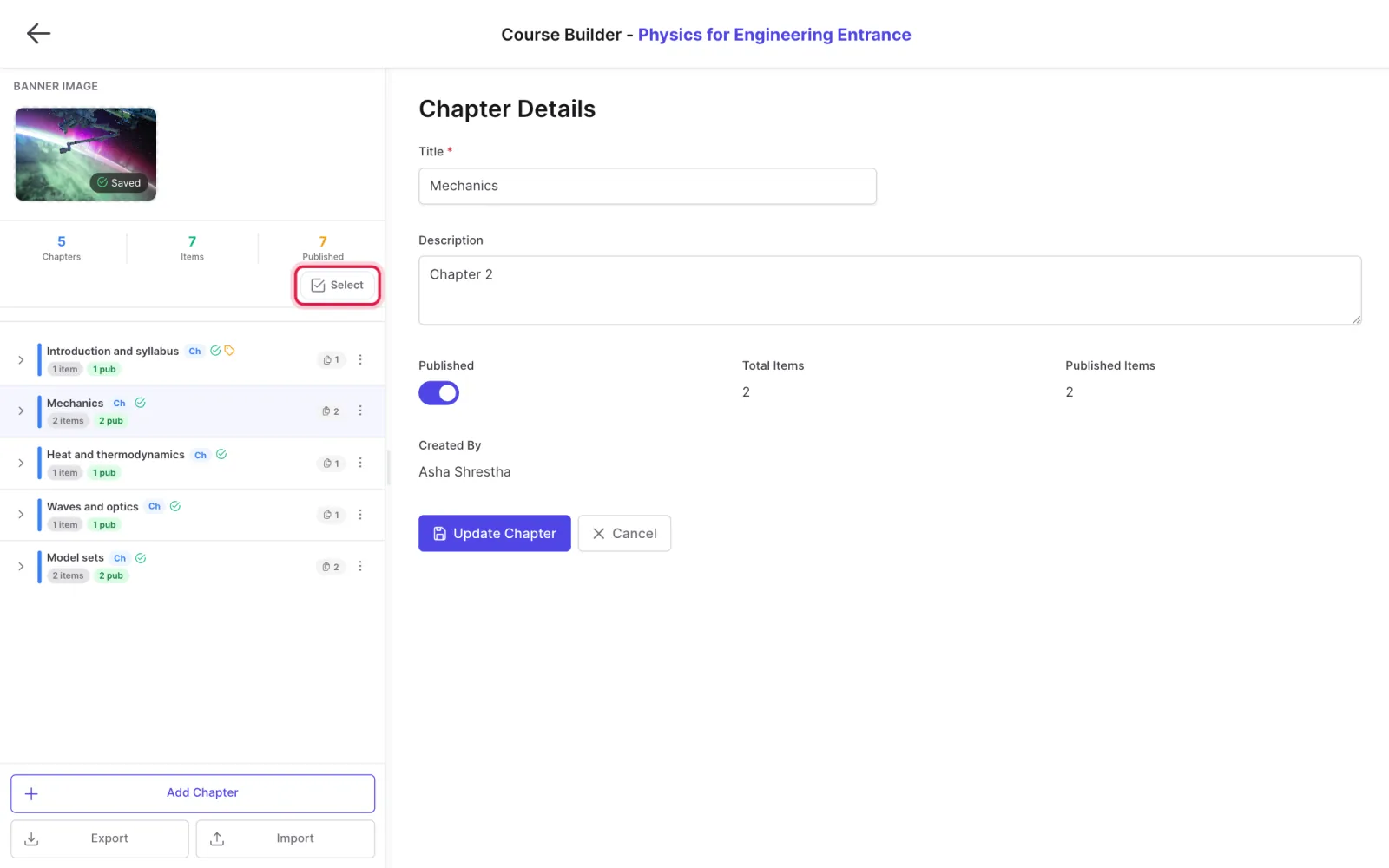
- For many places, search courses, chapters and sections on the left and add up to 50 destinations.
- Choose whether a chapter goes in as a new section or as items only.
- Tick Publish what is cloned immediately if students should see it at once, then confirm.
Tips
Up to 2,000 items can be created in one go.
Updated 11 November 2026. Still stuck? Contact us.