

Build chapters and lessons in the course builder
The course builder is where chapters, headings, videos, notes, tests and live classes are added, ordered and published.
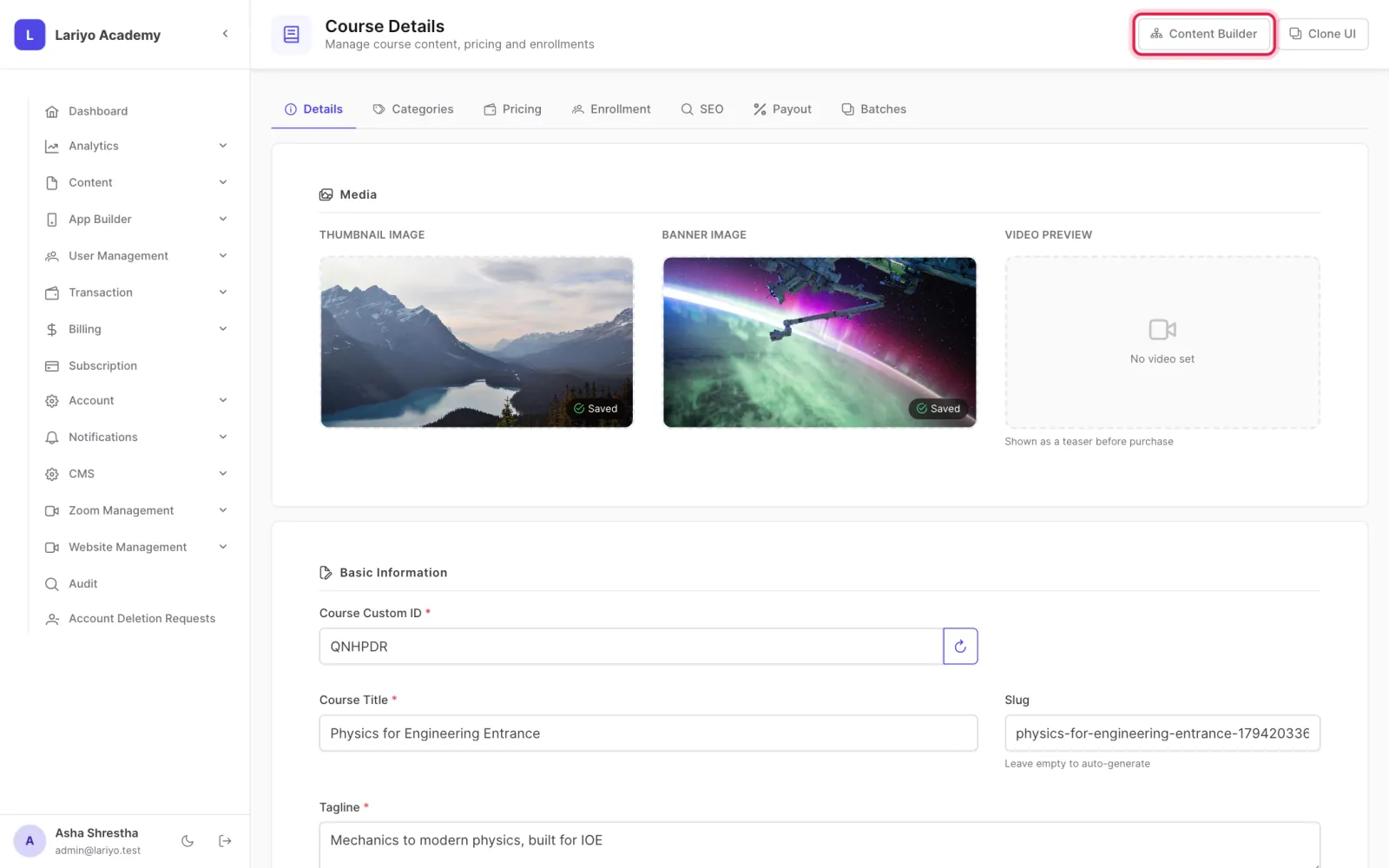
Where: Content → Courses → a course → Builder
Steps
-
Open a course and go to its builder.
-
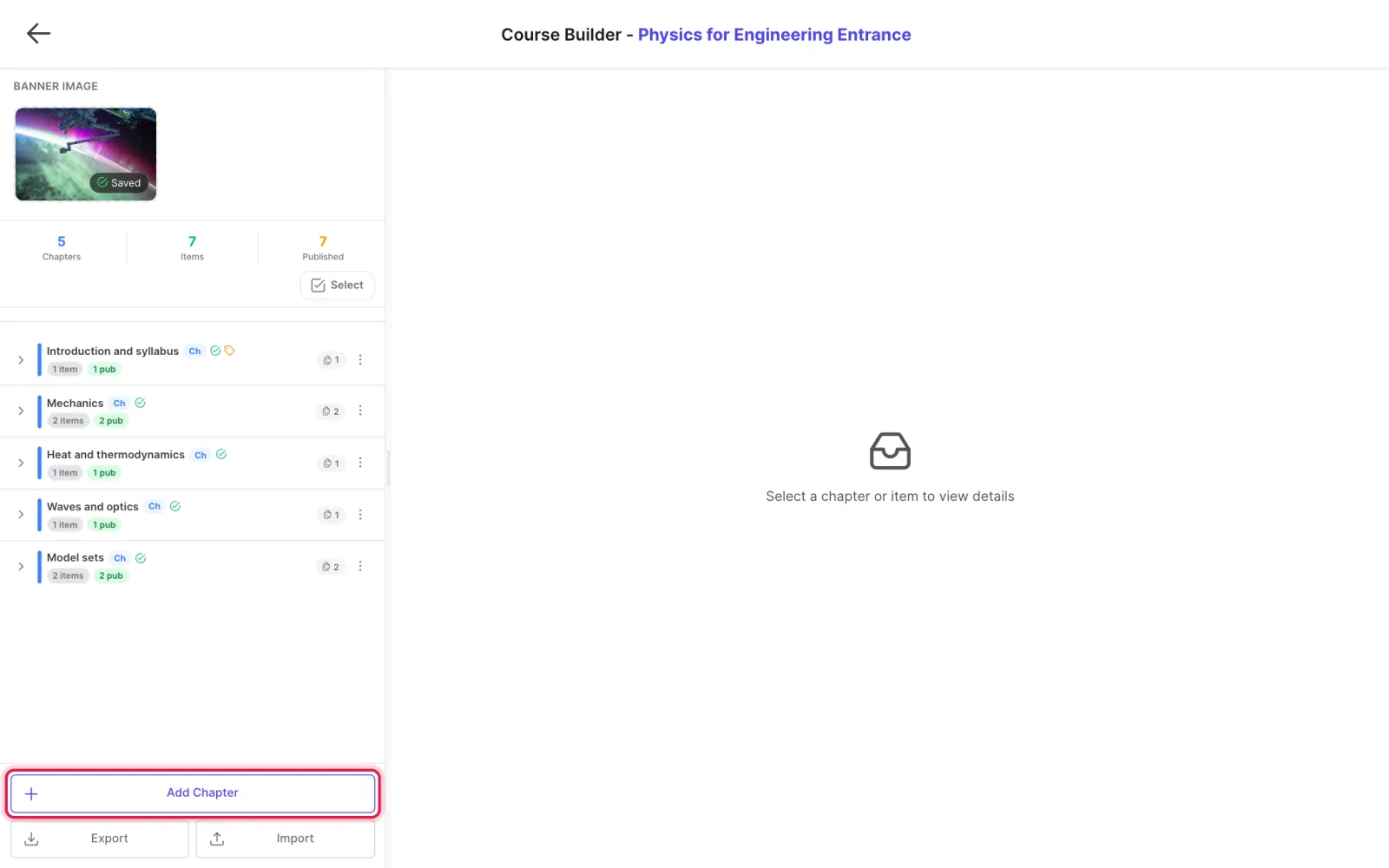
Click Add Chapter, give it a title and choose whether it is published and free (a free chapter is a preview for non-buyers).
-
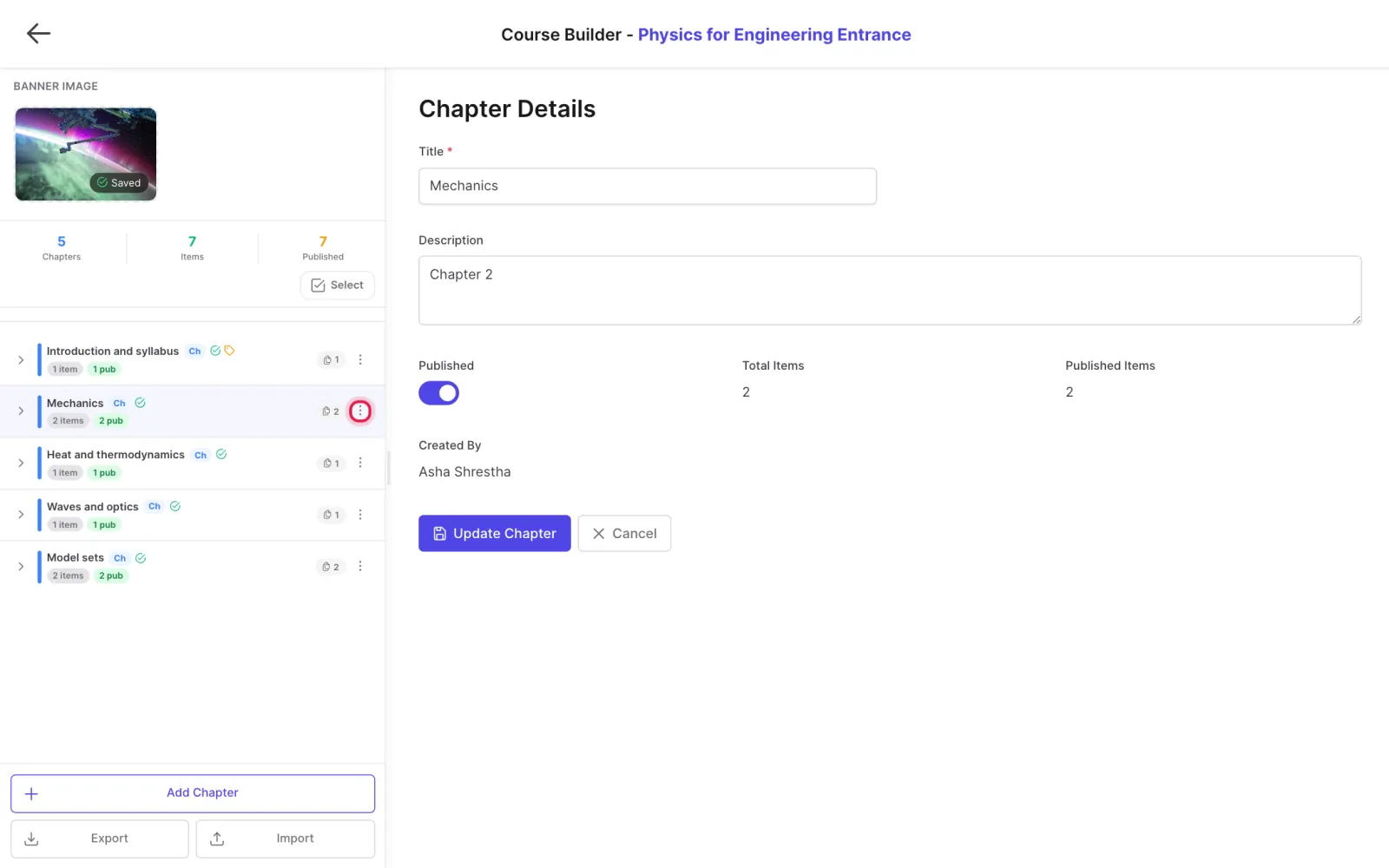
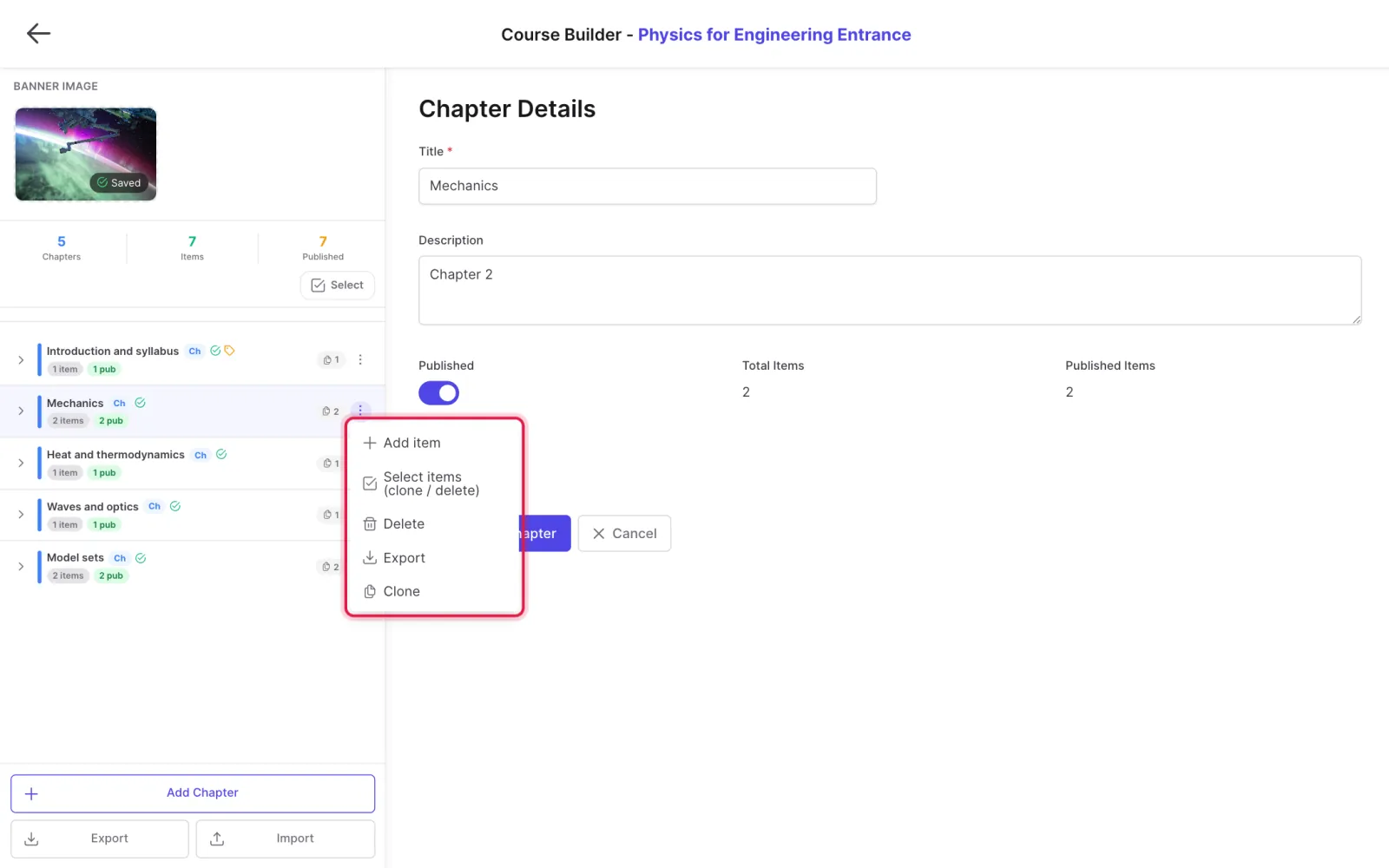
Open a chapter's menu to add items: a heading, a PDF, a video, a quiz from the test bank, a subjective test or a Zoom class.
-
Upload a new file straight into the chapter, or choose one already in the library.
- Drag chapters and items to reorder them.
-
Click an item to change its settings: published, free, download allowed, save to device, watermark.
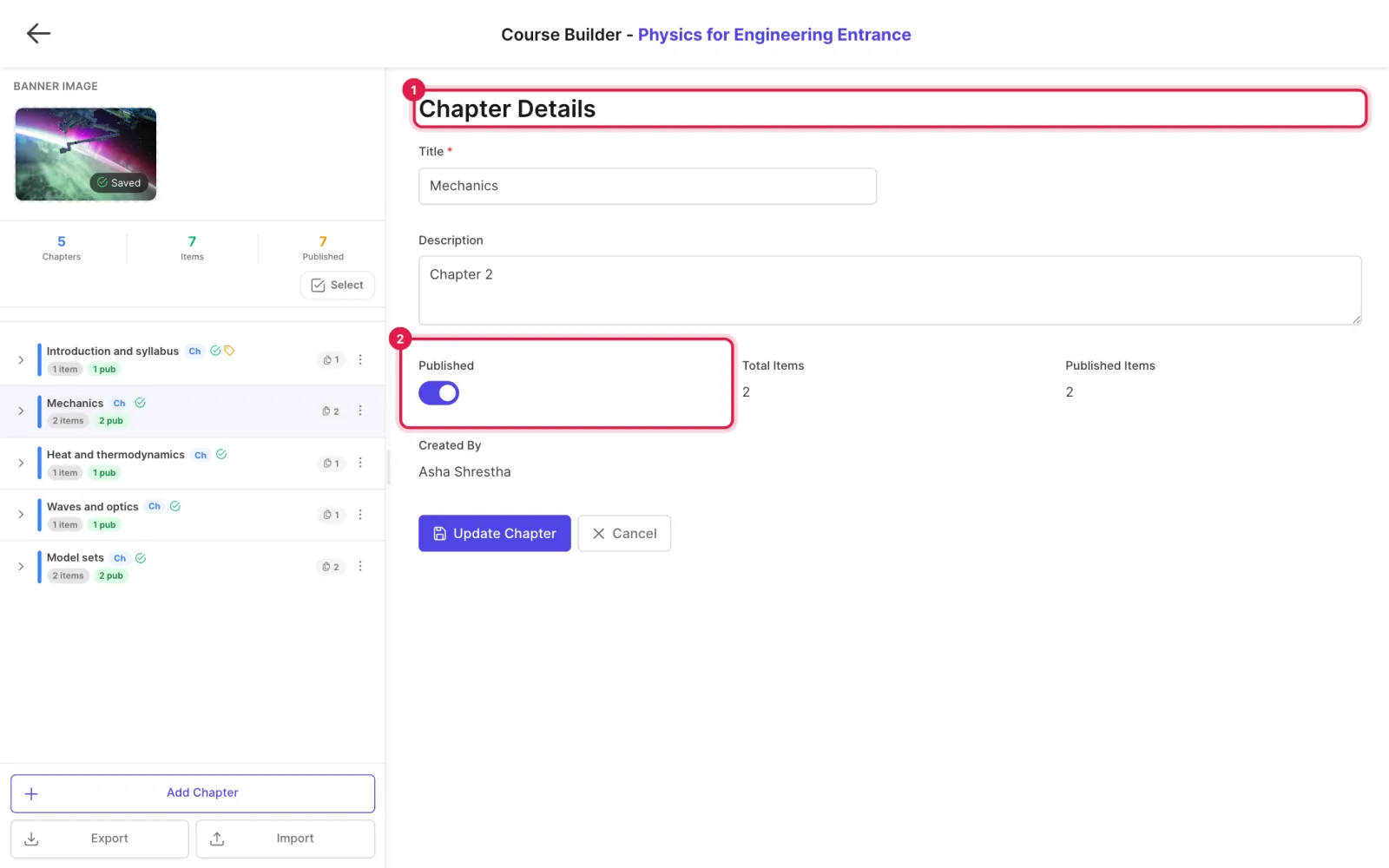
-
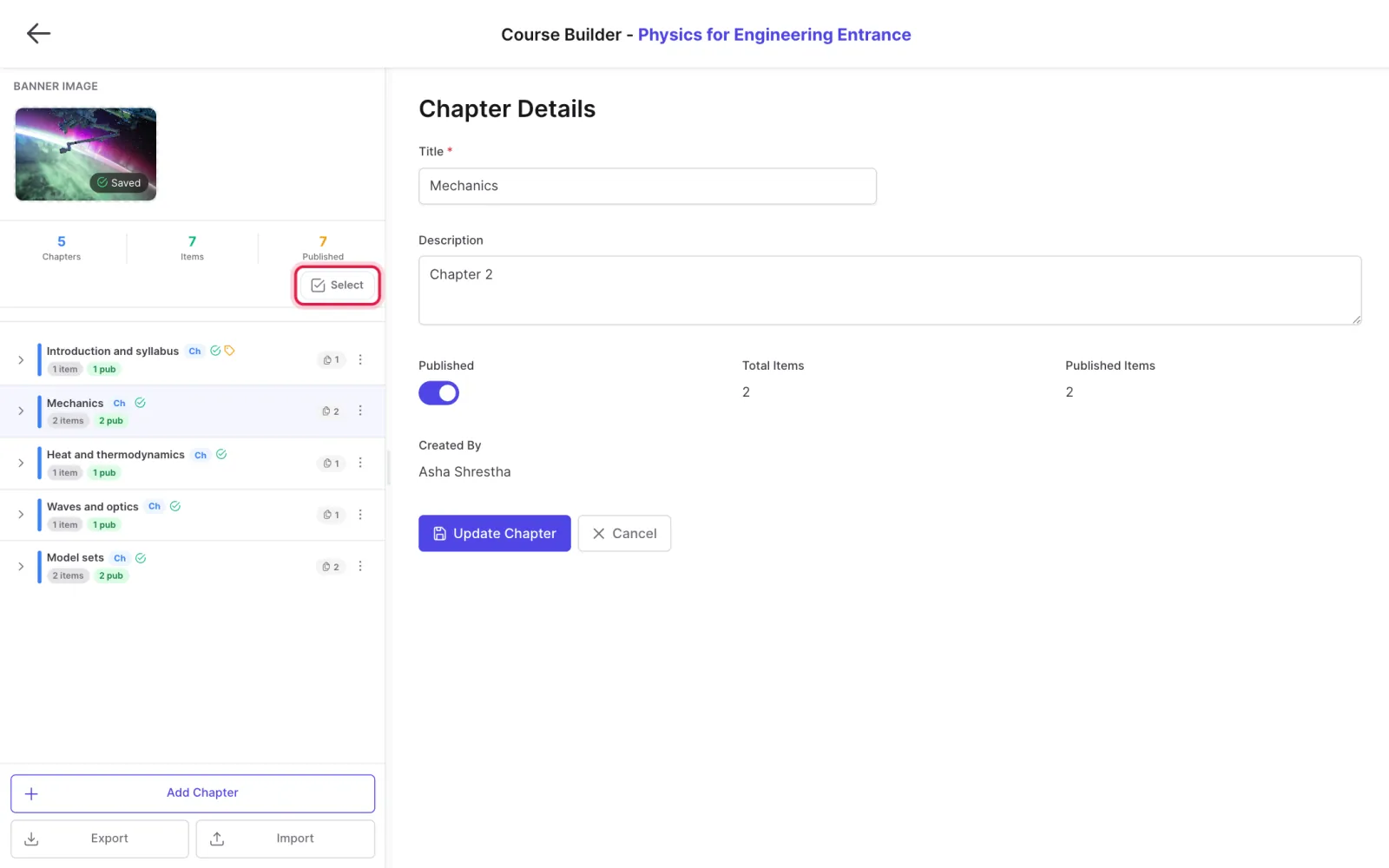
Use Select to pick several items, then clone or delete them together.
Tips
Export saves chapters as a JSON file; Import loads one into another course.
Clone to many places copies items into up to 50 chapters or sections at once.
Updated 11 November 2026. Still stuck? Contact us.