

Send events to other systems with webhooks
Webhooks call your URL when a student registers, enrols or pays, or when a course changes.
Where: Account → Webhooks
Steps
-
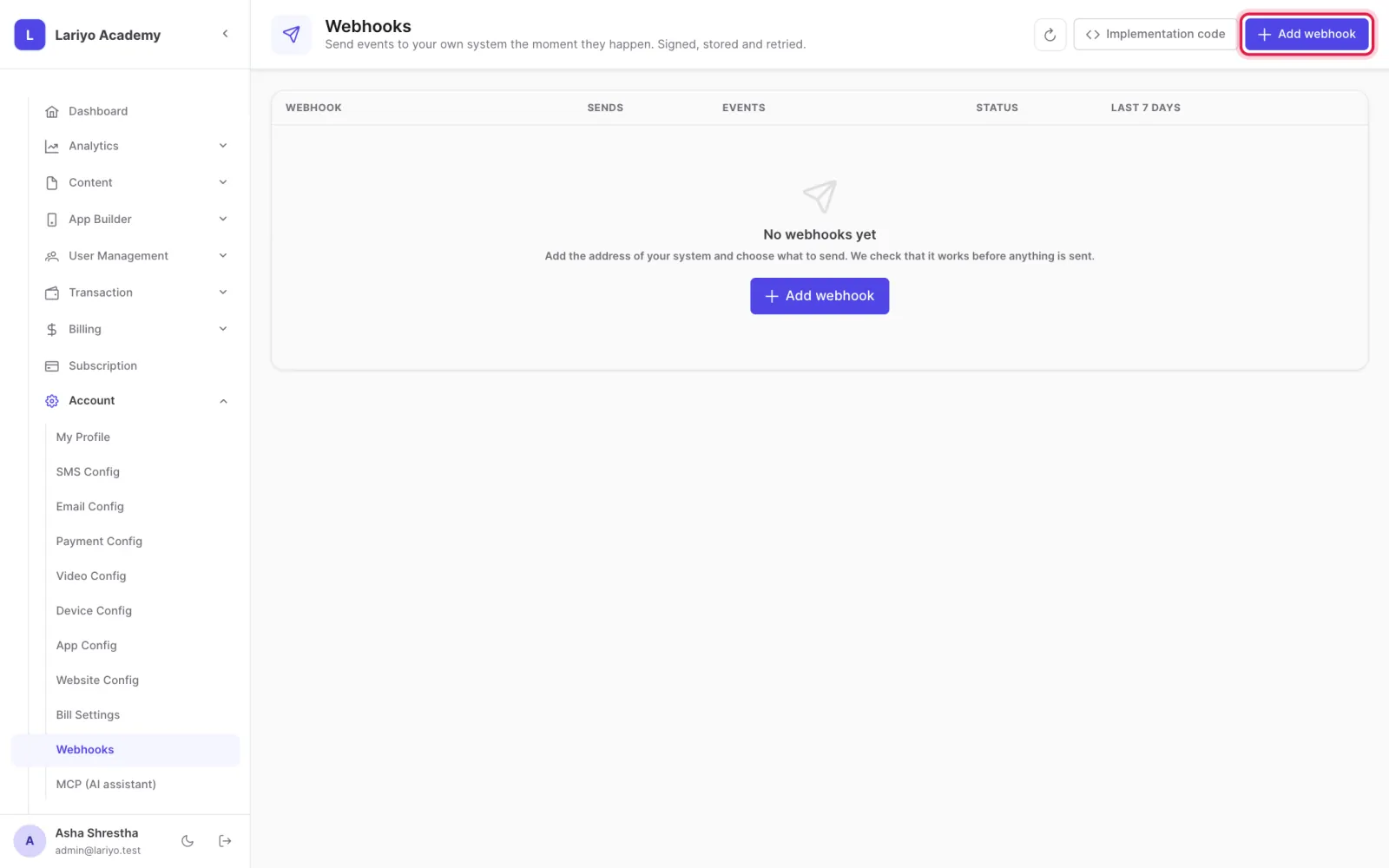
Open Account → Webhooks and click Add webhook.
-
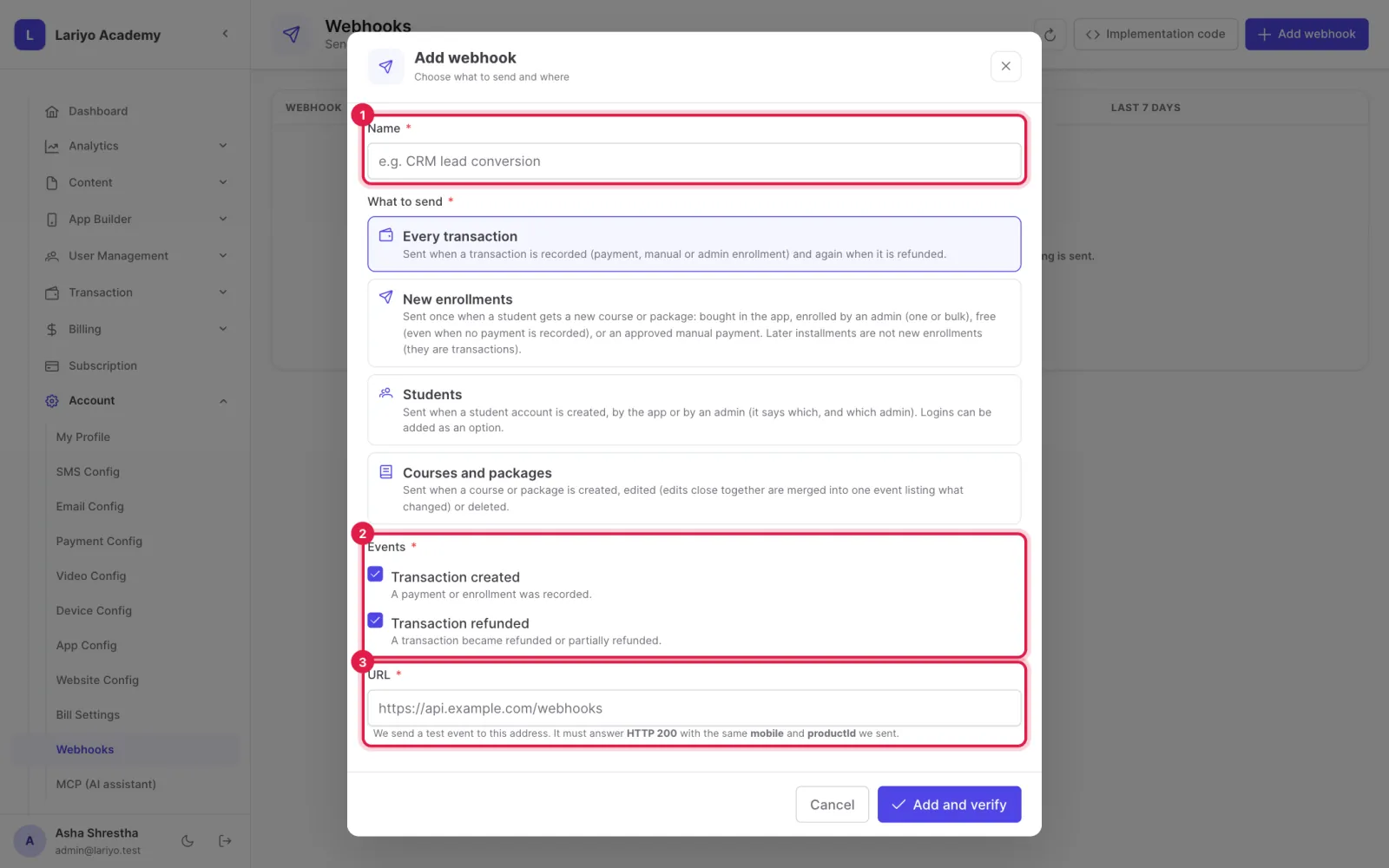
Name it, choose the events and enter your URL.
-
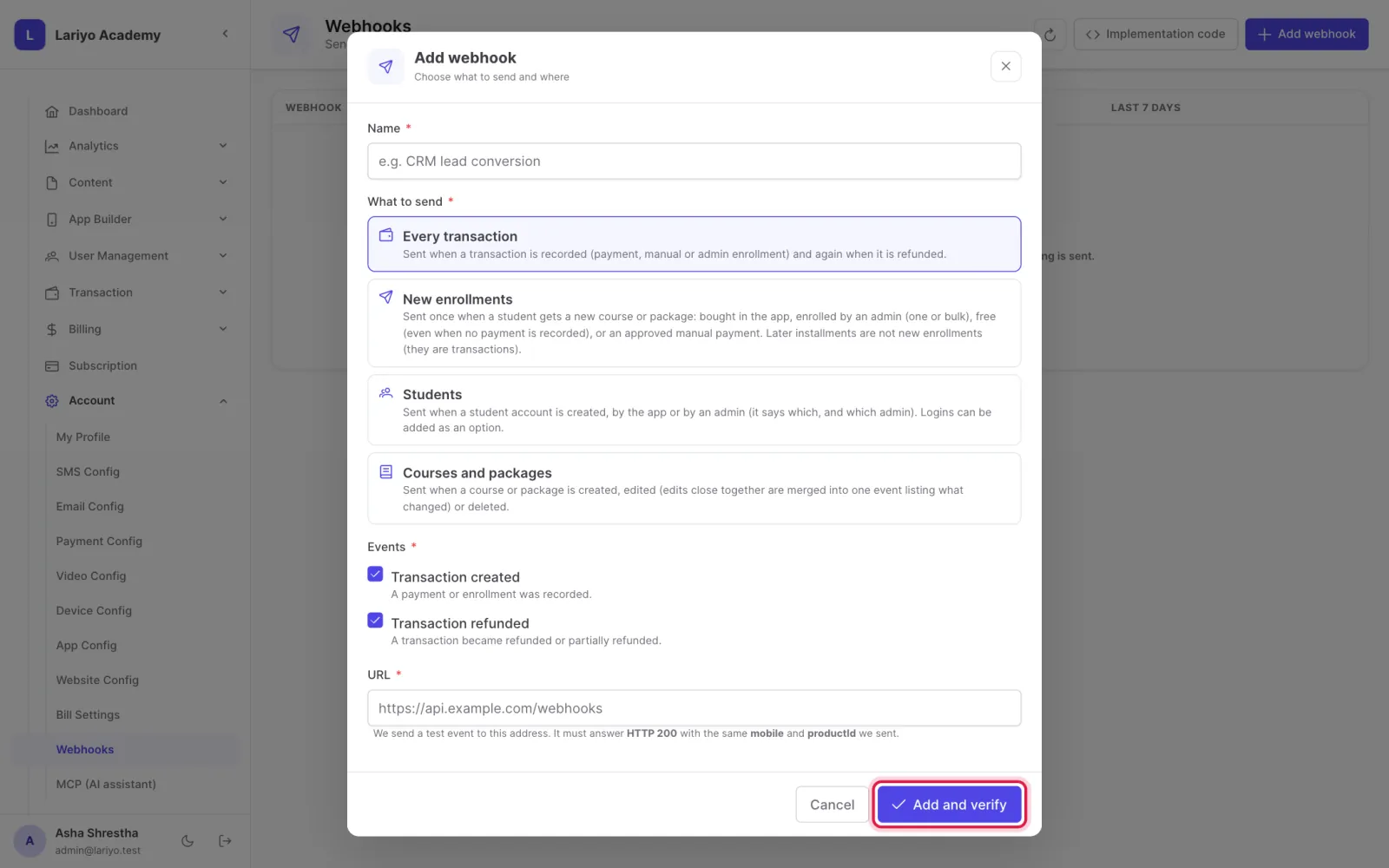
Click Add and verify; your receiver must answer the test.
-
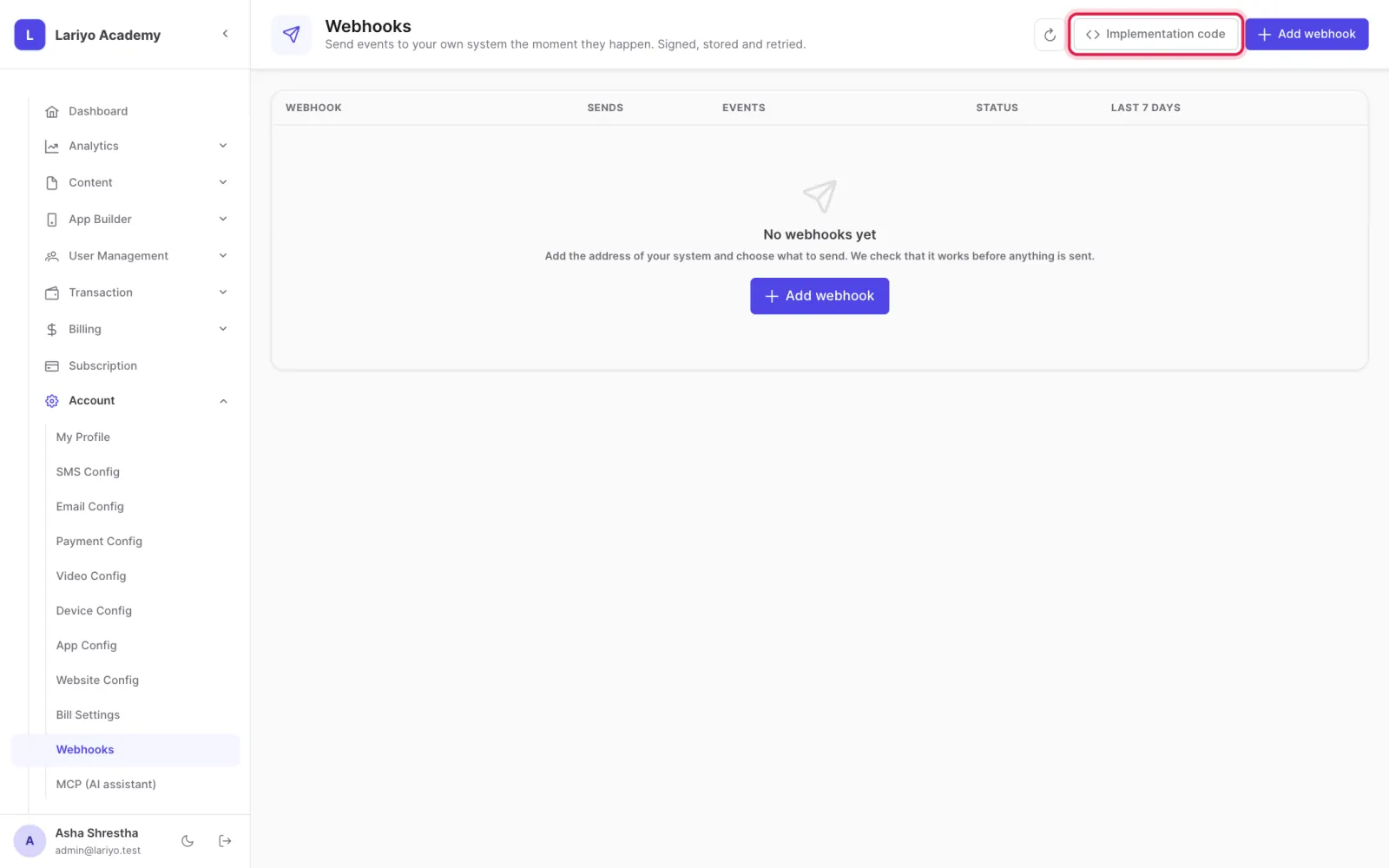
See every delivery, its answer and the next retry, and resend if needed.
Tips
Check the signing secret on your server so only Lariyo can call it.
Updated 11 November 2026. Still stuck? Contact us.