

See your plan, usage and invoices
Subscription shows your Lariyo plan, usage against it, charges, invoices and how to pay.
Where: Subscription
Steps
-
Open Subscription.
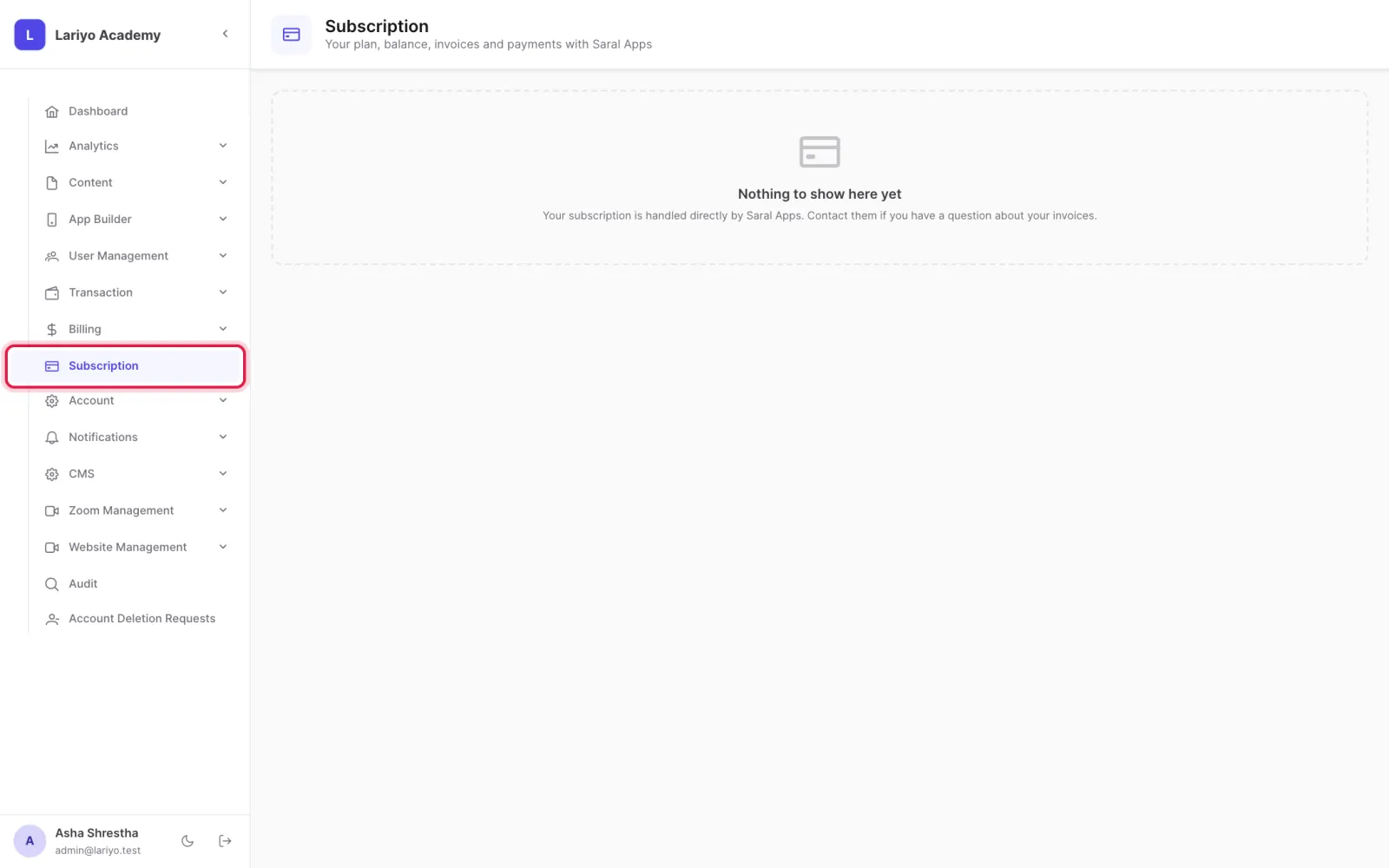
- Check usage against your plan: students, storage and bandwidth.
- See charges by item, your statement and invoices, and download VAT bills.
- Buy more storage or bandwidth, recharge, or ask for a bigger plan.
Updated 11 November 2026. Still stuck? Contact us.