

Limit how many devices a student uses
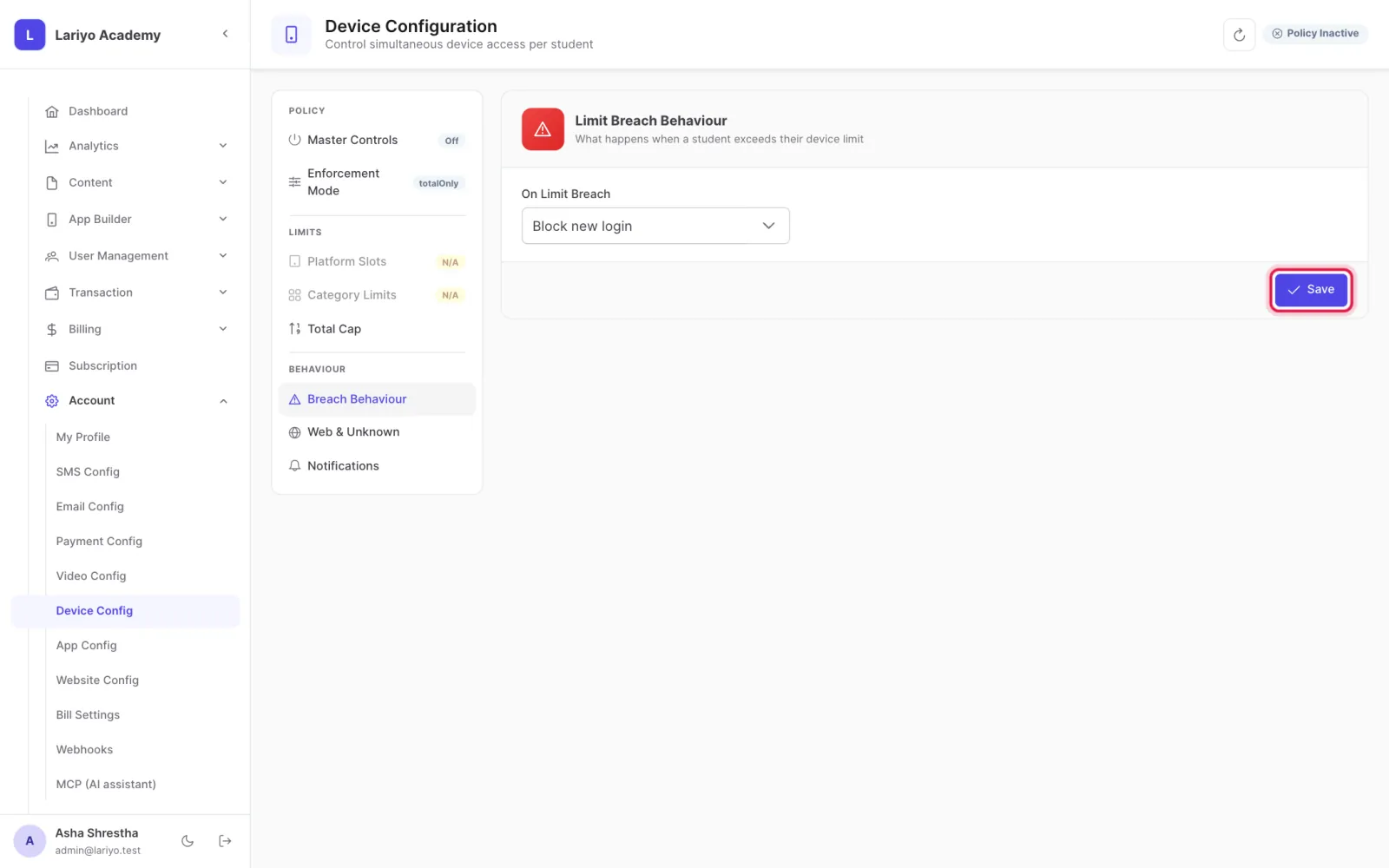
Device config decides how many phones, computers and browsers each student may sign in on, and what happens over the limit.
Where: Account → Device Config
Steps
-
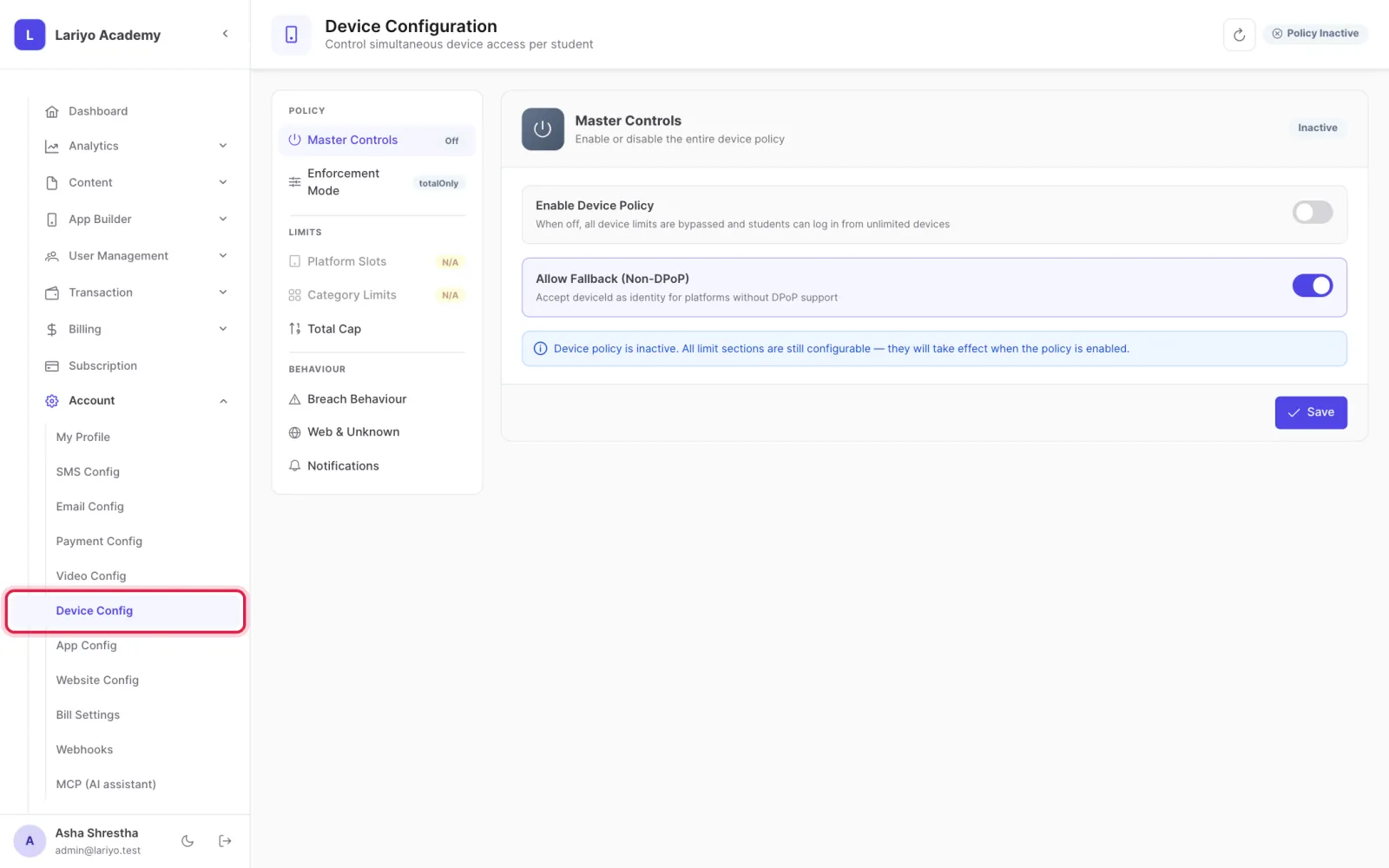
Open Account → Device Config.
-
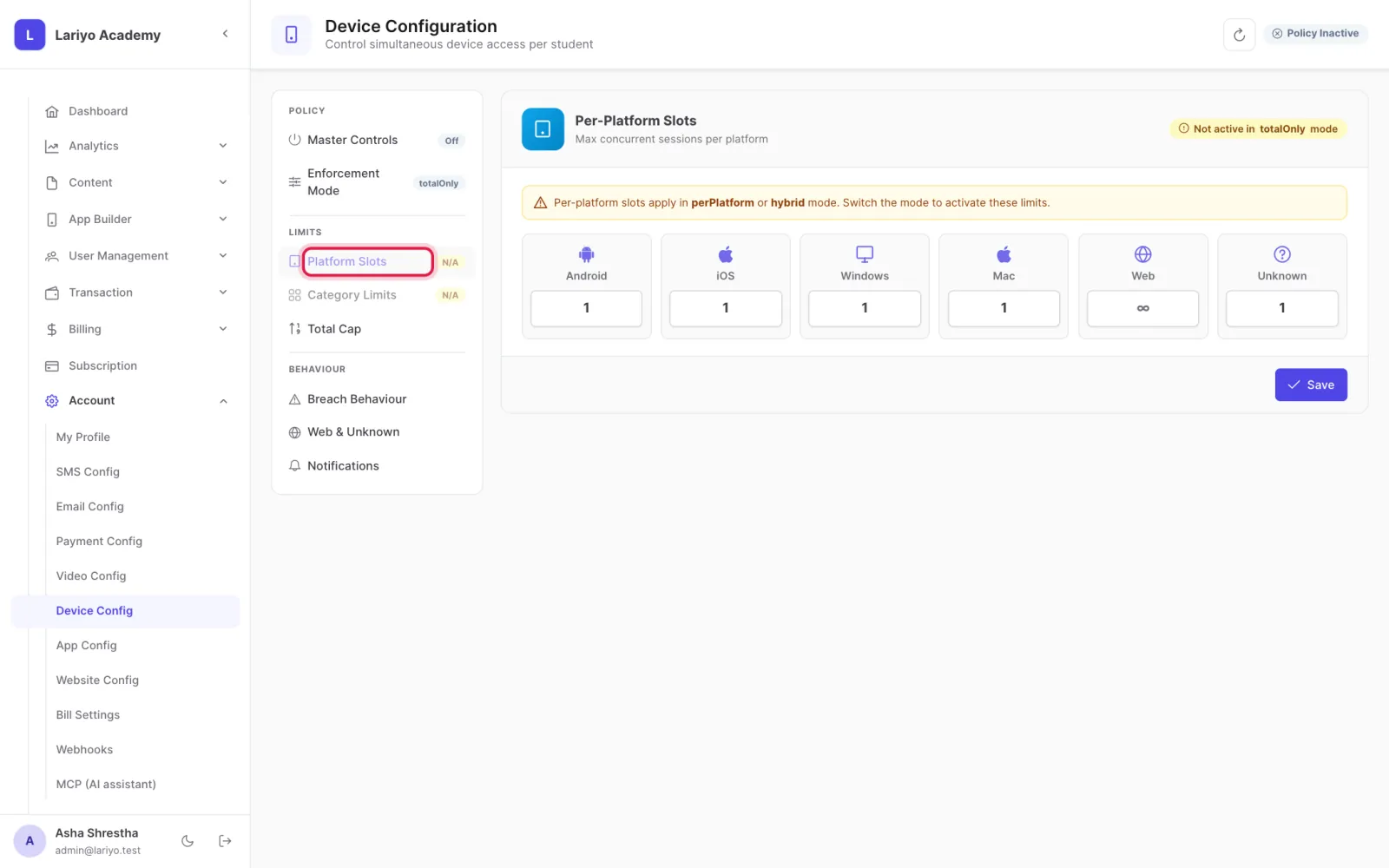
Set the slots per platform: Android, iOS, Windows, Mac and web.
-
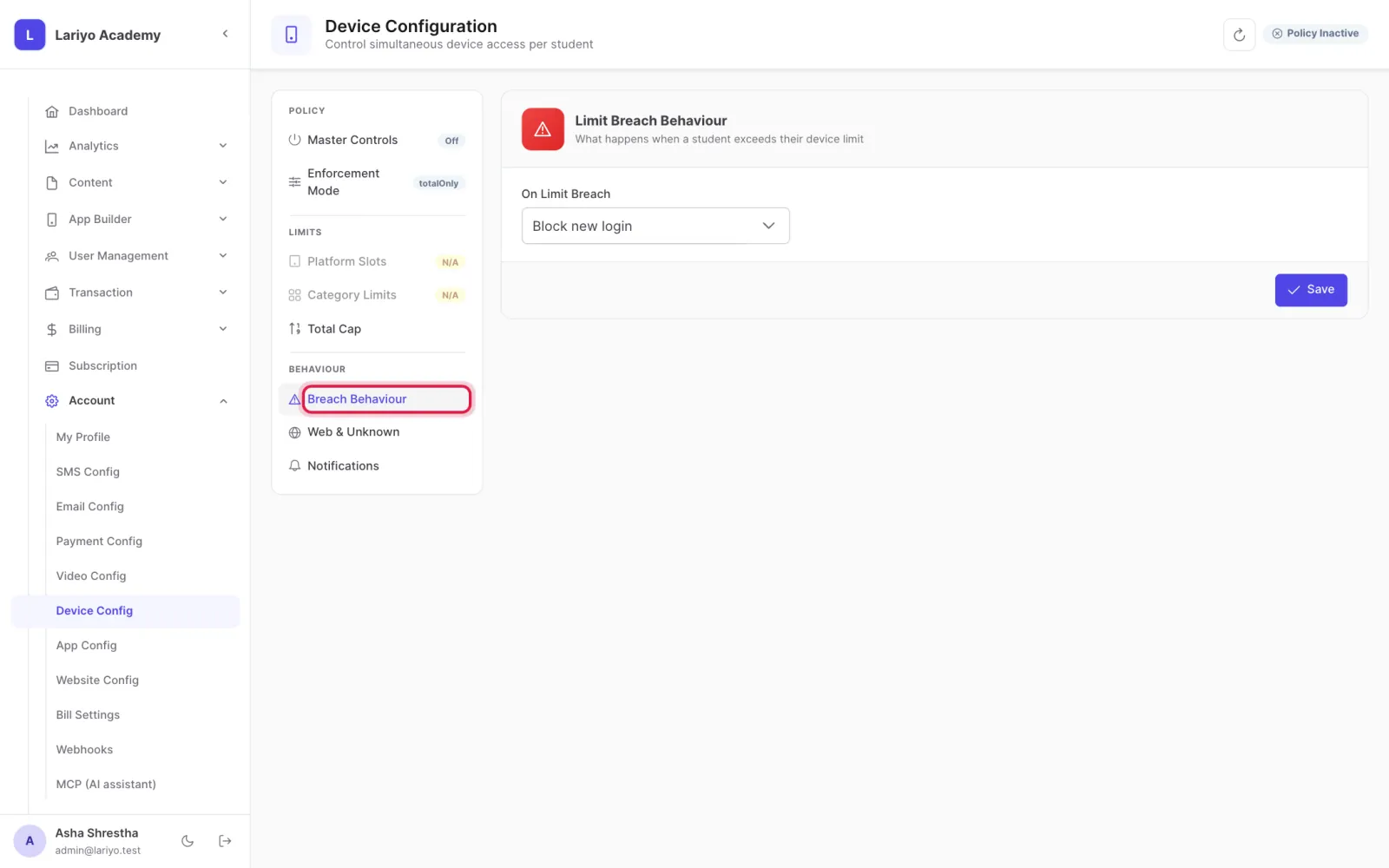
Choose what happens over the limit: block the new device, or sign out an old one.
-
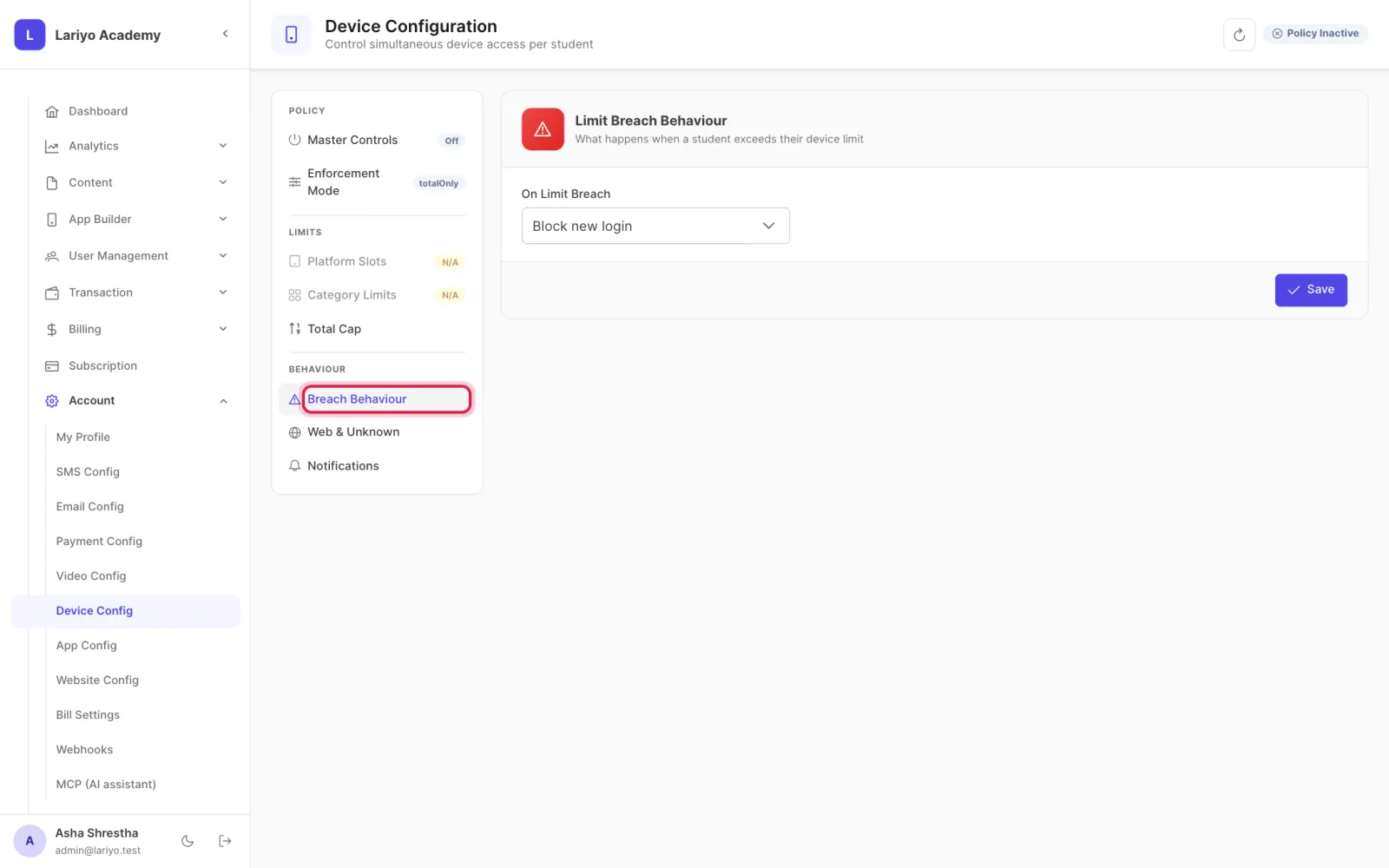
Choose which old device goes first and how many evictions are allowed in a set number of hours.
-
Click Save.
Tips
From a student's profile you can sign out one or all of their devices, or block a device.
Updated 11 November 2026. Still stuck? Contact us.