

Check subjective answer sheets
Subjective test analytics lists every submission as pending, checking or graded.
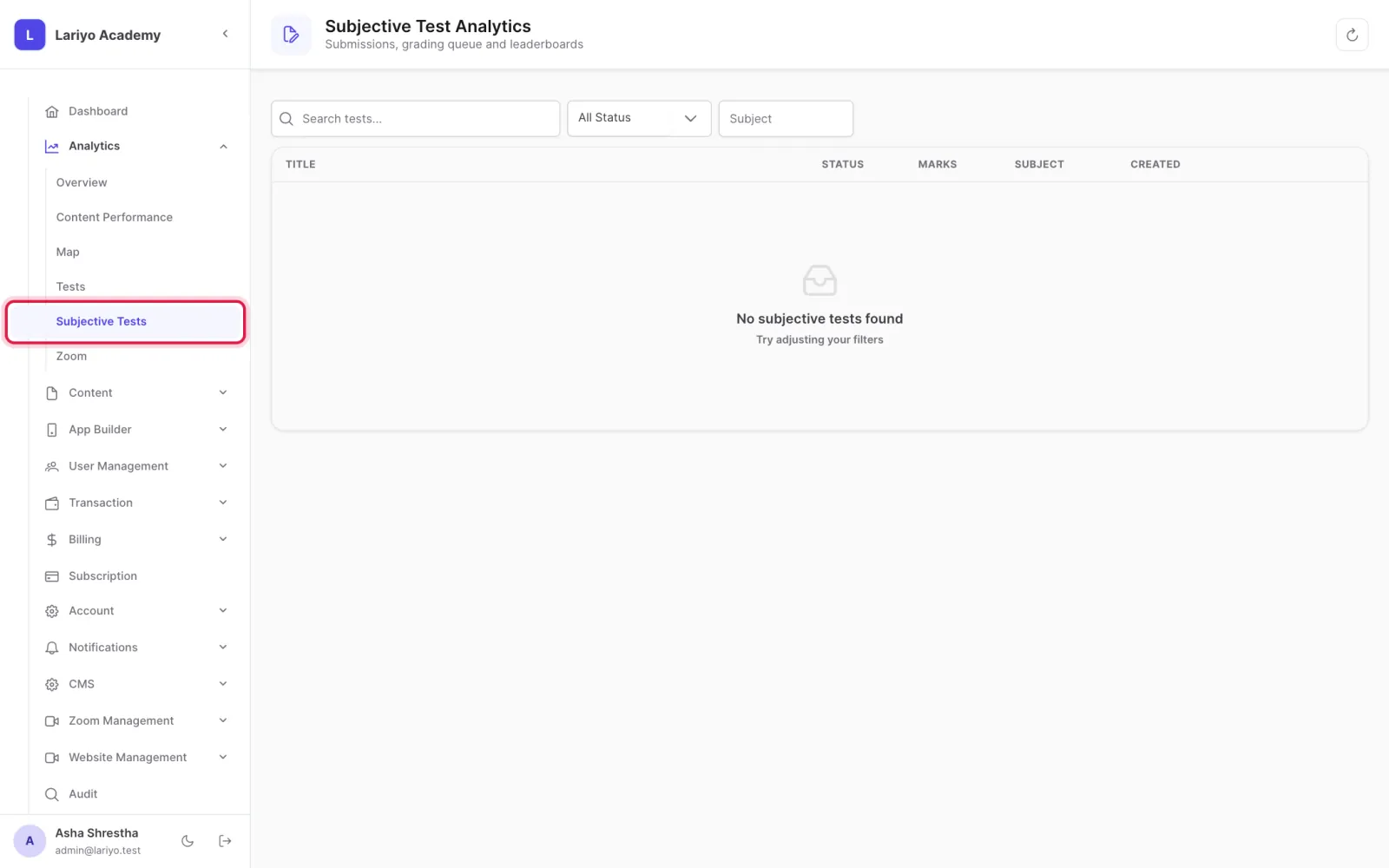
Where: Analytics → Subjective Tests
Steps
-
Open Analytics → Subjective Tests and choose a test.
-
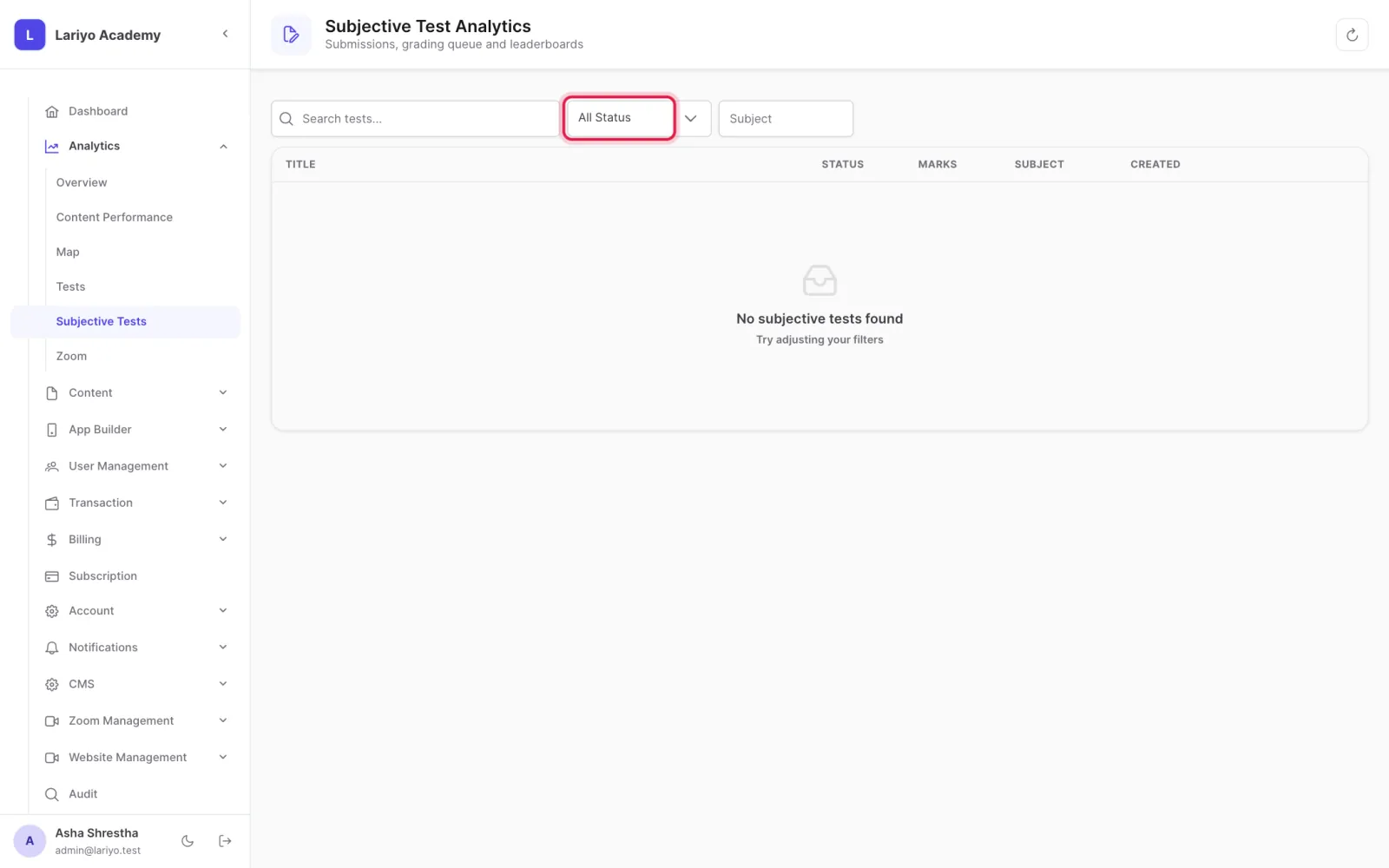
Open Submissions and filter by Pending.
- Click Check, read the uploaded answers and enter the marks.
- Release the result; the student sees it after the result date.
Updated 11 November 2026. Still stuck? Contact us.