Create roles with custom permissions

Roles decide exactly which pages and actions a team member can use.

Where: User Management → Roles

Steps

  1. Open User Management → Roles and click New Role.
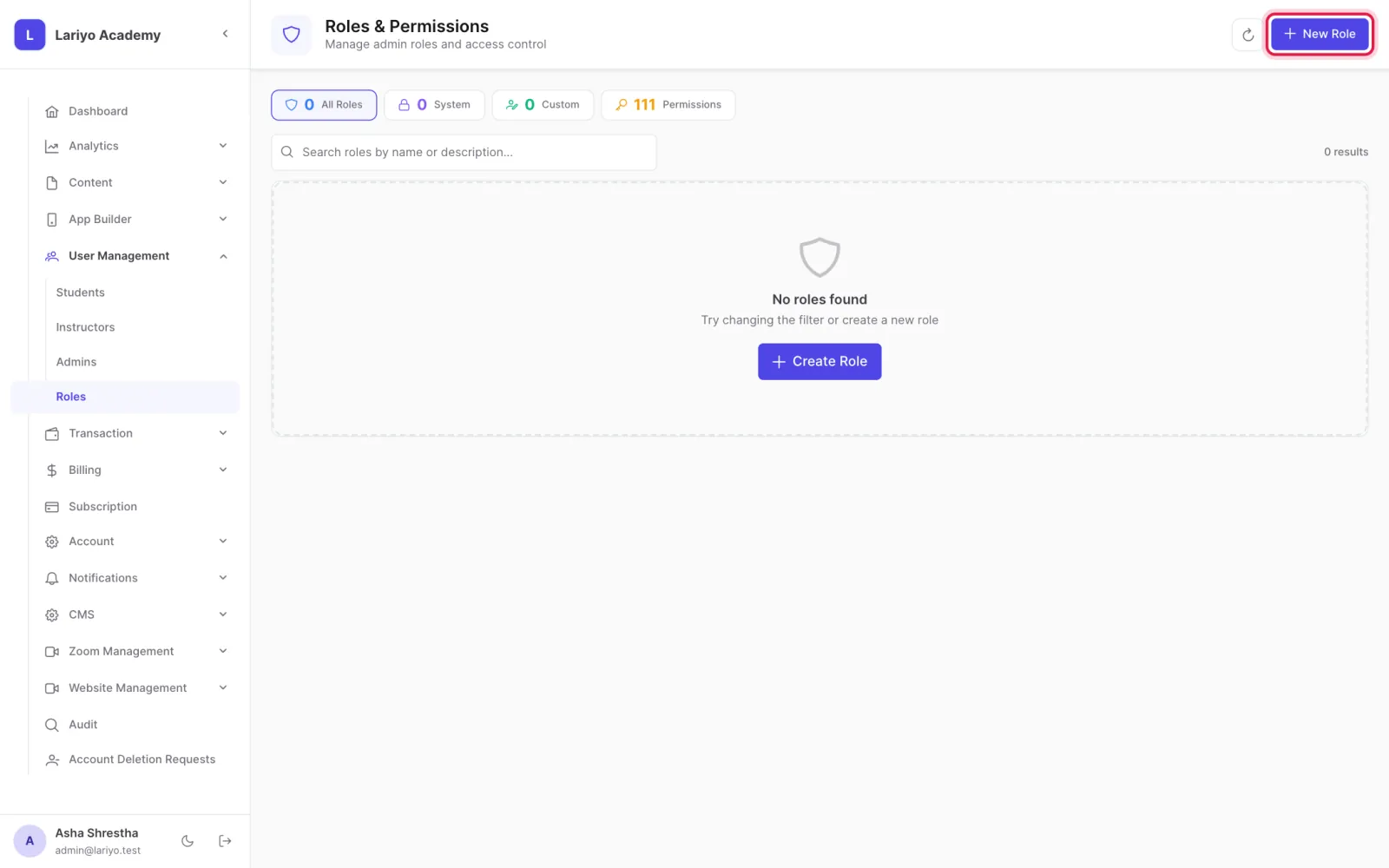
    Step 1 of 4 in the Lariyo admin panel (User Management → Roles): Open User Management → Roles and click New Role. The control to use is outlined in red.
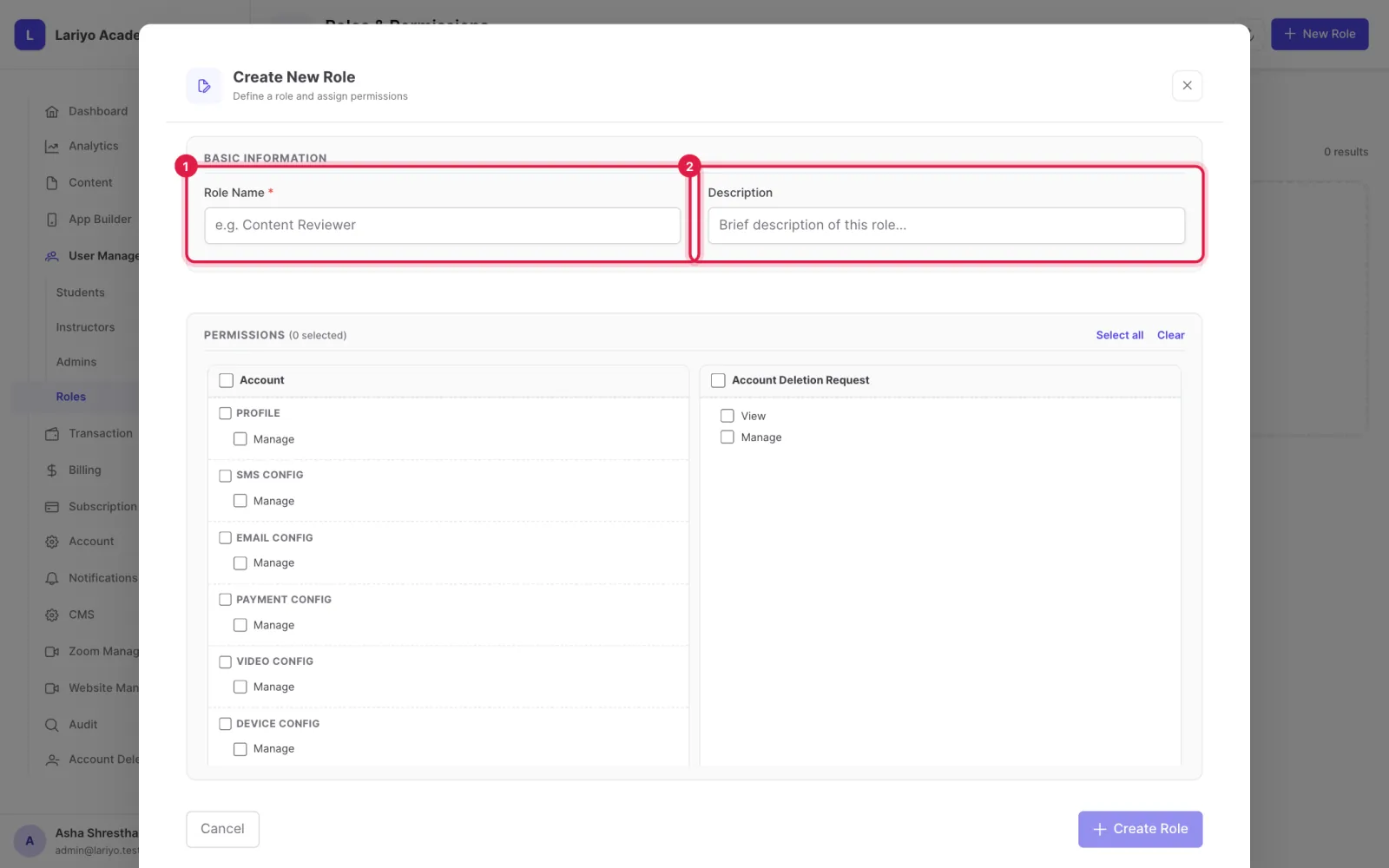
  2. Name the role and describe it.
    Step 2 of 4 in the Lariyo admin panel (User Management → Roles): Name the role and describe it. The control to use is outlined in red.
  3. Tick the permissions it should have, or use Select all and remove some.
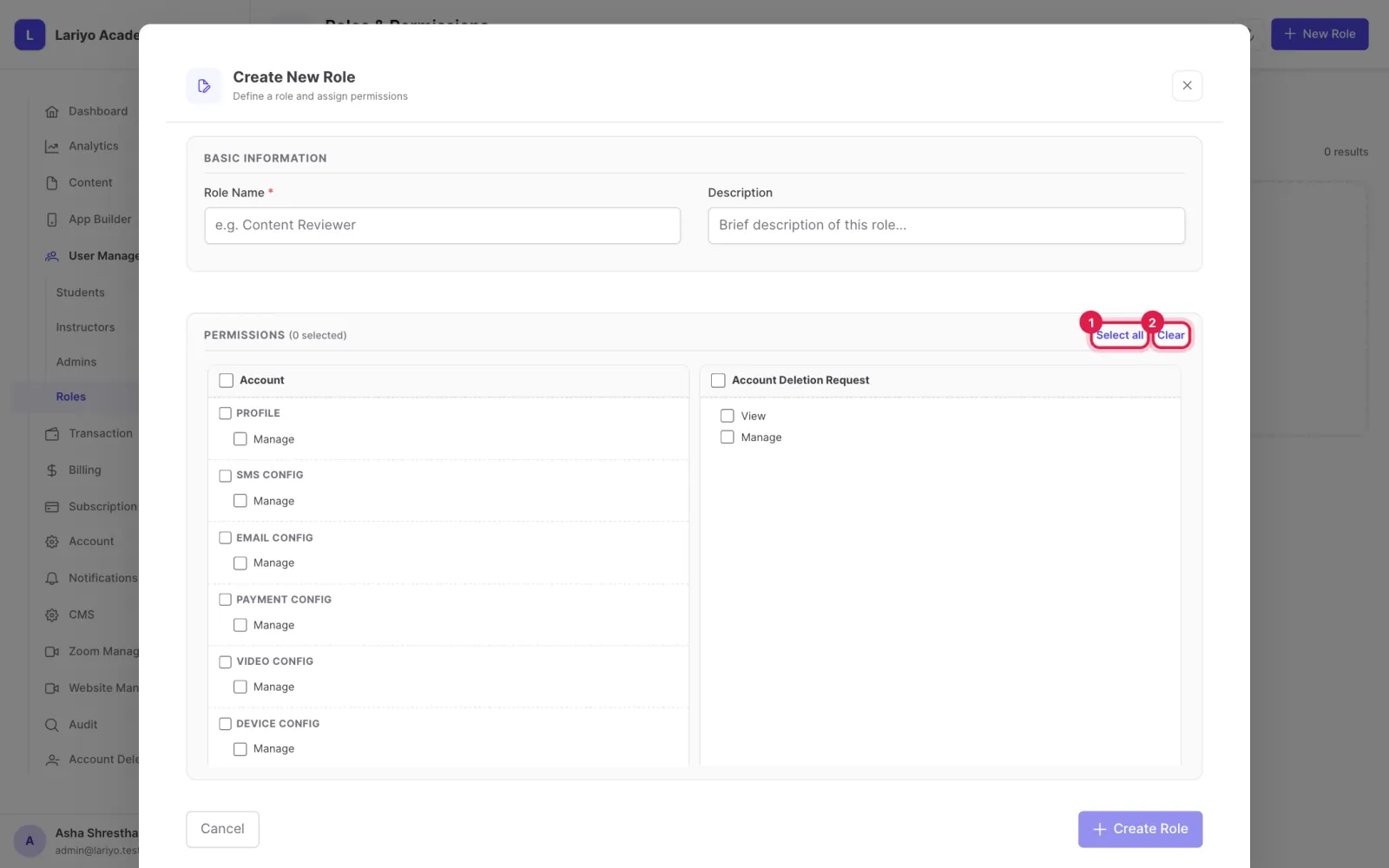
    Step 3 of 4 in the Lariyo admin panel (User Management → Roles): Tick the permissions it should have, or use Select all and remove some. The control to use is outlined in red.
  4. Create it, then give it to admins from their page.
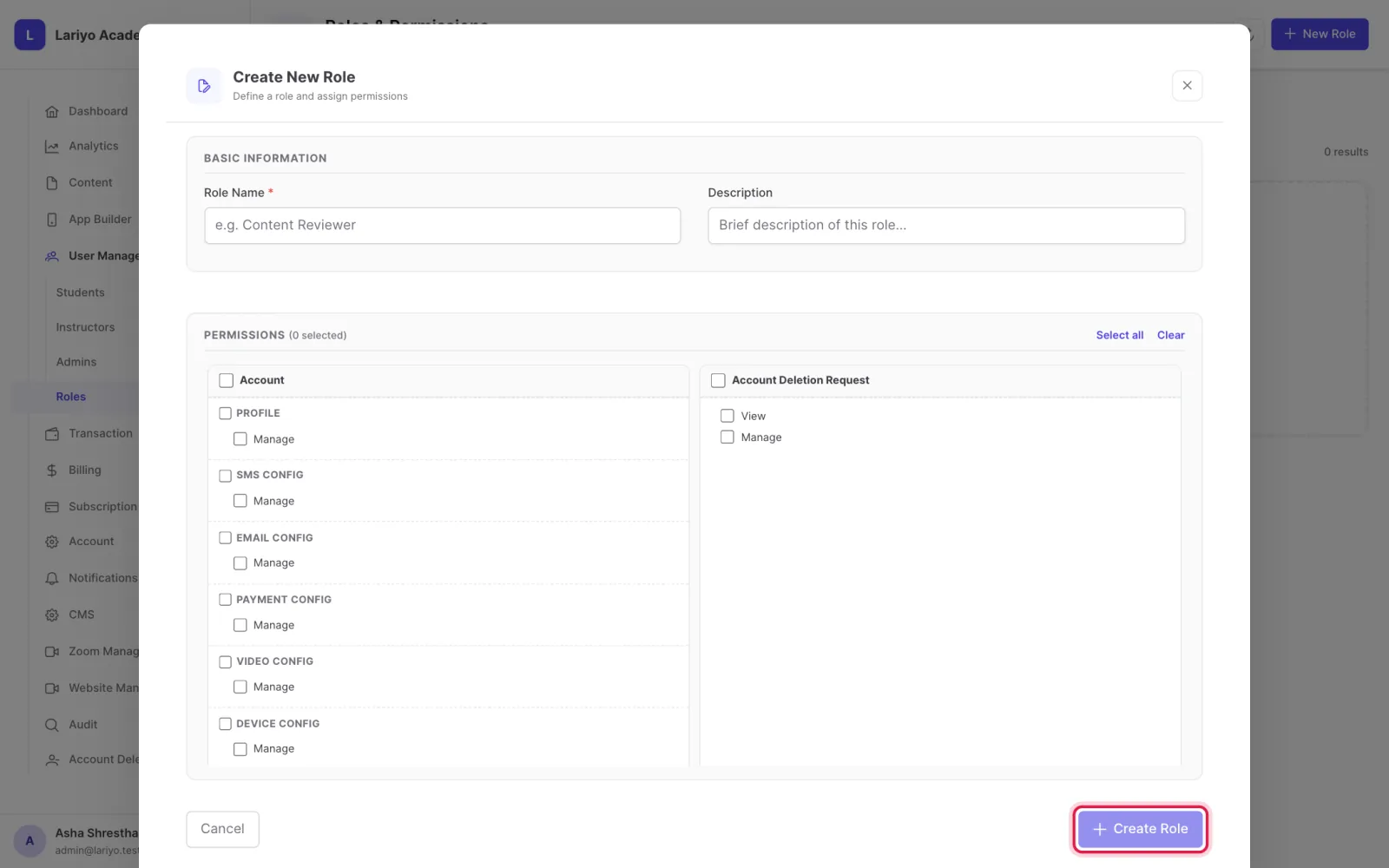
    Step 4 of 4 in the Lariyo admin panel (User Management → Roles): Create it, then give it to admins from their page. The control to use is outlined in red.

Updated 11 November 2026. Still stuck? Contact us.