

Turn automatic notifications on or off
Automatic notifications go out on their own for payments, new content, live tests, results and Zoom classes.
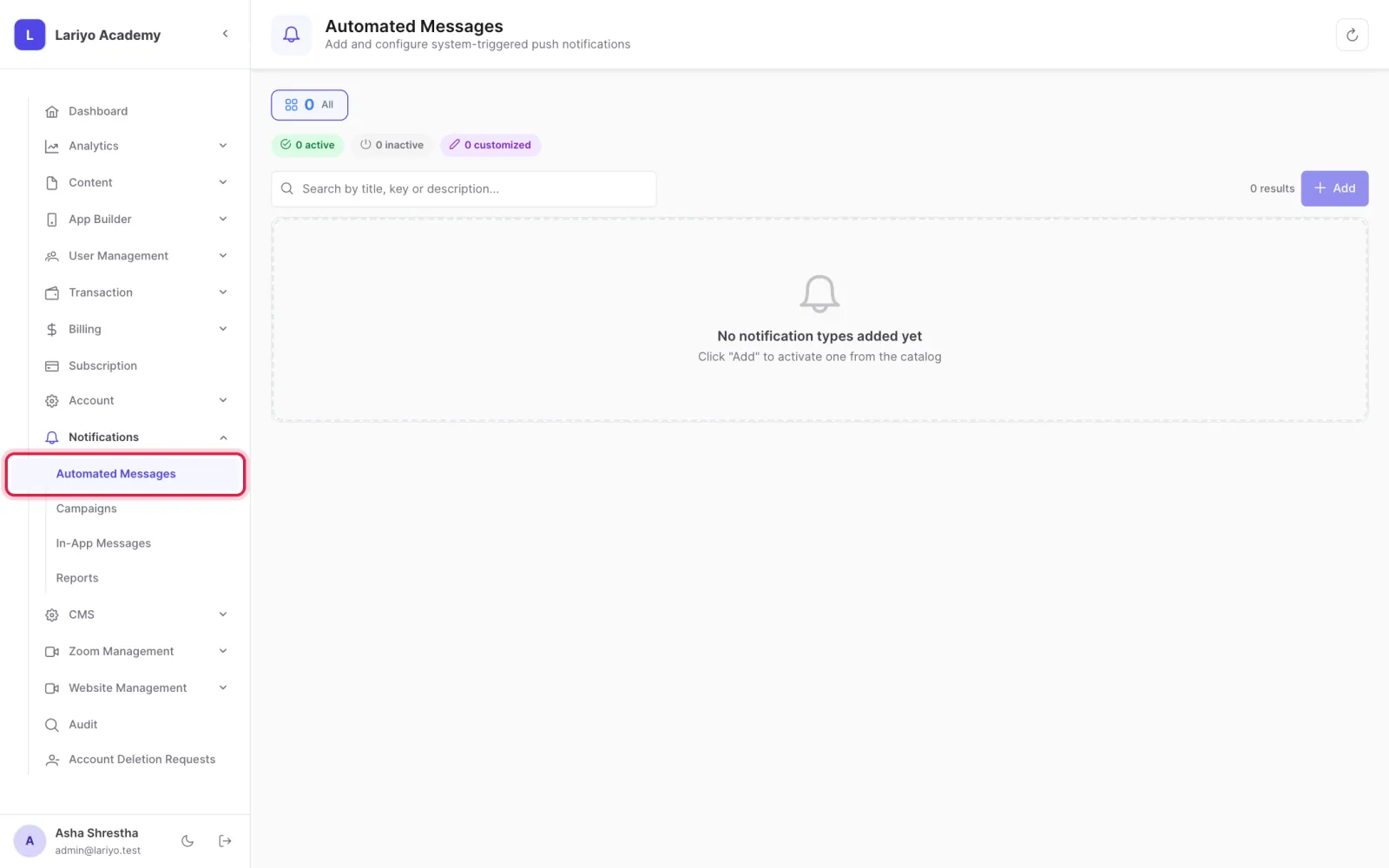
Where: Notifications → Automated Messages
Steps
-
Open Notifications → Automated Messages.
-
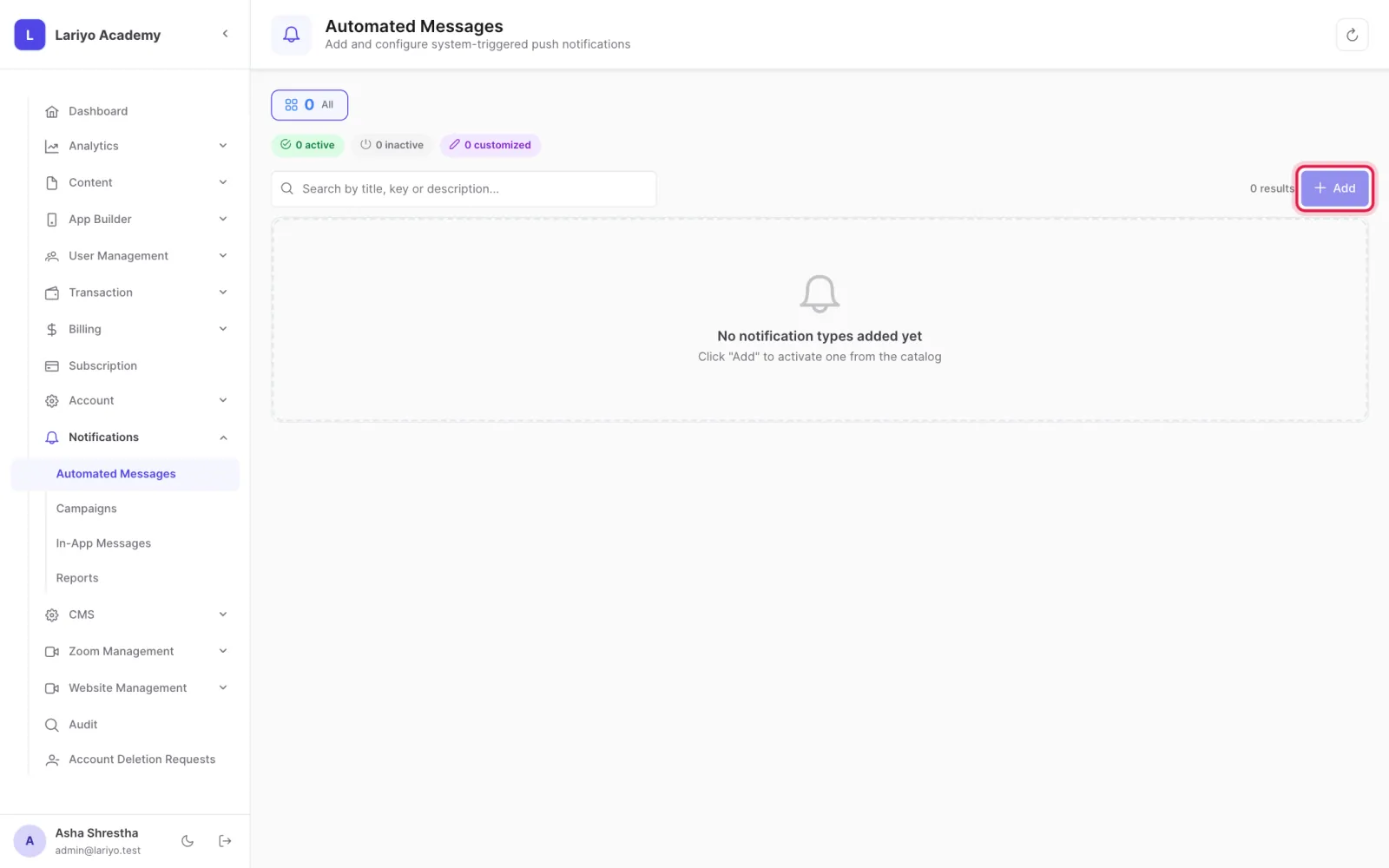
Switch each type on or off: payment success, new video, new notes, new quiz, new chapter, live test reminder, result published, Zoom class reminder and more.
Updated 11 November 2026. Still stuck? Contact us.