

See live-class attendance
Zoom analytics shows every session, who joined, for how long, and which overflow slot they used.
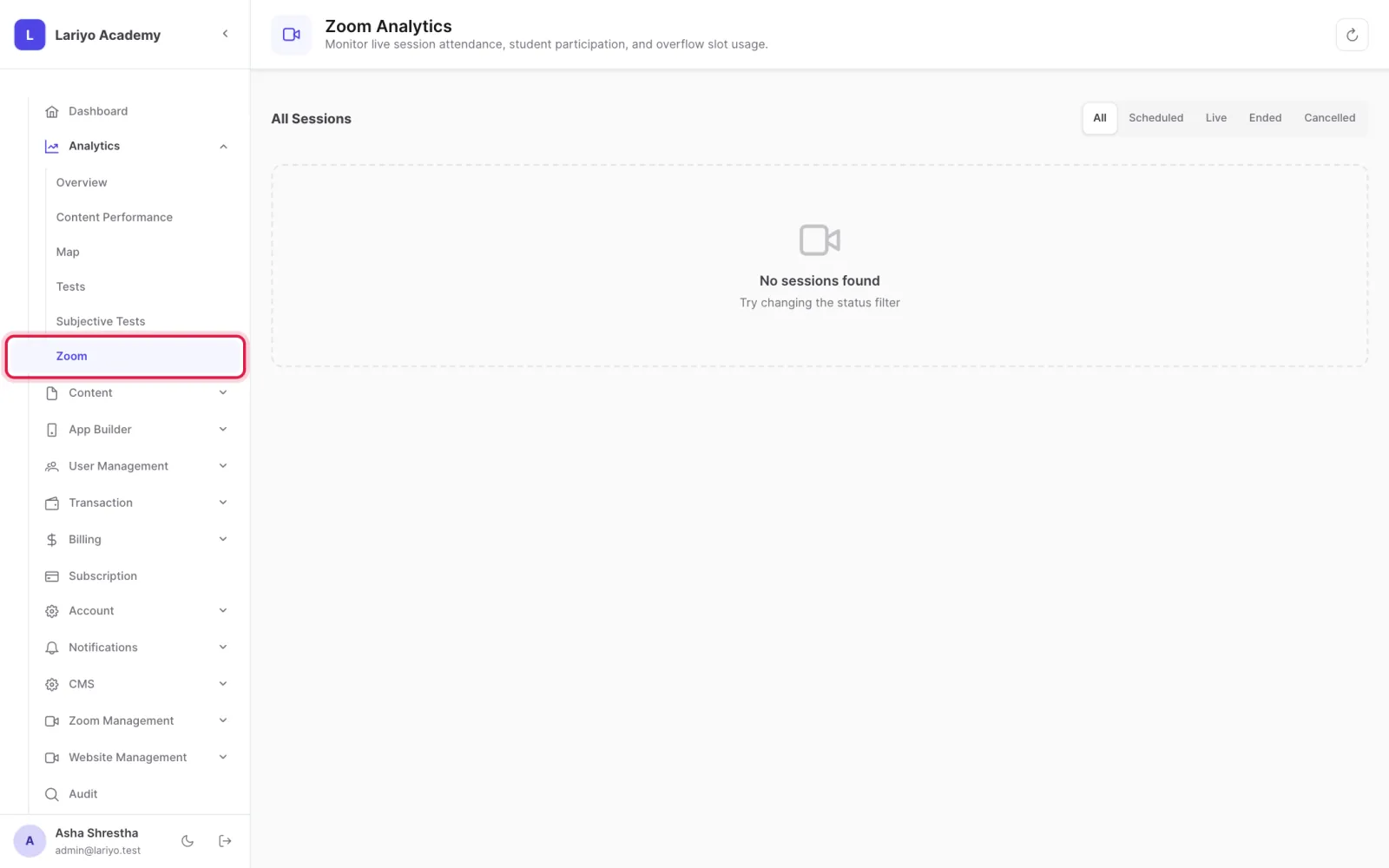
Where: Analytics → Zoom
Steps
-
Open Analytics → Zoom.
-
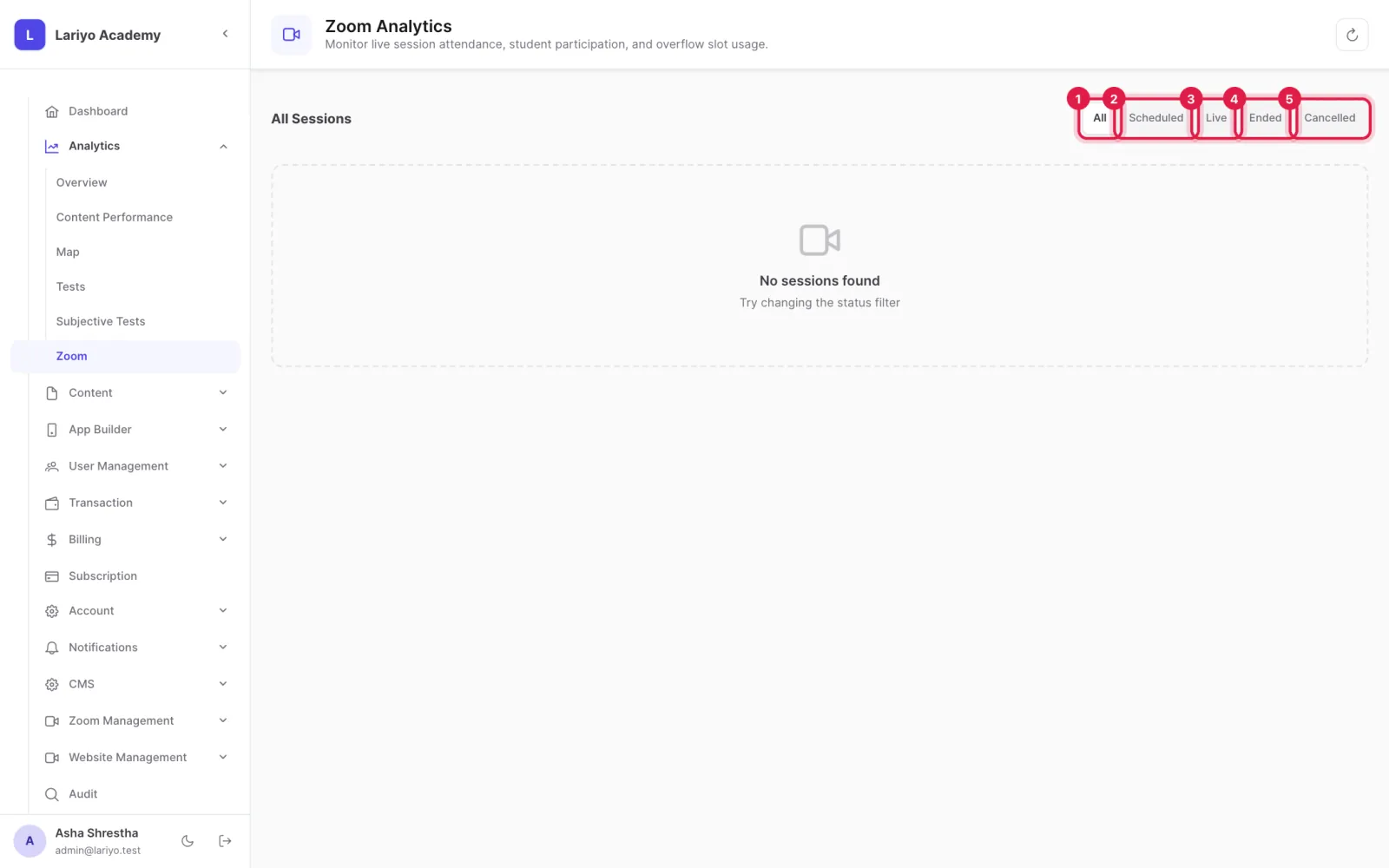
Filter sessions by scheduled, live, ended or cancelled.
- Open a session for attendance, events and overflow slots; export it if needed.
Updated 11 November 2026. Still stuck? Contact us.