

Manage the image library
Every image you upload for courses, banners or questions is kept in the image library for reuse.
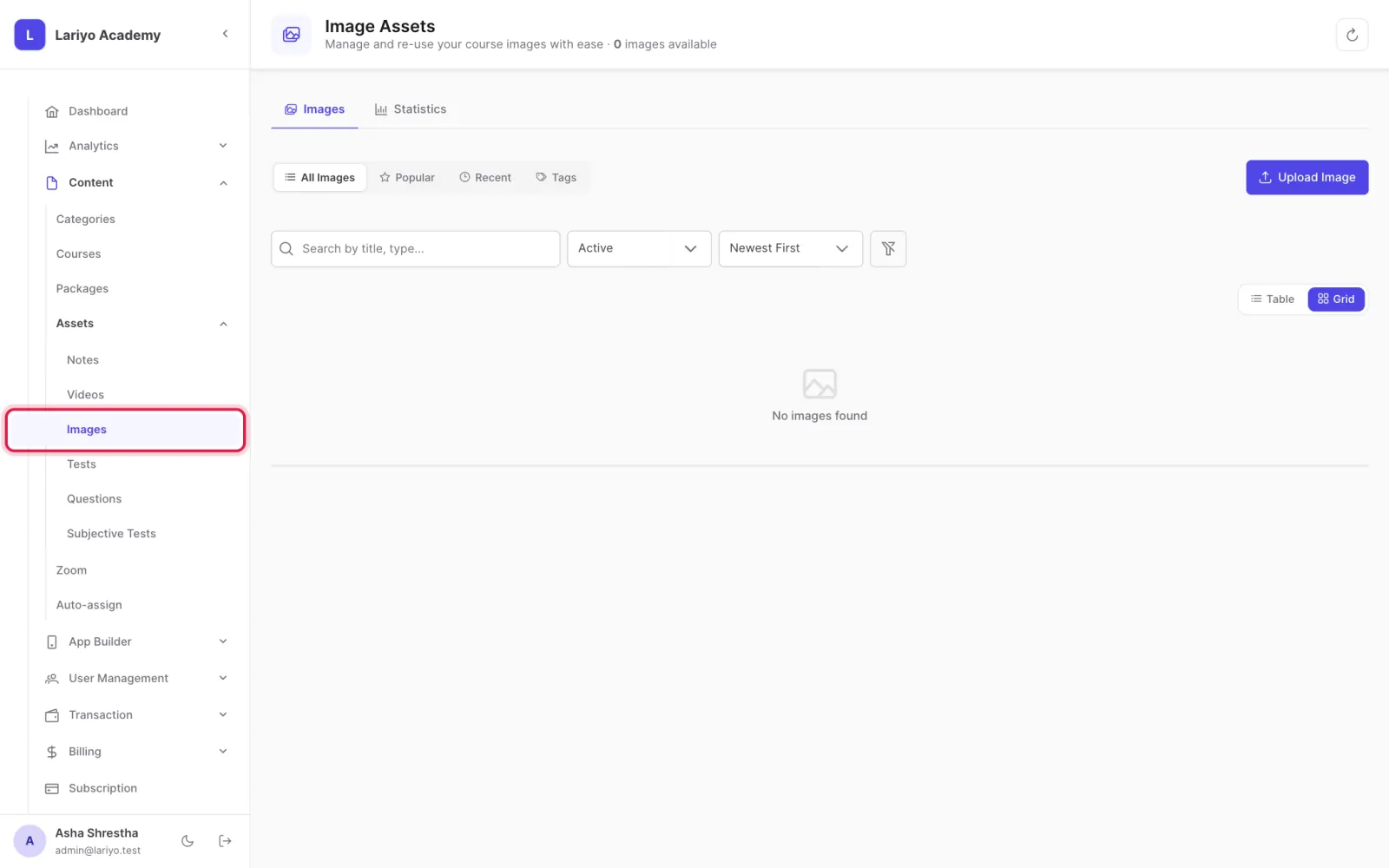
Where: Content → Assets → Images
Steps
-
Open Content → Assets → Images.
-
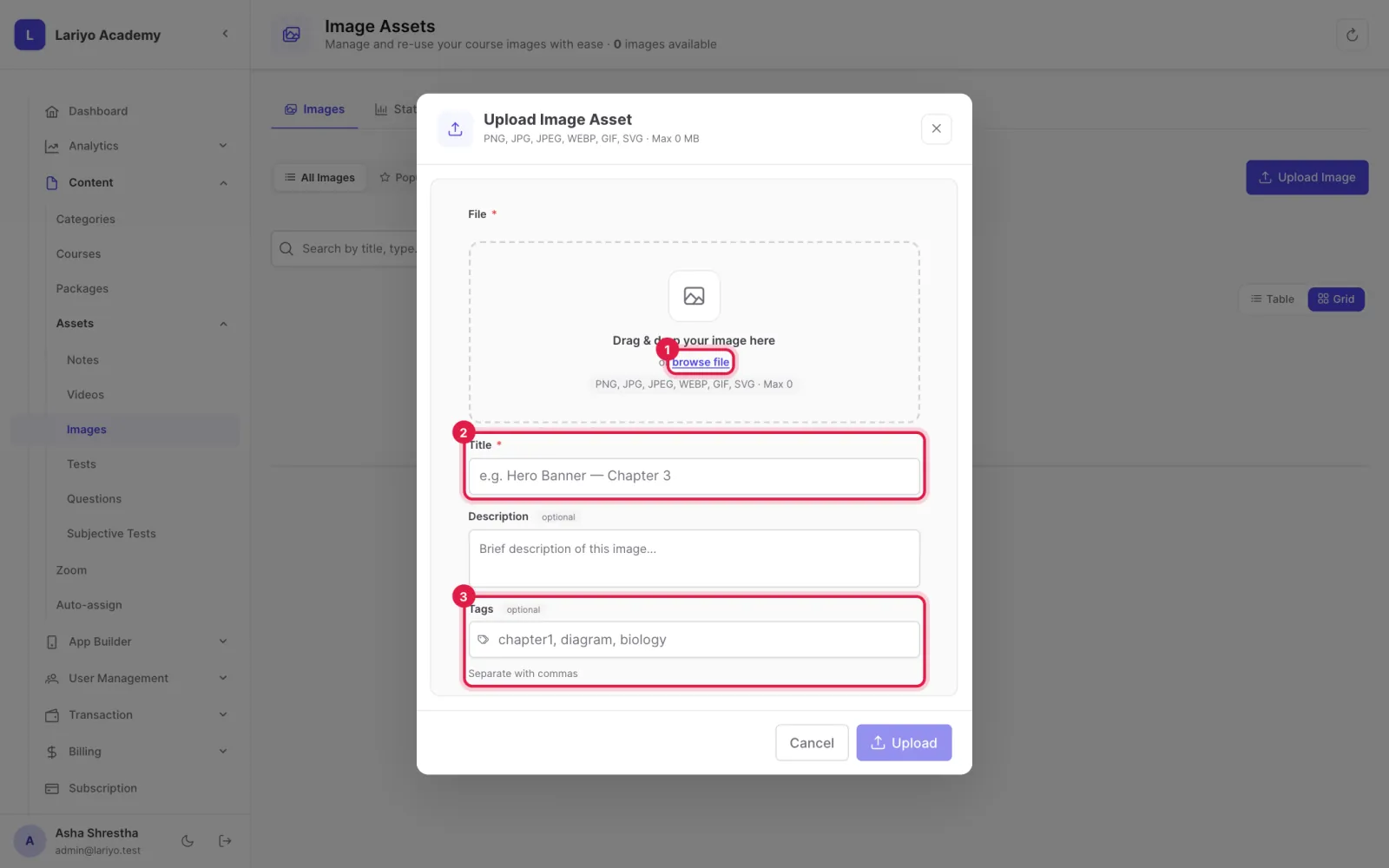
Click Upload Image, choose the file and give it a title and tags.
-
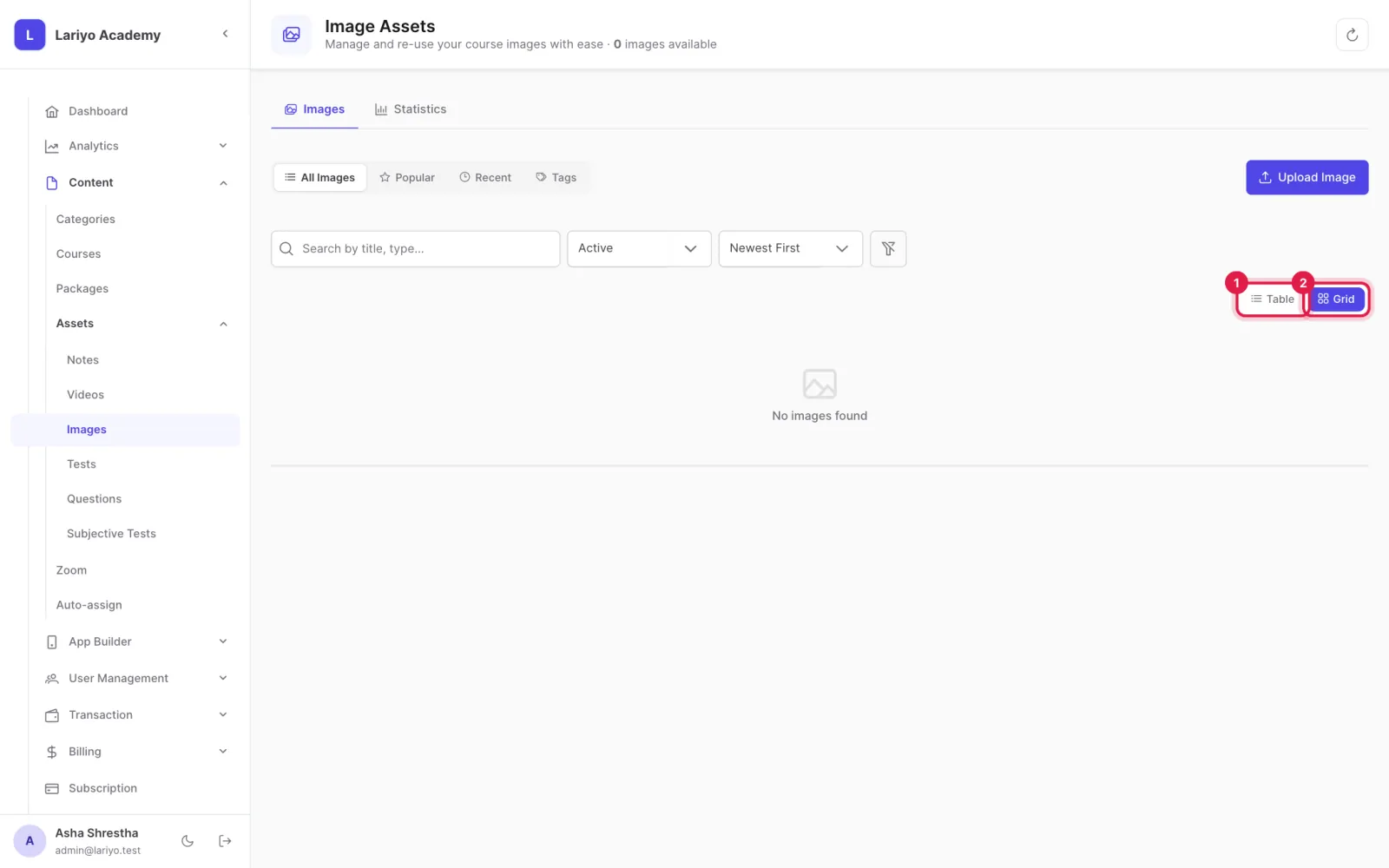
Switch between table and grid view; see where each image is used.
Updated 11 November 2026. Still stuck? Contact us.