

A tour of the admin panel
The admin panel is where you run your institute: content, students, payments, the app's screens and settings, all from one sidebar.
Where: Dashboard
Steps
-
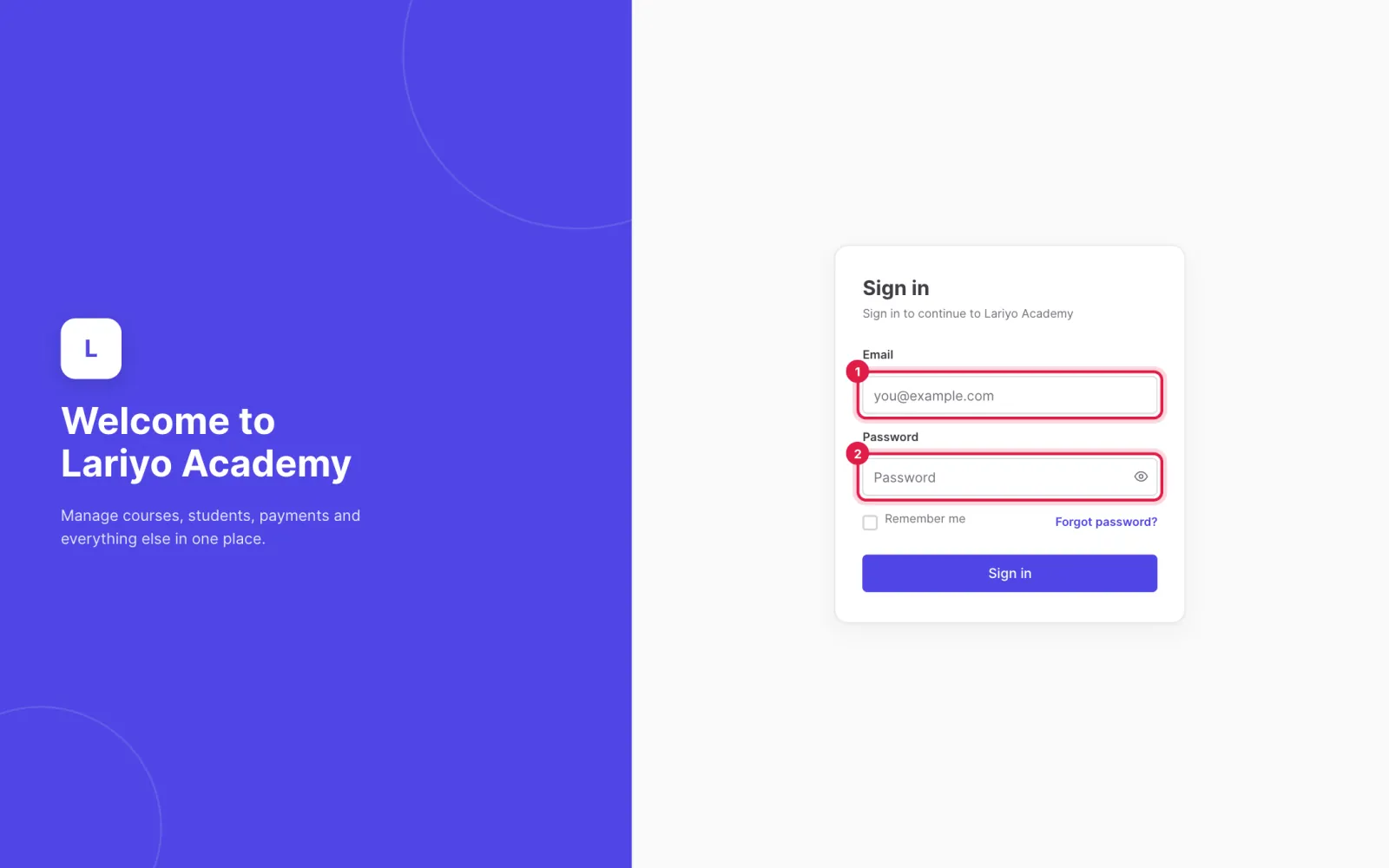
Sign in at your institute's admin address with your email and password.
-
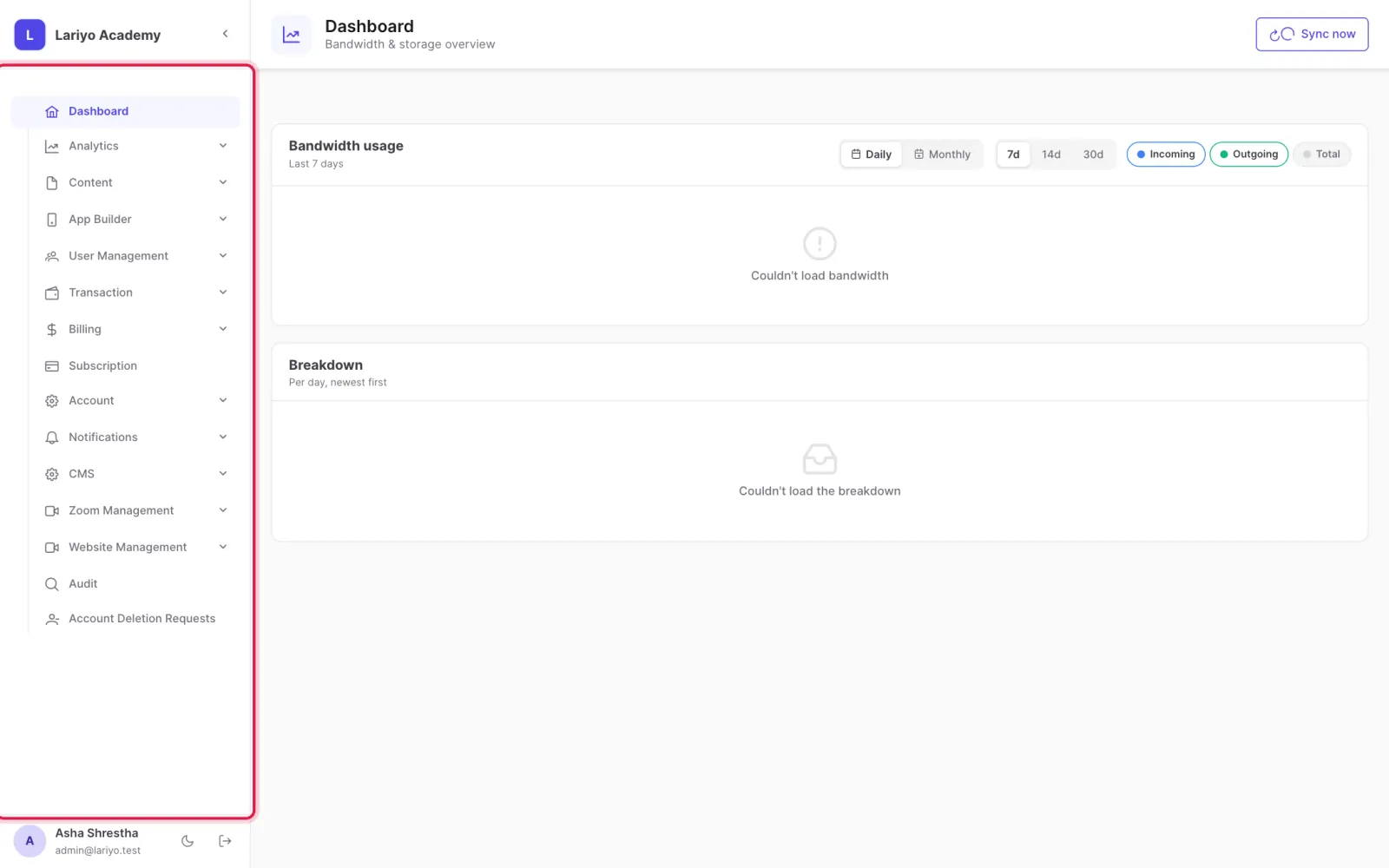
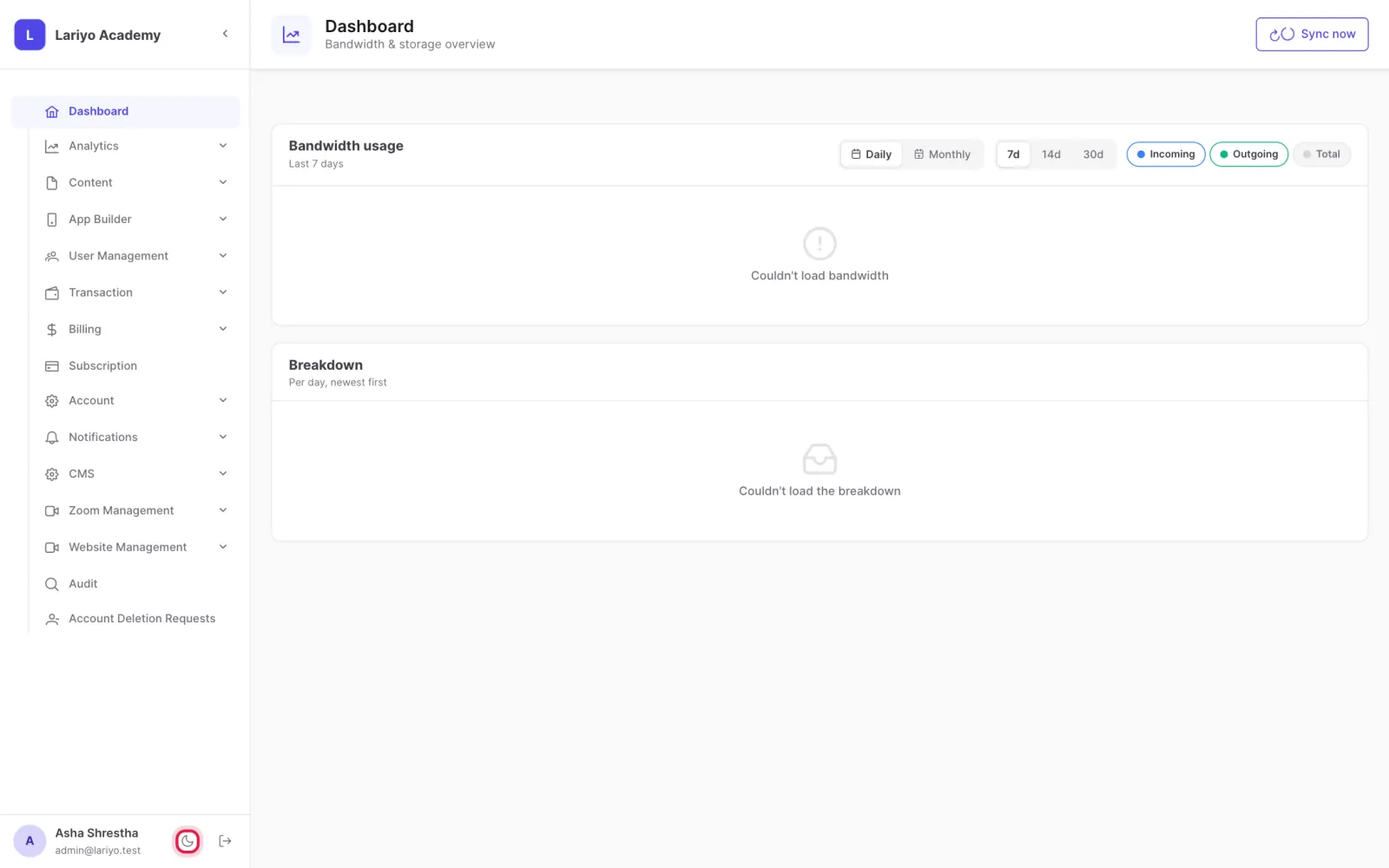
The sidebar on the left lists every area you have access to. Admins see everything; instructors and content uploaders see only their areas.
-
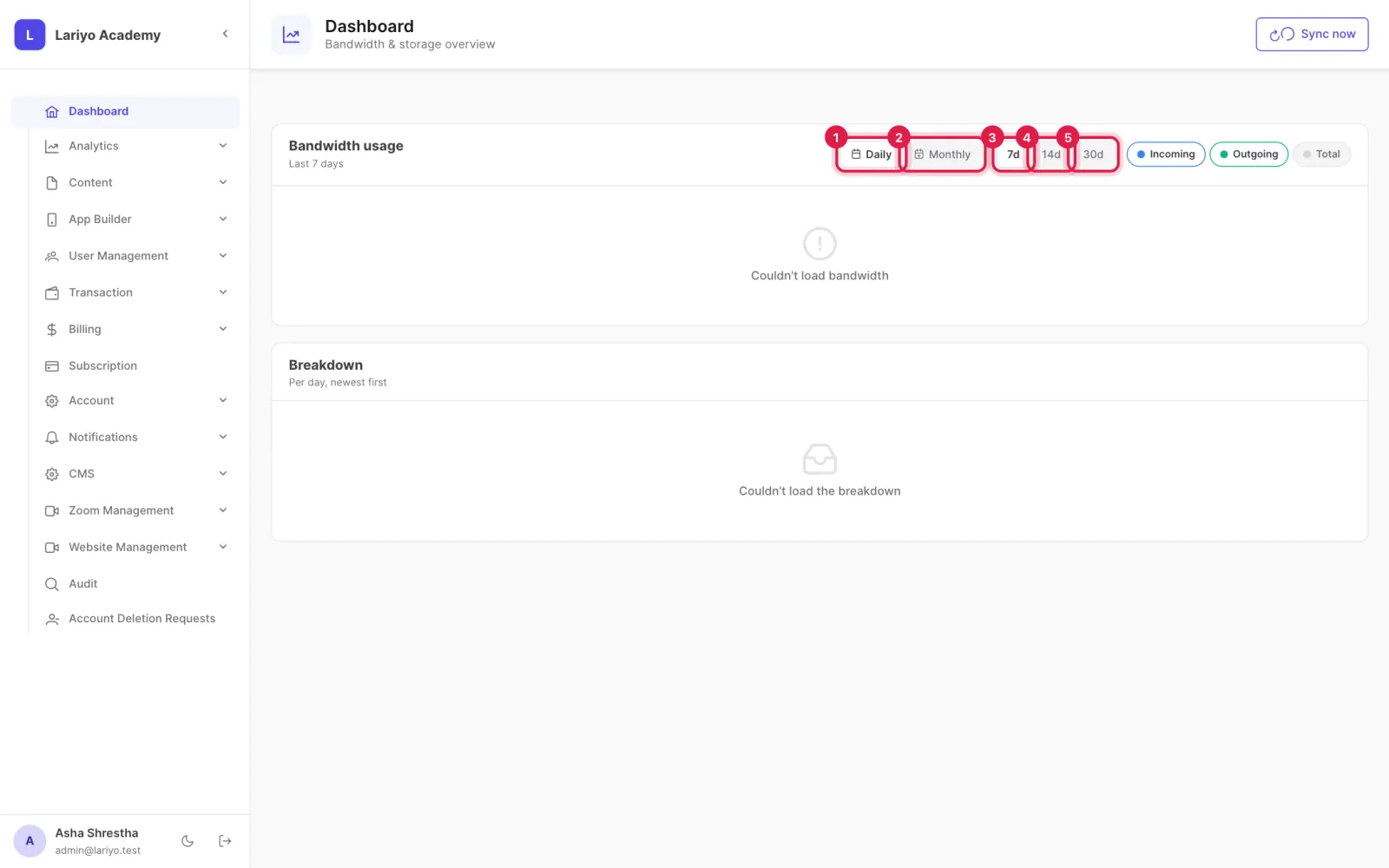
Dashboard shows bandwidth and storage use for the last 7, 14 or 30 days, daily or monthly.
-
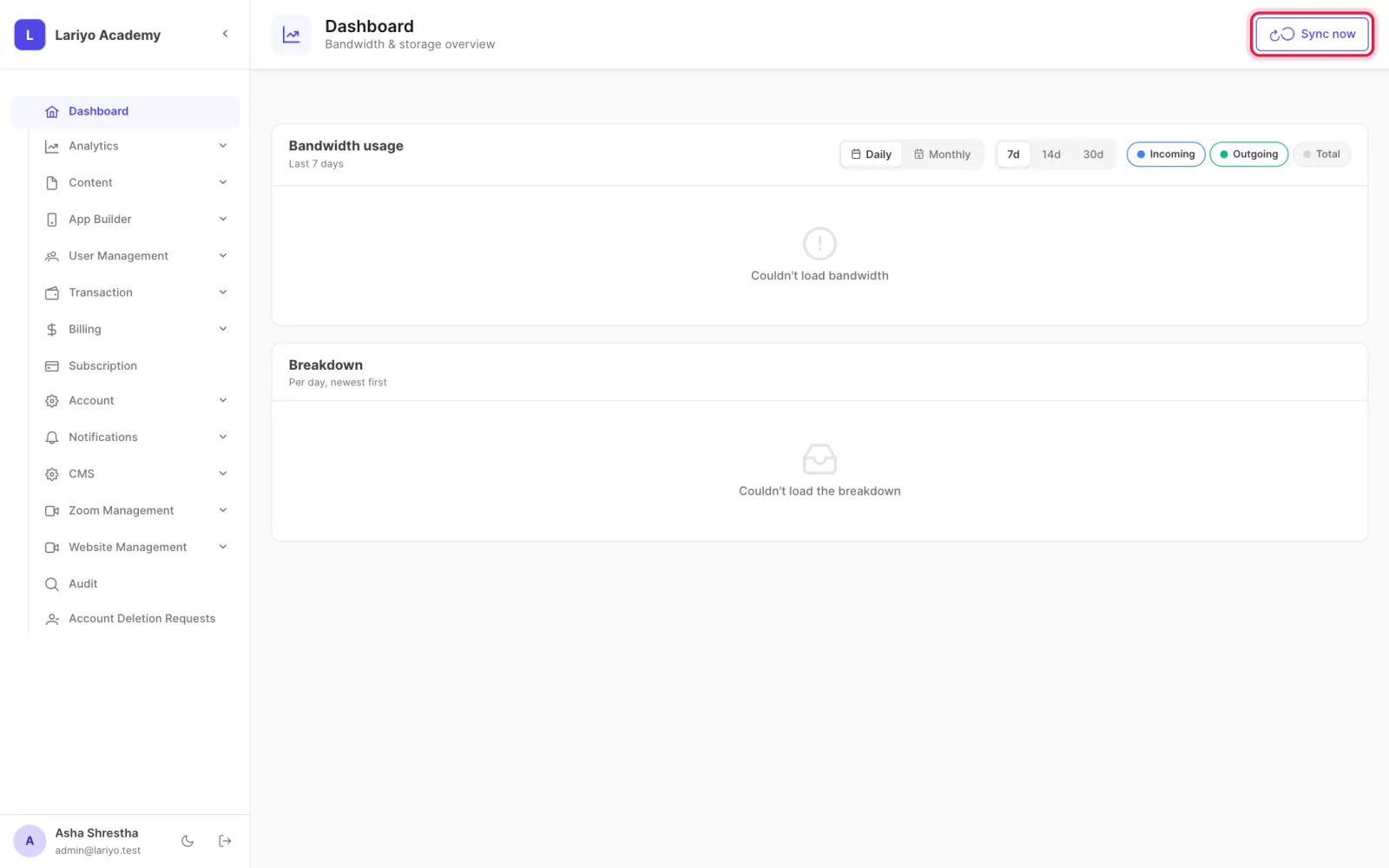
Click Sync now to fetch the latest usage from storage.
-
Use the moon icon at the bottom of the sidebar to switch between light and dark mode.
Tips
Your plan's storage and bandwidth limits are shown on the Subscription page.
Updated 11 November 2026. Still stuck? Contact us.