

Design the package page
Package pages work like course pages and add the list of courses and the savings.
Where: App Builder → Package Screen
Steps
-
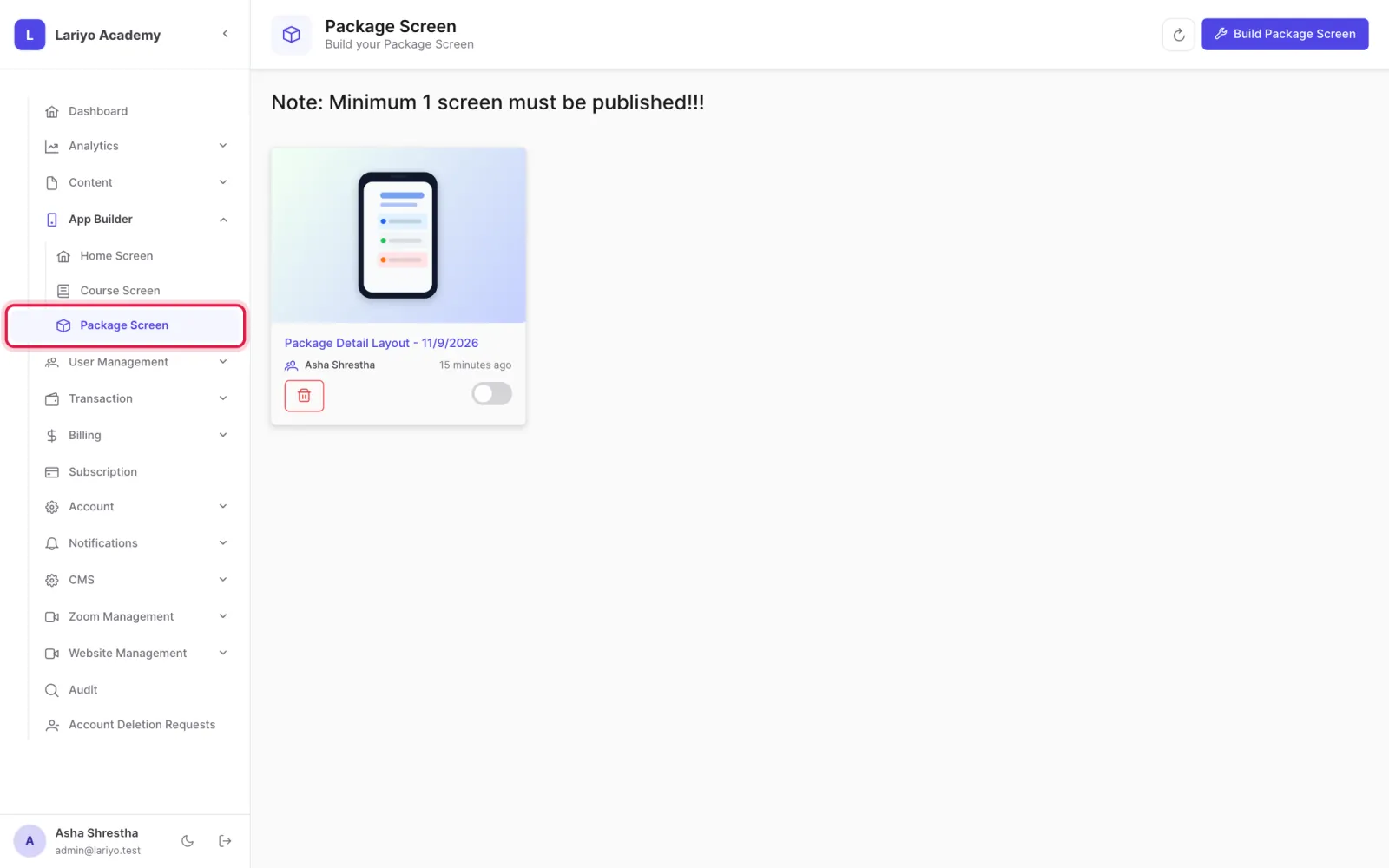
Open App Builder → Package Screen.
-
Edit the default page or build one for a single package.
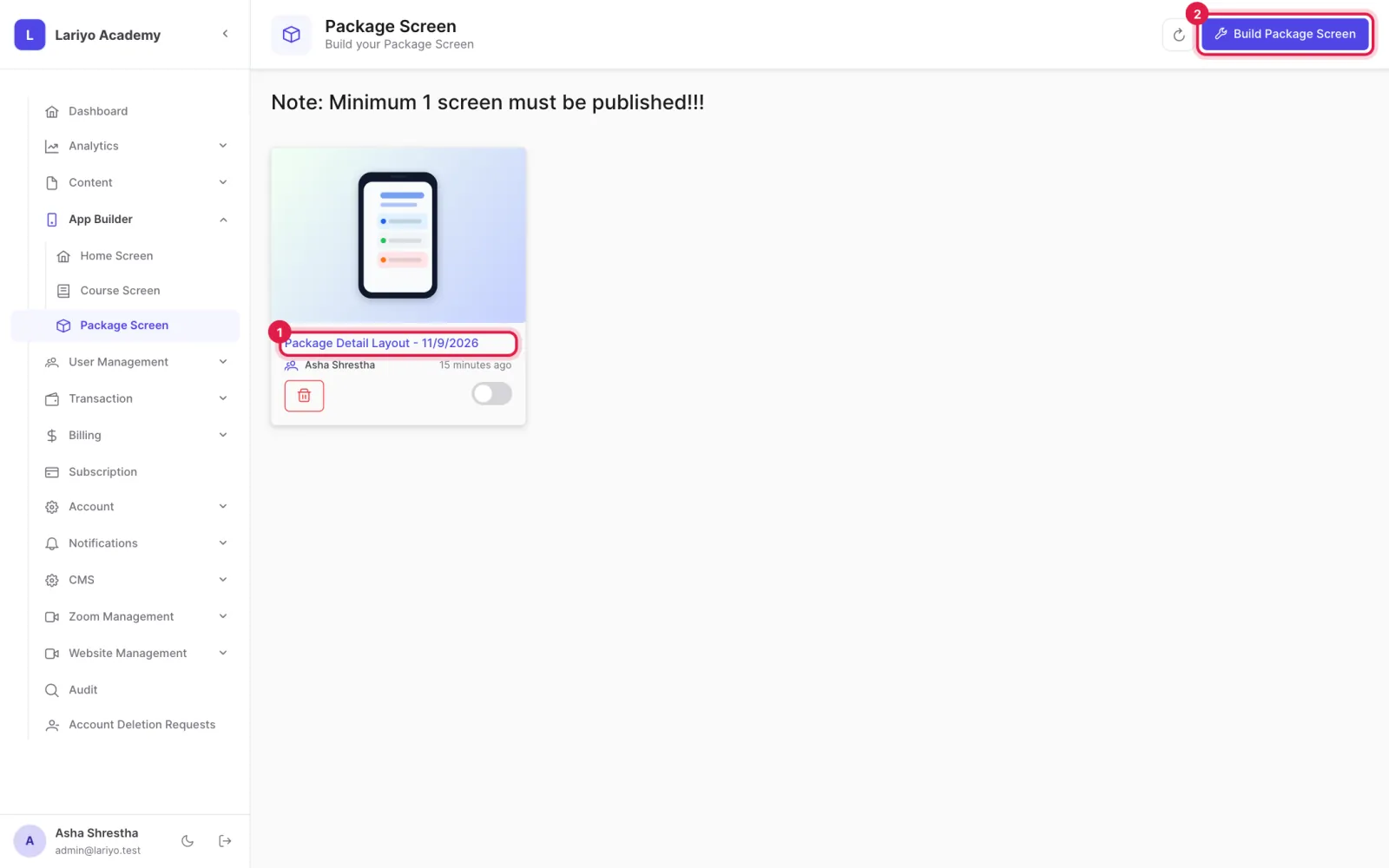
- Add the courses list and the savings section, and choose what they show.
Updated 11 November 2026. Still stuck? Contact us.