

Design the app's home screen
The home screen is built from sections such as banners, courses, live tests and notices, saved as a draft and then published.
Where: App Builder → Home Screen
Steps
-
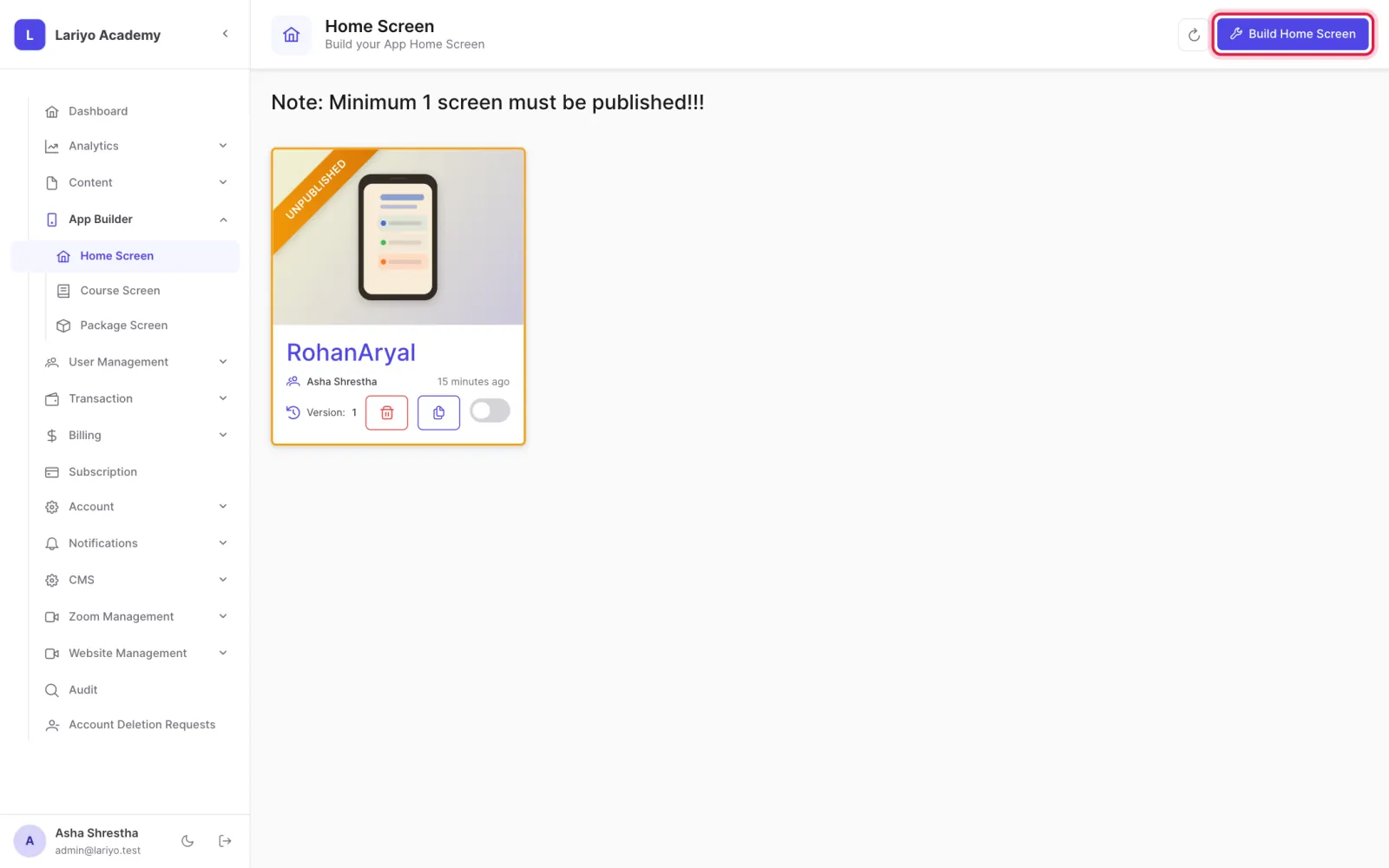
Open App Builder → Home Screen and click Build Home Screen.
- Add sections: search bar, banners, info cards, notices, continue watching, live tests, Zoom classes, courses, categories, notes, videos, shorts and success stories.
- Give each section a title, description and colours (with dark-mode colours).
- Drag sections into order and switch off any you want hidden.
-
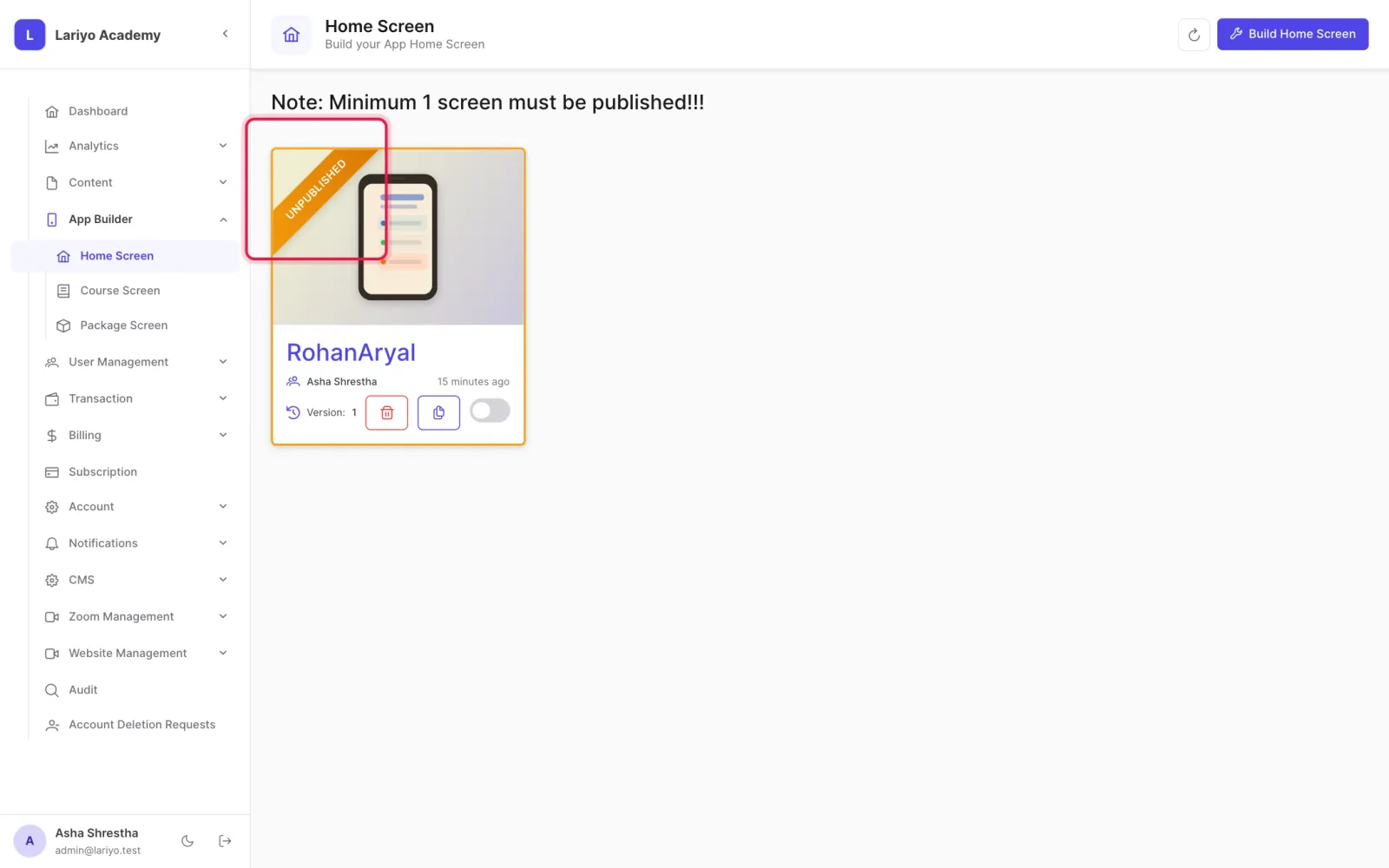
Publish. At least one home screen must stay published.
Tips
A good order: search bar, banners, notices, continue watching, live tests, Zoom, featured courses, categories, free notes and videos.
Updated 11 November 2026. Still stuck? Contact us.