

Design the course page
Every course uses the shared default course page unless you give it its own.
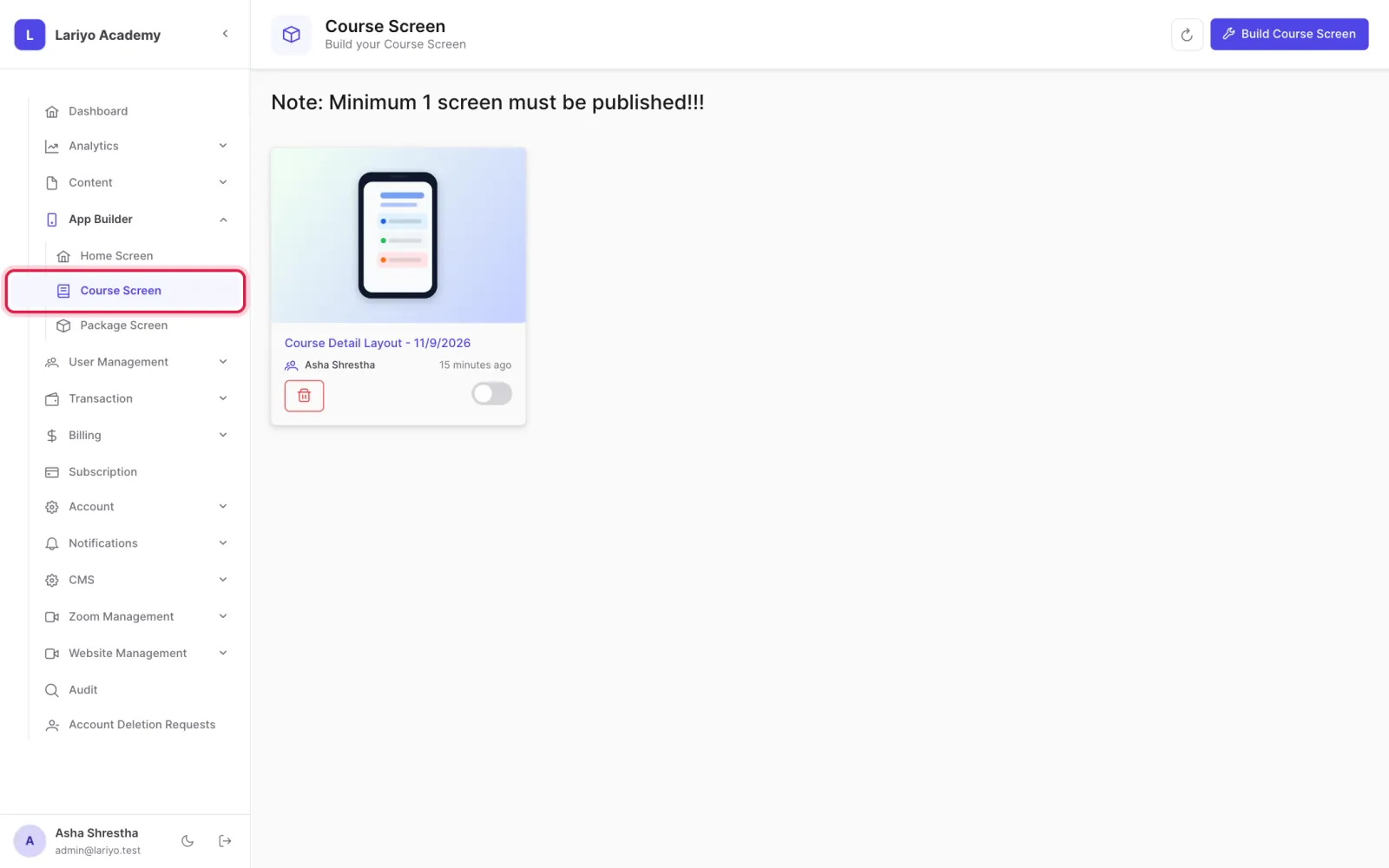
Where: App Builder → Course Screen
Steps
-
Open App Builder → Course Screen.
-
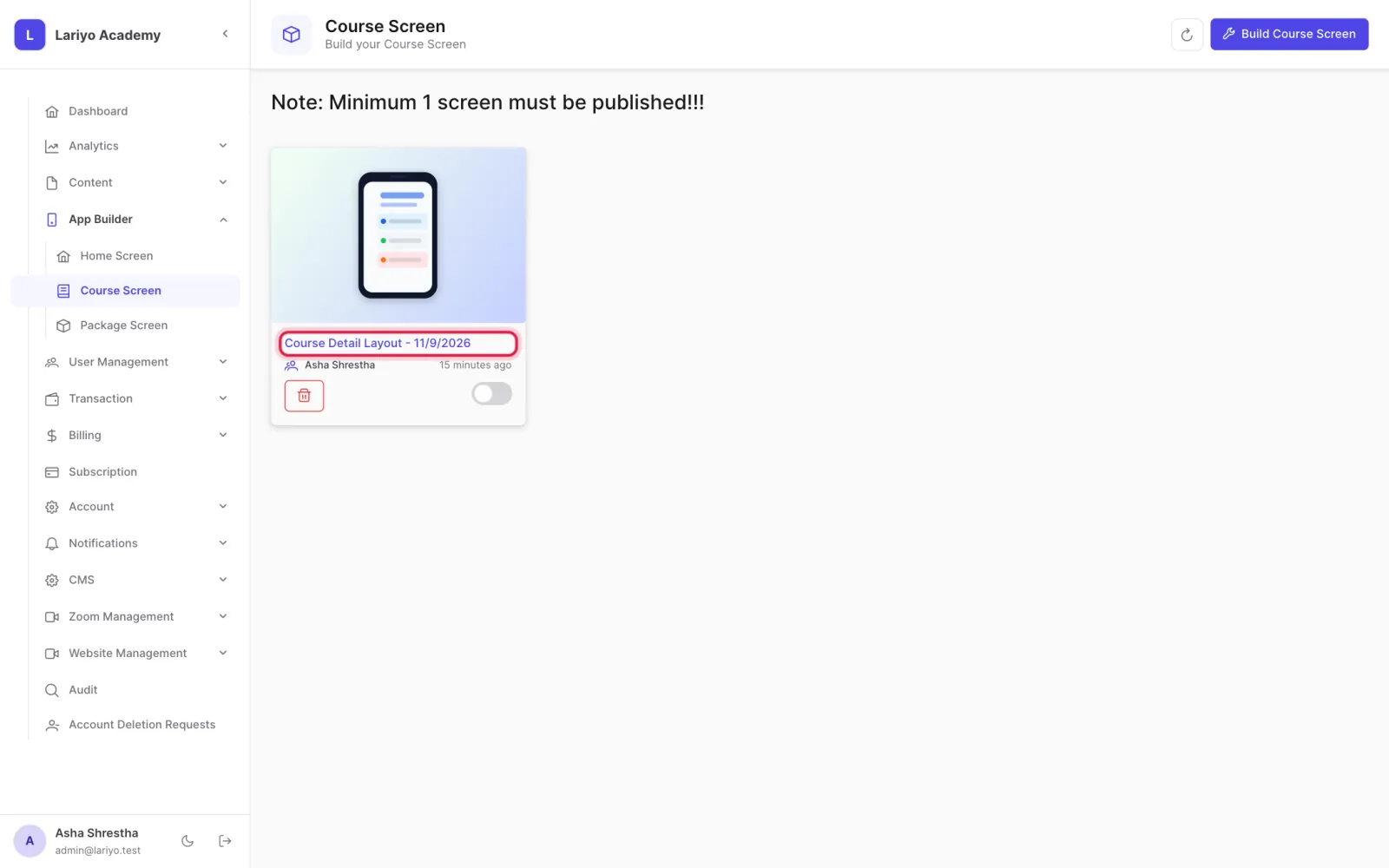
Edit the default page, which every course without its own page uses.
-
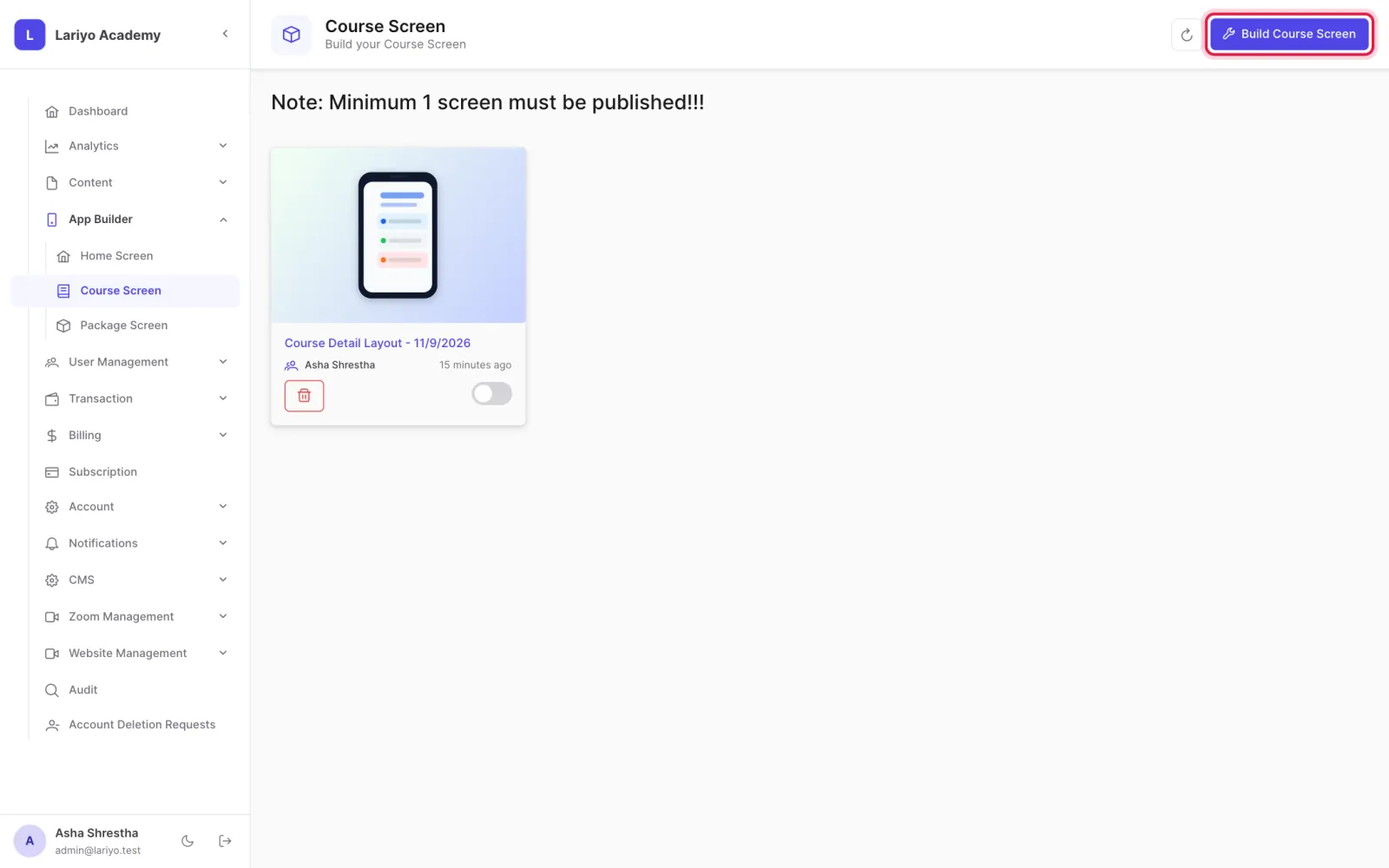
Or click Build Course Screen to give one course its own page.
- Add sections: thumbnail, title, pricing, description, features, chapters, instructor, FAQs and related courses.
- On a course's own page, group chapters into several sections, such as Physics and Chemistry.
Updated 11 November 2026. Still stuck? Contact us.